WordPress SEO Content & Topic Cluster Builder
$8.99View skill
Skill · WordPress & Dev
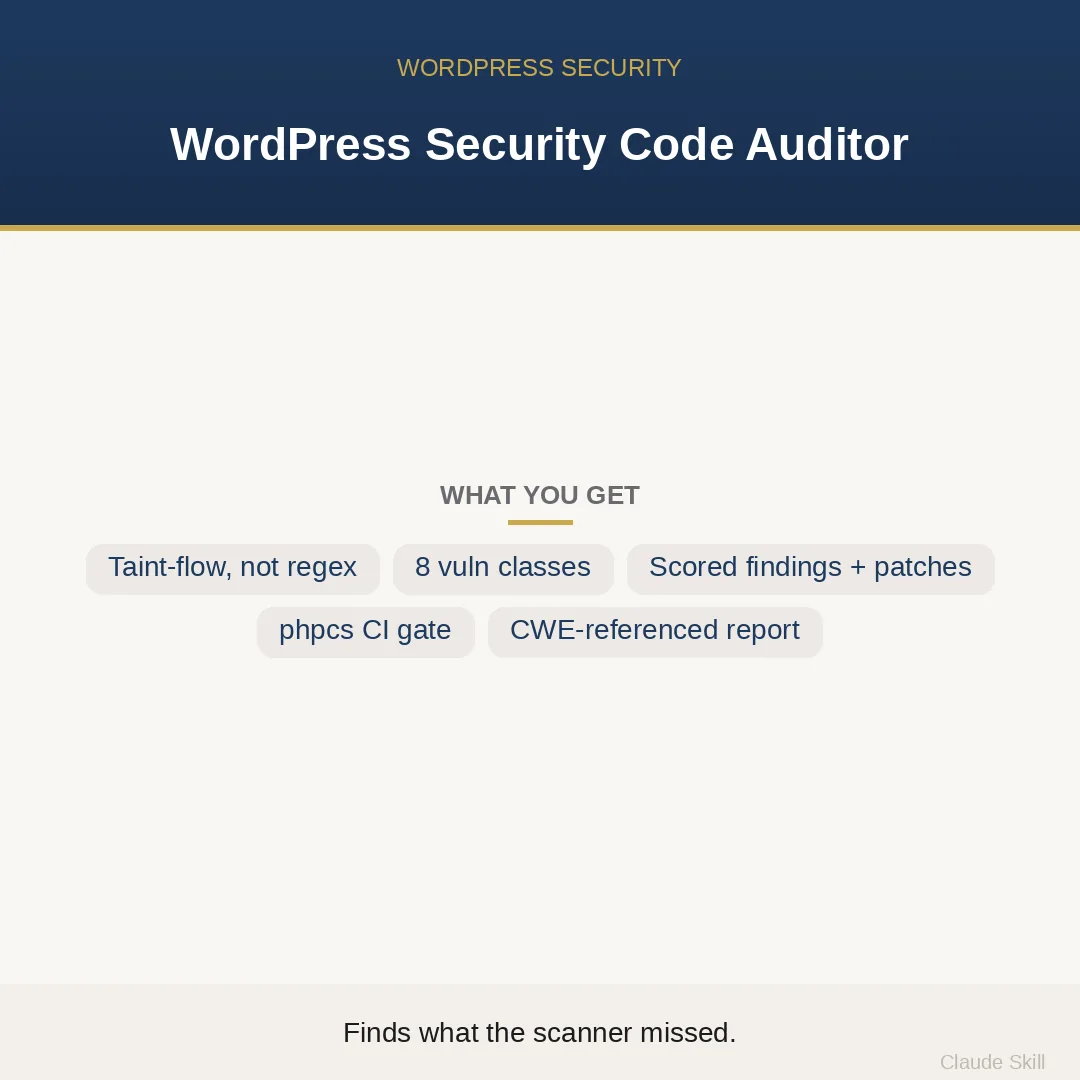
WordPress Security Code Auditor is a Claude skill for WordPress & Dev. A senior WordPress security auditor that reasons about WP-API taint flow — not regex hits — to find the 8 real plugin/theme vulnerability classes a generic scanner misses, and returns scored findings with ready-to-merge before→after patches. It costs $27.99 on Agensi. It runs on any Claude plan, including Free. Part of the StrategistKit catalog of 190+ focused Claude skills.
10 credits — included with a membership (30 credits/mo).
Prefer a one-time purchase, without joining?
Buy once on Agensi (opens in a new tab)StrategistKit Affiliate. One-time purchase on Agensi. Payment, delivery and refunds are handled by the marketplace — see their policy for refund terms.
Overview
This skill turns Claude into a senior WordPress application-security engineer that audits theme, plugin, or mu-plugin code by tracing taint flow — not by running a regex over surface spelling. It follows every $_POST, admin-ajax action, REST route, and $wpdb call from entry point to sink, decides whether each path is a real finding or provably safe, and returns a scored findings table anchored to file:line references and exploit sketches. Two modes are auto-detected: AUDIT returns the scored table; HARDEN returns the table plus WPCS-clean before-and-after patches ready to merge.
A buyer pastes the PHP from a custom WooCommerce add-on they are about to launch, or points at a plugin directory, and asks: 'Is this safe to ship? Check for SQL injection, nonce issues, and anything that could be hit without logging in.' The skill identifies the unauthenticated REST route, the $wpdb->query call three lines downstream of a tainted variable, and the capability check that was skipped on the AJAX handler — none of which a stock phpcs run would surface.
Sample output structure: an exposure tier declaration ('Mode: HARDEN | Tier: E3 Exposed'), then a findings table with columns for Class, File:Line, CWE, Impact-squared-over-Effort score, and Unauthenticated flag; followed by per-finding exploit sketches; then before-and-after patches with WPCS-clean replacements; a phpcs.xml.dist that promotes WordPress.Security. sniffs to blocking errors; per-class grep commands; and a verifiable acceptance checklist where every item carries its own Verify: method.
Who it's for
Plugin and theme developers who need a defensible security review before a launch, a marketplace submission, or a client handoff — and security-conscious agencies whose in-house code review catches style issues but consistently ships the $wpdb injection that hid behind a variable assignment.
What you get
One .skill bundle. Run it on your material and it returns:
How it works
Add the .skill file to your Claude app. About 10 seconds.
Invoke the skill and paste in your material.
Review, keep what works, and use it.
In depth
A copy-paste prompt runs one static pass and stops. A skill is a bundled program — instructions, examples, and a workflow Claude runs as a unit: it asks for the right input, applies the same pattern every time, and returns the structured outputs above.
FAQ
Paste one or more PHP files directly, or describe the file tree and paste the relevant files in sequence. It audits every .php file and enqueued .js it receives; it does not sample. If you have a large plugin, paste the files most likely to handle external input first.
No — the skill detects the mode from your request. If you ask whether code is safe or want findings, it runs AUDIT and returns the scored table. If you ask it to fix or harden the code, it runs HARDEN and appends a ready-to-merge patch for every P0 and P1 finding after completing the audit.
It will not waste a finding slot on an echo that phpcs flagged but that is provably safe because esc_html ran on the same variable three lines up. Conversely, it will catch the $wpdb->query that phpcs missed because the tainted value arrived via an intermediate variable. The goal is fewer false positives and fewer false negatives than a linter alone.
Each finding is scored on an Impact-squared divided by Effort scale, with a +1 point penalty added whenever the vulnerable path is reachable by an unauthenticated user. That means an unauthenticated SQL injection ranks above an equivalent admin-only one, so the table orders work by actual risk rather than alphabetically by class.
Yes — distributed plugins with public users map to Exposure Tier E3 in the skill's calibration model, which applies the strictest posture: every P0 and P1 blocks, the attacker is assumed to be hostile and well-resourced, and the acceptance checklist is written to satisfy a second reviewer or a marketplace security team.
More in WordPress & Dev
Part of these collections
We use cookies for anonymous analytics (read more). Accept, decline, or choose for yourself.