WordPress SEO Content & Topic Cluster Builder
$8.99View skill
Skill · WordPress & Dev
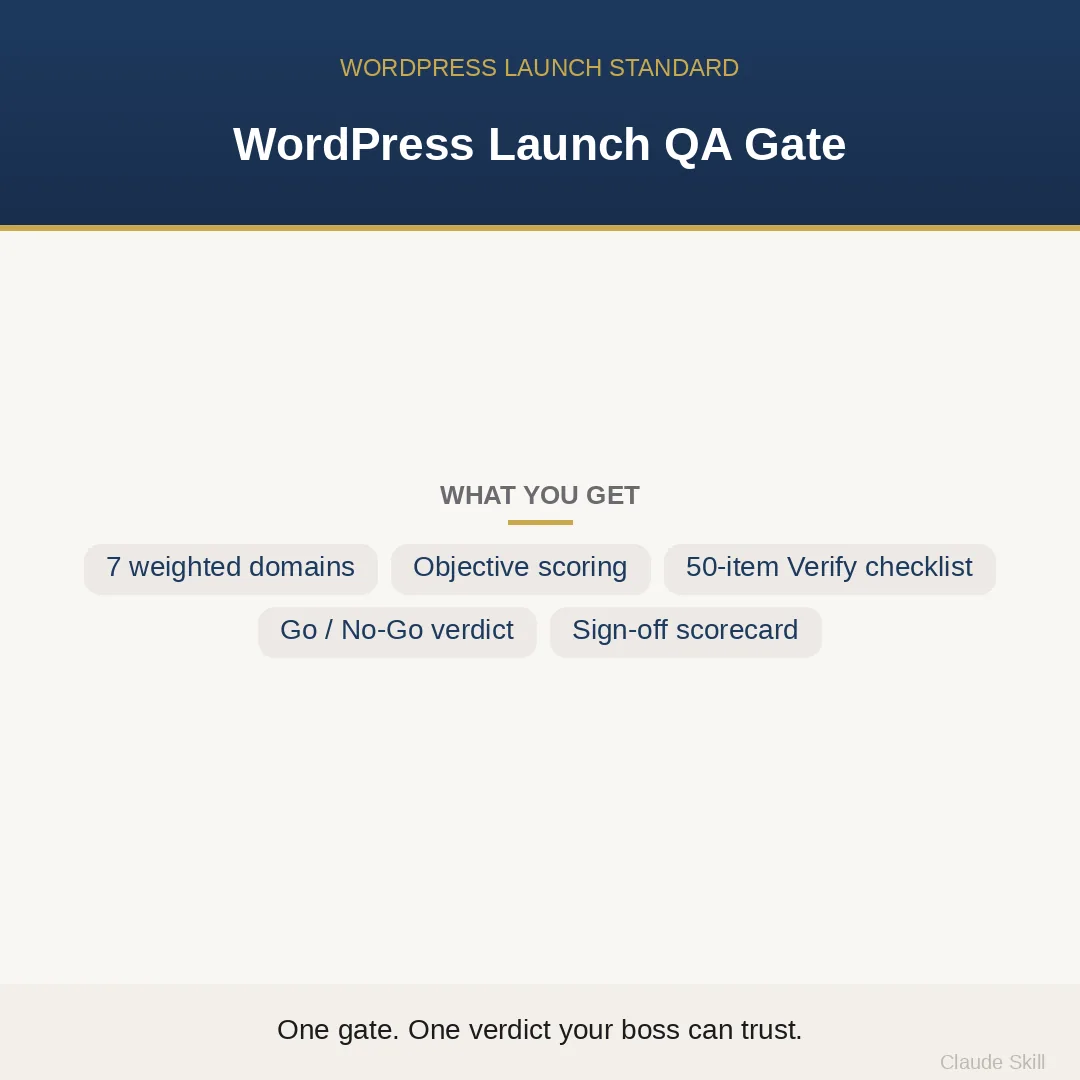
WordPress Launch QA Gate is a Claude skill for WordPress & Dev. Turns Claude into a senior WordPress launch reviewer that audits your site against the entire pre-launch standard — code, security, accessibility, SEO, AI indexing, Core Web Vitals, and deploy — and returns one objective go/no-go decision with a scored blocker list. It costs $29.99 on Agensi. It runs on any Claude plan, including Free. Part of the StrategistKit catalog of 190+ focused Claude skills.
10 credits — included with a membership (30 credits/mo).
Prefer a one-time purchase, without joining?
Buy once on Agensi (opens in a new tab)StrategistKit Affiliate. One-time purchase on Agensi. Payment, delivery and refunds are handled by the marketplace — see their policy for refund terms.
Overview
You describe your site, theme, or plugin — stack, audience type, SEO plugin in use, whether there is version control and a deploy process — and the skill runs a structured audit across seven weighted domains: code quality and WordPress best practice, security (eight WP-specific vulnerability classes), accessibility to WCAG 2.1 AA, structured data and SEO foundation, AI indexing signals, Core Web Vitals, and deploy and operations. Each domain is scored GREEN, AMBER, or RED; domains are weighted into a readiness percentage; and a single RED on a blocker-class domain — security, for example — returns NO-GO regardless of how high the overall percentage sits. The skill also detects whether you are starting fresh or re-auditing after fixes, and in re-audit mode it renders a was-to-now delta so every domain change is visible.
A typical input looks like: 'Block theme, WooCommerce store, Rank Math for SEO, Cloudflare in front, transactional email via Postmark, no CI yet — secrets currently in wp-config.php in the repo root. Please run a pre-launch audit.' From that, the skill establishes launch tier (L3 Critical for a payment-taking store), names what it cannot inspect, and works through all seven domains.
The output includes a filled scorecard — for example, Security RED (secrets committed to repository, REST route missing permission_callback), Deploy AMBER (no rollback procedure documented), all other domains GREEN — an overall readiness percentage, a NO-GO verdict with the exact two blockers sorted by Impact squared over Effort, a 50-item acceptance checklist where every line carries its own Verify method (a specific grep, an axe-core command, a PageSpeed Insights URL, a curl flag), and a one-page sign-off table structured for a stakeholder or client.
Who it's for
WordPress developers, freelance builders, and agencies who need a defensible sign-off before handing a site to a client or flipping a domain live — especially anyone who has ever shipped a missing nonce, a broken skip-link, or an analytics tag that fired before consent.
What you get
One .skill bundle. Run it on your material and it returns:
How it works
Add the .skill file to your Claude app. About 10 seconds.
Invoke the skill and paste in your material.
Review, keep what works, and use it.
In depth
A copy-paste prompt runs one static pass and stops. A skill is a bundled program — instructions, examples, and a workflow Claude runs as a unit: it asks for the right input, applies the same pattern every time, and returns the structured outputs above.
FAQ
At minimum: what you are launching (full site, theme, or plugin), your stack facts (theme type, SEO plugin, CDN, email provider), your deploy setup, and as much of the actual code or live URL as you can share. The skill states clearly which domains it cannot fully verify from partial input rather than silently passing them.
No. It works with Rank Math, Yoast, The SEO Framework, or hand-rolled SEO, and covers block, classic, and hybrid themes. The niche, stack, and site type are supplied by you at runtime — nothing specific is baked in.
Yes. Security, accessibility (at L3), and secrets-in-repo are blocker-class domains — a RED on any one of them is an automatic NO-GO even if every other domain is GREEN and the overall readiness percentage is high. The gate is not an average; it is a hard floor on the domains that cause incidents.
A structured scorecard table (domain, score, weight, notes), a prioritized blocker list, a 50-item acceptance checklist with per-item Verify methods, and a sign-off table you can copy to a document or paste into a client handoff. All output is text-structured and designed to be readable in Claude's interface or pasted into a doc.
No. The gate is self-contained — each of the seven domains carries enough concrete pass/fail criteria to return a defensible verdict on its own. The specialist companions (security code auditor, WCAG auditor, Core Web Vitals fixer, and others) exist if you want to go deeper on a single domain after the gate identifies it as a problem area.
More in WordPress & Dev
Part of these collections
We use cookies for anonymous analytics (read more). Accept, decline, or choose for yourself.