WordPress SEO Content & Topic Cluster Builder
$8.99View skill
Skill · WordPress & Dev
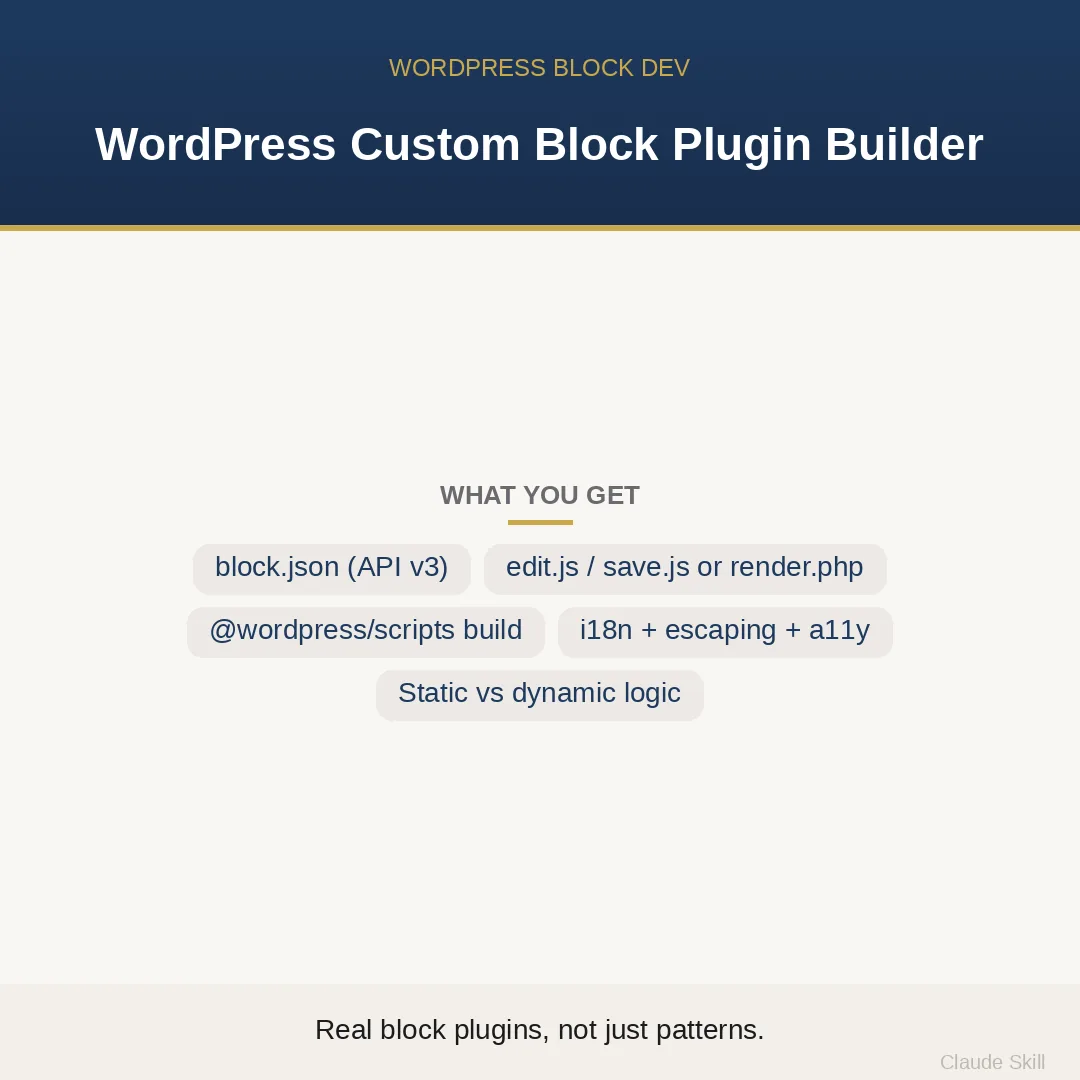
WordPress Custom Block Plugin Builder is a Claude skill for WordPress & Dev. Build a complete, installable Gutenberg block plugin from one idea — block.json (apiVersion 3), edit/save or dynamic render.php, build setup, controls, i18n, escaping, a11y — or review your block code with scored fixes. It costs $12.99 on Agensi. It runs on any Claude plan, including Free. Part of the StrategistKit catalog of 190+ focused Claude skills.
10 credits — included with a membership (30 credits/mo).
Prefer a one-time purchase, without joining?
Buy once on Agensi (opens in a new tab)StrategistKit Affiliate. One-time purchase on Agensi. Payment, delivery and refunds are handled by the marketplace — see their policy for refund terms.
Overview
This skill operates in two modes it detects from your first message. BUILD takes a block idea — any idea — and returns a complete, installable WordPress plugin: the PHP bootstrap with proper header docblock, a block.json at apiVersion 3 with deliberate attribute sources and supports declarations, edit.js with InspectorControls, the right save.js or a null save paired with an escaped render.php for dynamic blocks, @wordpress/scripts package.json wired to register_block_type( __DIR__ . '/build' ), i18n with a text domain, output escaping on every field, the keyboard and ARIA contract for interactive elements, a deprecation and migration strategy, and the full folder tree. REVIEW audits pasted block code across eight axes and returns a scored findings table.
A buyer might send: 'Build me a Testimonial block — author name, avatar URL, quote text, a star rating selector in the sidebar, static output.' The skill reasons through the architecture first — static save.js is correct because no attribute changes after save, RichText for the quote, a RangeControl in InspectorControls for rating, supports color and spacing for theme compatibility — then outputs every file. If no idea is given at all, it builds a fully functional Callout/Notice block by default and offers to regenerate for the real use case.
REVIEW mode returns a structured audit. Example excerpt: Axis: Deprecation safety | Score: 3/10 | Impact: High | Effort: Low | Finding: save() markup changed without a deprecation entry — existing posts will show the invalid-content error | Fix: add a deprecations array with the previous save() and an isEligible check. Each finding includes a before/after code diff. BUILD mode closes with the full folder tree: my-testimonial-block/, includes/, src/index.js, src/edit.js, src/save.js, src/style.scss, build/, block.json, my-testimonial-block.php, readme.txt.
Who it's for
WordPress developers and agencies who need a production-ready custom Gutenberg block — not a snippet, not a pattern, but a plugin they can zip and install — and plugin authors who need an existing block audited before shipping to users whose posts will break if the save function is wrong.
How it works
Add the .skill file to your Claude app. About 10 seconds.
Invoke the skill and paste in your material.
Review, keep what works, and use it.
In depth
A copy-paste prompt runs one static pass and stops. A skill is a bundled program — instructions, examples, and a workflow Claude runs as a unit: it asks for the right input, applies the same pattern every time, and returns the structured outputs above.
FAQ
The plugin bootstrap (.php with proper header docblock), block.json at apiVersion 3, src/index.js, src/edit.js, src/save.js or render.php for dynamic blocks, src/style.scss, an optional view.js for front-end interactivity, package.json configured for @wordpress/scripts, readme.txt, and the complete annotated folder tree.
It applies an explicit static-vs-dynamic framework before writing any code: if the block's output could legitimately differ tomorrow from what it was at save time — because it reads WP_Query, get_option, current_time, or current user — it generates a dynamic block with a null save and an escaped render.php. Fixed authored content gets a static save.js and zero PHP render cost.
A scored findings table with one row per issue, showing the audit axis (e.g. escaping, deprecation safety, block.json validity), an Impact-squared/Effort rating, the specific problem found in the pasted code, and a before/after code fix. It does not silently rewrite the whole plugin unless you ask.
No. If you send an empty message or just say 'build me a block,' it immediately scaffolds a complete Callout/Notice block — chosen because it exercises every architecture decision — and then invites you to name your real use case for a full regeneration.
Yes, and that coverage is intentional. Every BUILD includes a deprecation array strategy explaining how to carry forward old save() signatures so that posts authored on earlier versions of the block do not throw the 'unexpected or invalid content' error after a markup update.
More in WordPress & Dev
Part of these collections
We use cookies for anonymous analytics (read more). Accept, decline, or choose for yourself.