
WordPress SEO Content & Topic Cluster Builder
$8.99View skill
Skill · WordPress & Dev
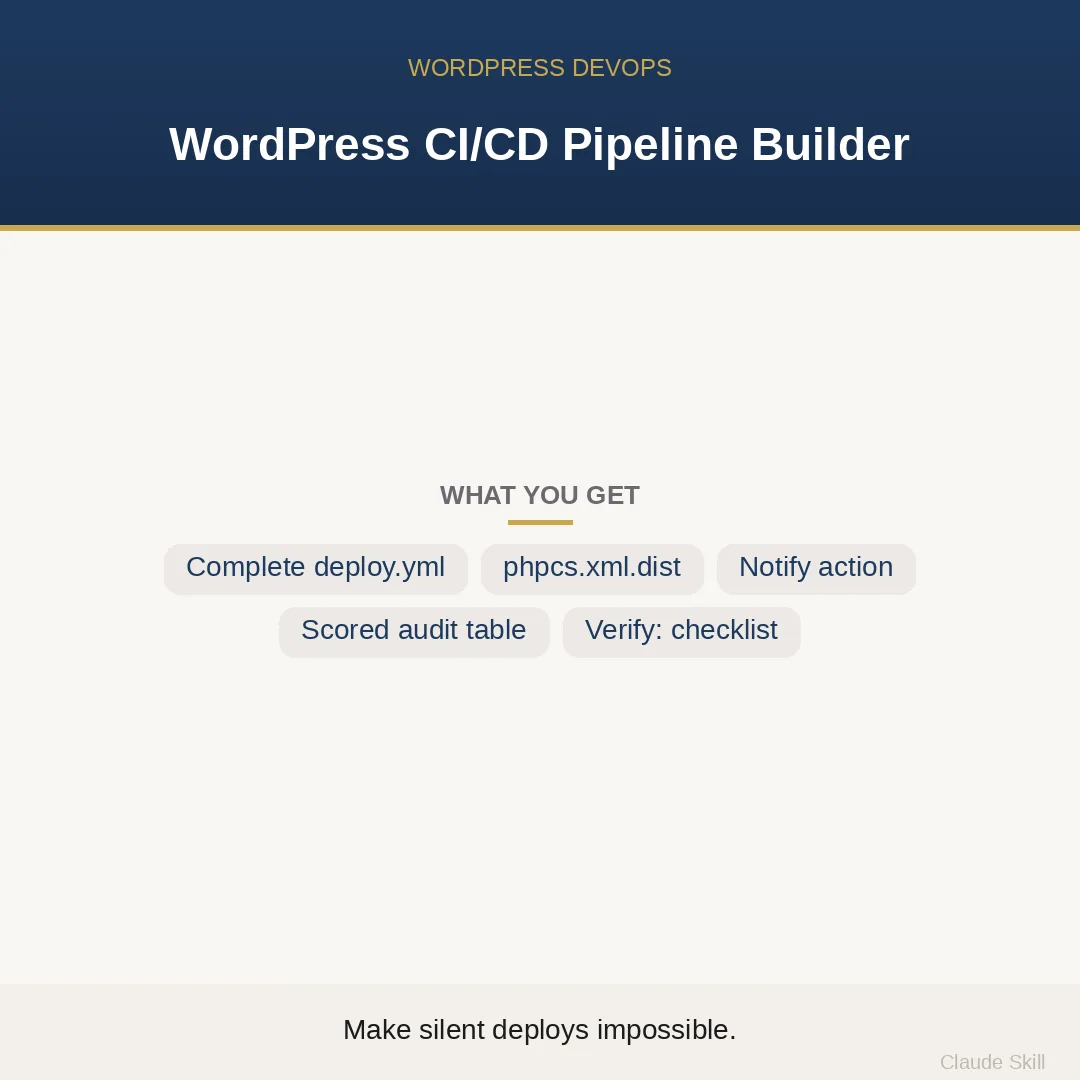
WordPress CI/CD Pipeline Builder is a Claude skill for WordPress & Dev. Scaffold or harden a production-grade GitHub Actions pipeline for WordPress — with a blocking lint gate that stops broken code before it deploys, and a fail notification that makes silent deployment failures impossible. It costs $22.99 on Agensi. It runs on any Claude plan, including Free. Part of the StrategistKit catalog of 190+ focused Claude skills.
10 credits — included with a membership (30 credits/mo).
Prefer a one-time purchase, without joining?
Buy once on Agensi (opens in a new tab)StrategistKit Affiliate. One-time purchase on Agensi. Payment, delivery and refunds are handled by the marketplace — see their policy for refund terms.
Overview
WordPress CI/CD Pipeline Builder is a two-mode Claude agent. In BUILD mode, supply a description of your stack and deploy target and it returns three production-ready files: a complete .github/workflows/deploy.yml, a phpcs.xml.dist tuned to your PHP version and text domain, and a reusable composite action for failure notifications. In HARDEN mode, paste your existing workflow file and it audits every gap against the blocking-gate pattern, scoring each finding by Impact² / Effort so you fix the right things first.
A typical BUILD prompt: 'I have a WordPress theme in a GitHub repo, I deploy via SSH + rsync to a VPS running PHP 8.2, I want to block deploys if phpcs fails, and I need a Slack alert when the deploy job dies.' The skill detects mode automatically, confirms or fills in any missing defaults, and produces ready-to-run YAML — not a tutorial, not pseudocode.
Excerpt from BUILD output — deploy.yml (condensed): lint job runs phpcs with full WordPress.Security.* sniffs; deploy job declares needs: lint, so a lint failure cancels the deploy entirely with no bypass path; on: failure step in the deploy job calls the reusable notify-failure composite action with your Slack webhook secret. Accompanying phpcs.xml.dist has WordPress.Security.* active and vendor/, node_modules/, build/ excluded. Every output item carries a concrete Verify: command (grep, push test, simulated failure) from a 13-point acceptance checklist.
Who it's for
WordPress developers, freelancers, and agencies who use GitHub Actions for deployment and have either never set up a lint gate before or suspect their existing pipeline is quietly broken. Particularly useful for anyone who has been burned by a silent deploy failure — pushes showing green in GitHub while nothing reached the server.
What you get
One .skill bundle. Run it on your material and it returns:
How it works
Add the .skill file to your Claude app. About 10 seconds.
Invoke the skill and paste in your material.
Review, keep what works, and use it.
In depth
A copy-paste prompt runs one static pass and stops. A skill is a bundled program — instructions, examples, and a workflow Claude runs as a unit: it asks for the right input, applies the same pattern every time, and returns the structured outputs above.
FAQ
In BUILD mode it delivers three files: .github/workflows/deploy.yml, phpcs.xml.dist, and .github/actions/notify-failure/action.yml. Each is copy-paste-ready YAML or XML, not a template with placeholders you have to decode.
At minimum: your deploy target (SSH/rsync to a VPS, WP Engine, SFTP-only host, etc.), repo layout (theme, plugin, mu-plugin, or monorepo), PHP version, and preferred notification channel. If you omit any of these the skill states sensible defaults — PHP 8.2, SSH + rsync, Slack webhook seam — and proceeds rather than blocking on perfect information.
Paste or describe your existing .github/workflows/*.yml and the skill audits it against the blocking-gate pattern. It returns a scored table of every gap ranked by Impact² / Effort, plus concrete before-and-after YAML fixes for the top findings.
The deploy job is hard-wired with needs: lint. If the lint job fails, the deploy job is skipped entirely by GitHub Actions — there is no flag, override, or re-run path that bypasses it. This is the core invariant the skill is built around.
The reusable composite action is written as a single seam: swap the channel by changing one input in action.yml rather than editing every workflow file. The default output shows Slack wiring; email and generic webhooks are supported by changing the action's implementation in one place.
More in WordPress & Dev
Part of these collections
We use cookies for anonymous analytics (read more). Accept, decline, or choose for yourself.