WordPress SEO Content & Topic Cluster Builder
$8.99View skill
Skill · WordPress & Dev
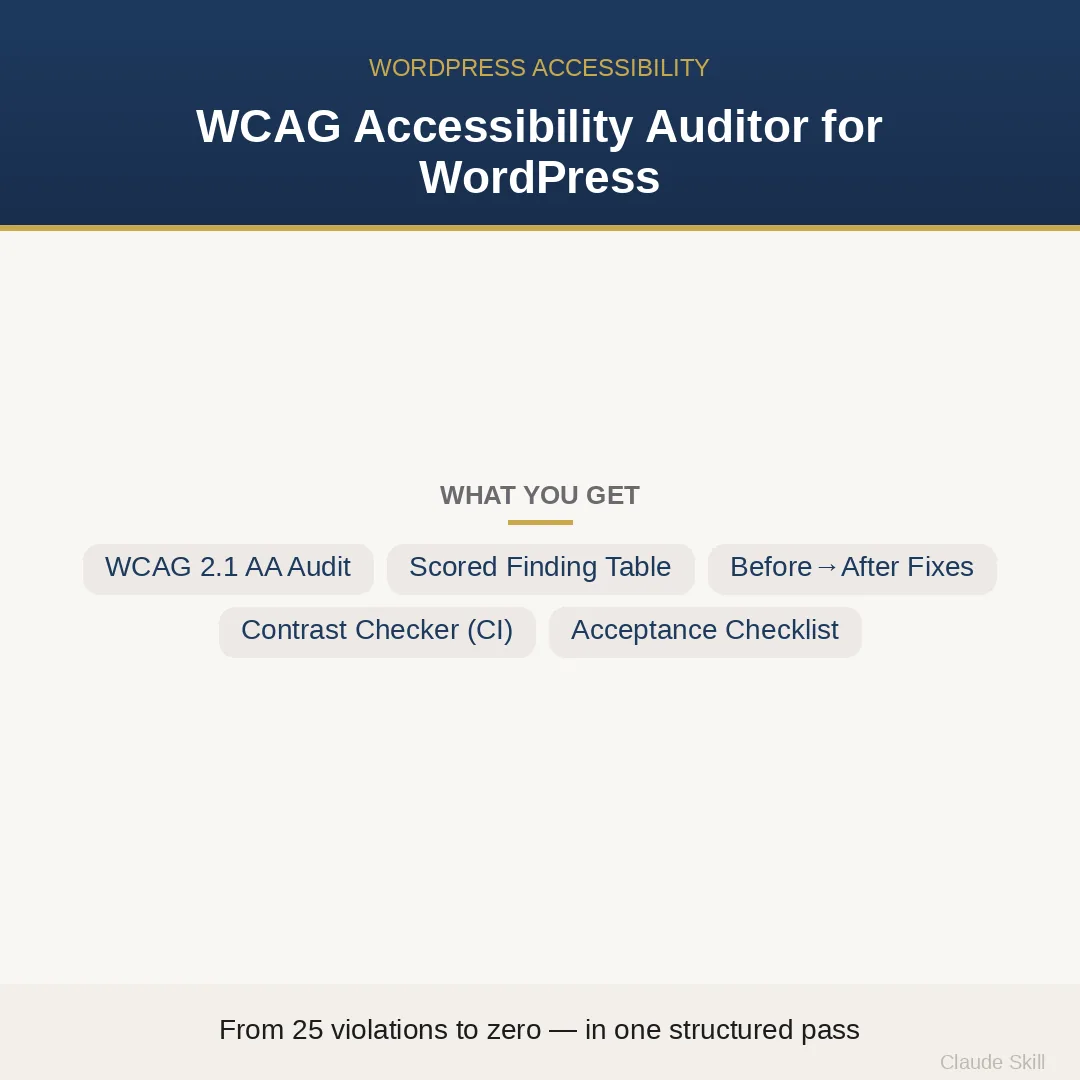
WordPress Accessibility Auditor is a Claude skill for WordPress & Dev. A structured WCAG 2.1 AA audit and fix agent for WordPress themes — organised by block theme, Gutenberg, forms, and navigation context, not a generic axe dump. It costs $13.99 on Agensi. It runs on any Claude plan, including Free. Part of the StrategistKit catalog of 190+ focused Claude skills.
10 credits — included with a membership (30 credits/mo).
Prefer a one-time purchase, without joining?
Buy once on Agensi (opens in a new tab)StrategistKit Affiliate. One-time purchase on Agensi. Payment, delivery and refunds are handled by the marketplace — see their policy for refund terms.
Overview
WordPress Accessibility Auditor runs in two modes against real WordPress code. In AUDIT mode, supply theme files, template part HTML, theme.json, plugin PHP or JS, or a live URL — the agent returns a scored finding table organized by WP context (block theme landmarks, skip links, keyboard operability, form labels, Gutenberg semantics, AJAX aria-live), an executive summary framed around EAA regulatory exposure, and a 13-item acceptance checklist where every item has its own axe or grep command for independent verification. In FIX mode, it delivers production-ready before-and-after patches for each finding.
A typical input looks like: paste your header.html, functions.php, theme.json, and a Contact Form 7 shortcode, state your regulatory context (EU EAA compliance, block FSE theme, no prior axe run), and run AUDIT. The agent identifies the missing skip link in header.html, the 2.4:1 contrast pair in theme.json, the CF7 field relying on placeholder text instead of a visible label, and the flyout nav where Tab never escapes — issues axe-core would not flag.
Sample output excerpt from AUDIT mode: a finding table row reads — ID: 2A-2, Criterion: 2.4.1 Bypass Blocks, Context: parts/header.html, Finding: No skip link present as first focusable element, Impact: 5, Effort: 1, Score: 25.0, Tier: P0 — block before launch. Below the table, the executive summary notes EAA legal exposure. FIX mode then returns the complete skip link template-part patch with before and after code blocks and the axe command to verify the fix.
Who it's for
WordPress developers and agencies shipping sites to EU or Norwegian clients who carry EAA or public-sector accessibility compliance obligations — particularly those maintaining block or FSE themes where automated scanners miss the majority of real violations. Also useful for freelancers preparing a client-facing audit report that must withstand independent legal or technical review.
What you get
One .skill bundle. Run it on your material and it returns:
How it works
Add the .skill file to your Claude app. About 10 seconds.
Invoke the skill and paste in your material.
Review, keep what works, and use it.
In depth
A copy-paste prompt runs one static pass and stops. A skill is a bundled program — instructions, examples, and a workflow Claude runs as a unit: it asks for the right input, applies the same pattern every time, and returns the structured outputs above.
FAQ
At minimum: your theme files or a live URL, confirmation of theme type (block/FSE, classic, or hybrid), any form plugins in use, and whether dynamic content like modals or AJAX search is present. If you cannot supply everything, the agent states sensible defaults and proceeds rather than blocking.
Axe-core catches roughly 35% of WCAG 2.1 AA violations. This agent audits the other 65% by checking WordPress-specific failure points — the block theme skip link that never gets written, the theme.json palette pair with insufficient contrast, the Contact Form 7 field missing a visible label, the flyout menu that traps keyboard focus — none of which axe flags.
Six complete before-and-after patches covering: skip link template part, modal focus-trap handler, aria-live region for AJAX content, a Node.js theme.json contrast checker that exits non-zero in CI, labeled CF7 fields, and a keyboard-trap-free navigation handler. Each patch is ready to apply without further editing.
The report includes EAA and Norwegian accessibility law framing and a 13-item acceptance checklist where every item has its own axe or grep verification command, so a second reviewer can score the site independently. The skill does not constitute legal advice, but the structured output is designed to support a defensible compliance conversation.
Both. Gate 0 of the audit asks you to confirm theme type by checking the style.css header and presence of theme.json. The checklist items then apply the relevant context — classic themes skip block-editor-specific checks and focus on template file semantics, navigation PHP, and enqueued script behavior instead.
More in WordPress & Dev
Part of these collections
We use cookies for anonymous analytics (read more). Accept, decline, or choose for yourself.