WordPress SEO Content & Topic Cluster Builder
$8.99View skill
Skill · WordPress & Dev
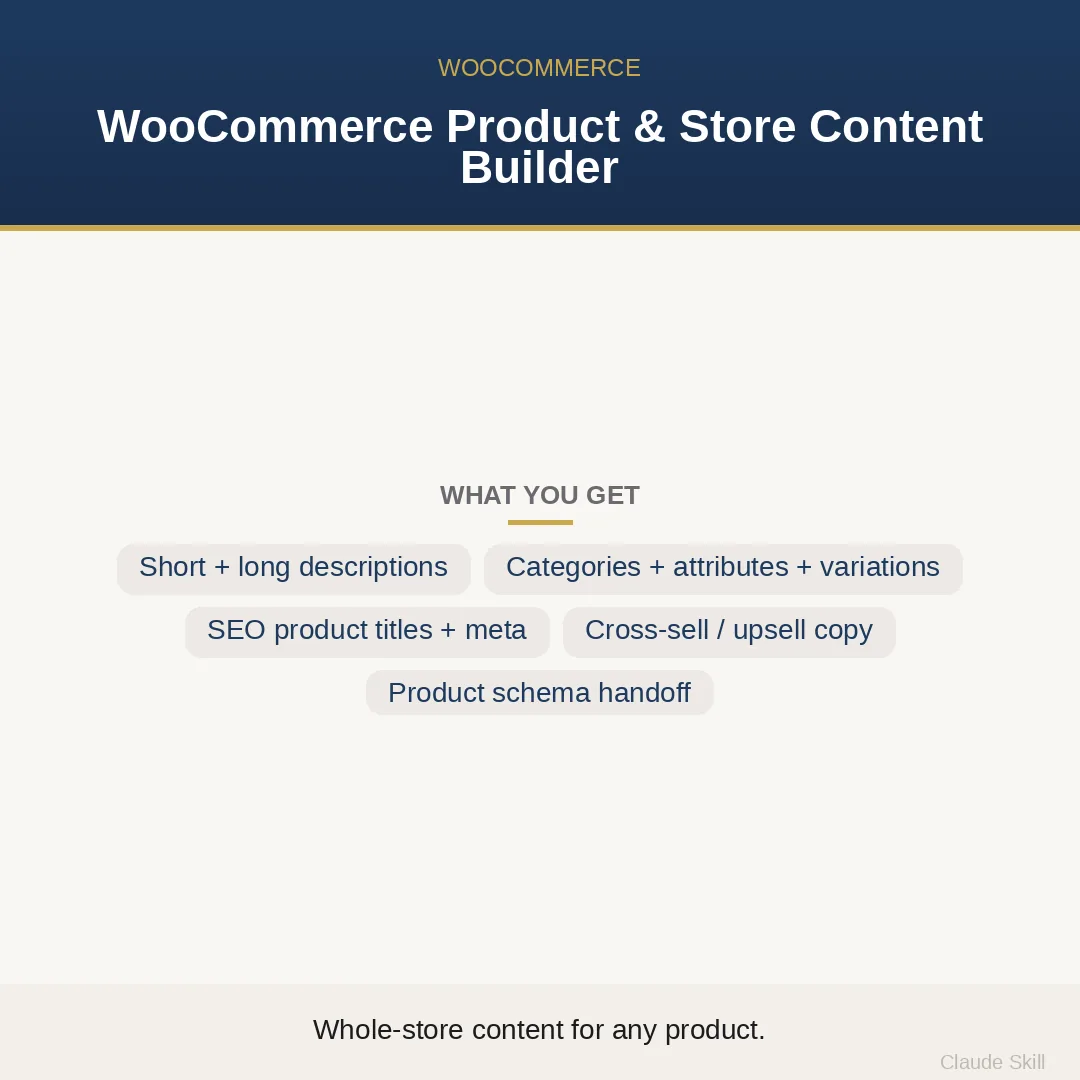
WooCommerce Product & Store Content Builder is a Claude skill for WordPress & Dev. Give it any product and get a complete WooCommerce content set — conversion copy, the full attribute/variation/category structure, SEO title + meta, cross-sell/upsell, and FAQ — ready to import. It costs $8.99 on Agensi. It runs on any Claude plan, including Free. Part of the StrategistKit catalog of 190+ focused Claude skills.
10 credits — included with a membership (30 credits/mo).
Prefer a one-time purchase, without joining?
Buy once on Agensi (opens in a new tab)StrategistKit Affiliate. One-time purchase on Agensi. Payment, delivery and refunds are handled by the marketplace — see their policy for refund terms.
Overview
This skill takes a product — name, type, specs, price — and returns a complete WooCommerce content set in a single response, covering two things most copy tools treat as separate problems: conversion copy and data structure. On the copy side it applies different registers to different product types (benefit-led for lifestyle goods, spec-led for tools and equipment, outcome-led for digital products) and splits the work correctly between the short description above Add-to-Cart and the long description below it. On the structure side it makes the decisions WooCommerce actually requires: which options become variations versus attributes, whether attributes should be global or custom, how deep the category tree should go, and how to build SKUs that survive a catalog expansion.
It runs in two modes. BUILD takes a new product and produces the full set — short description, long description with every spec translated into a benefit, attribute and variation tables, category tree, SEO title, meta description, focus keywords, URL slug, cross-sell and upsell copy, a 4-6 item FAQ, image shot directions, and a CSV column map. OPTIMIZE takes an existing listing you paste in, diagnoses weak copy and structural errors (a classic one: setting Size as a custom attribute when it needs to be a global variation), and returns rewritten copy alongside a before-and-after fix for the data model. Example input for BUILD: 'Ceramic pour-over coffee dripper, simple product, 6-cup capacity, matte black or white, food-safe glaze, hand-wash only, $34.' Example output excerpt — Short Description: 'Brew a cleaner, brighter cup in under four minutes. Food-safe matte glaze, 6-cup capacity, fits any standard carafe. | Material: stoneware ceramic | Dimensions: 5in H x 4.5in W | Includes: dripper + reusable filter | Hand-wash.' Attribute table: [Color | global | descriptive | no variation needed]. Category tree: Kitchen > Coffee & Tea > Pour-Over Drippers.
The CSV column map and variation table mean output does not stop at readable — it is structured to load directly into WooCommerce's importer, reducing the gap between receiving the content set and having a live, filterable product page.
Who it's for
WooCommerce store owners building out a new catalog or fixing underperforming listings who want both the copy and the data structure handled correctly in one pass — particularly useful for sellers running variable products with multiple attributes who keep hitting filter or import errors caused by misclassified variations.
How it works
Add the .skill file to your Claude app. About 10 seconds.
Invoke the skill and paste in your material.
Review, keep what works, and use it.
In depth
A copy-paste prompt runs one static pass and stops. A skill is a bundled program — instructions, examples, and a workflow Claude runs as a unit: it asks for the right input, applies the same pattern every time, and returns the structured outputs above.
FAQ
At minimum: product name, whether it is simple or variable, key specs, and price. The more you add — target buyer, store positioning, related products for cross-sells — the tighter the copy register and recommendations. If you give it nothing, it runs on a built-in default product so you can see the full output structure immediately.
It handles physical goods, digital downloads, virtual products, apparel, food, supplements, B2B equipment, and services-as-products. The copy register and data-structure decisions shift by product type — the skill encodes that logic rather than applying one template to everything.
Output is structured into labeled sections: short description, long description, a tabular attribute and variation breakdown, category tree, SEO fields, cross-sell and upsell copy blocks, FAQ items, image directions, and a CSV column map. Each section is paste-ready into the corresponding WooCommerce field or importer column.
It checks the copy for missing benefit translations and wrong register, then checks the data model for the most damaging structural errors: variations set as descriptive attributes (or vice versa), custom attributes used where global ones are needed for filtering, category trees that are too flat or too deep, and SKU patterns that will break under catalog growth. It returns a before-and-after for each structural fix alongside the rewritten copy.
No. This is a content and taxonomy skill — it produces product copy, data structure, and SEO fields. Custom theme templates, checkout flows, payment gateway configuration, and plugin development are outside its scope.
More in WordPress & Dev

Part of these collections
We use cookies for anonymous analytics (read more). Accept, decline, or choose for yourself.