WordPress SEO Content & Topic Cluster Builder
$8.99View skill
Skill · WordPress & Dev
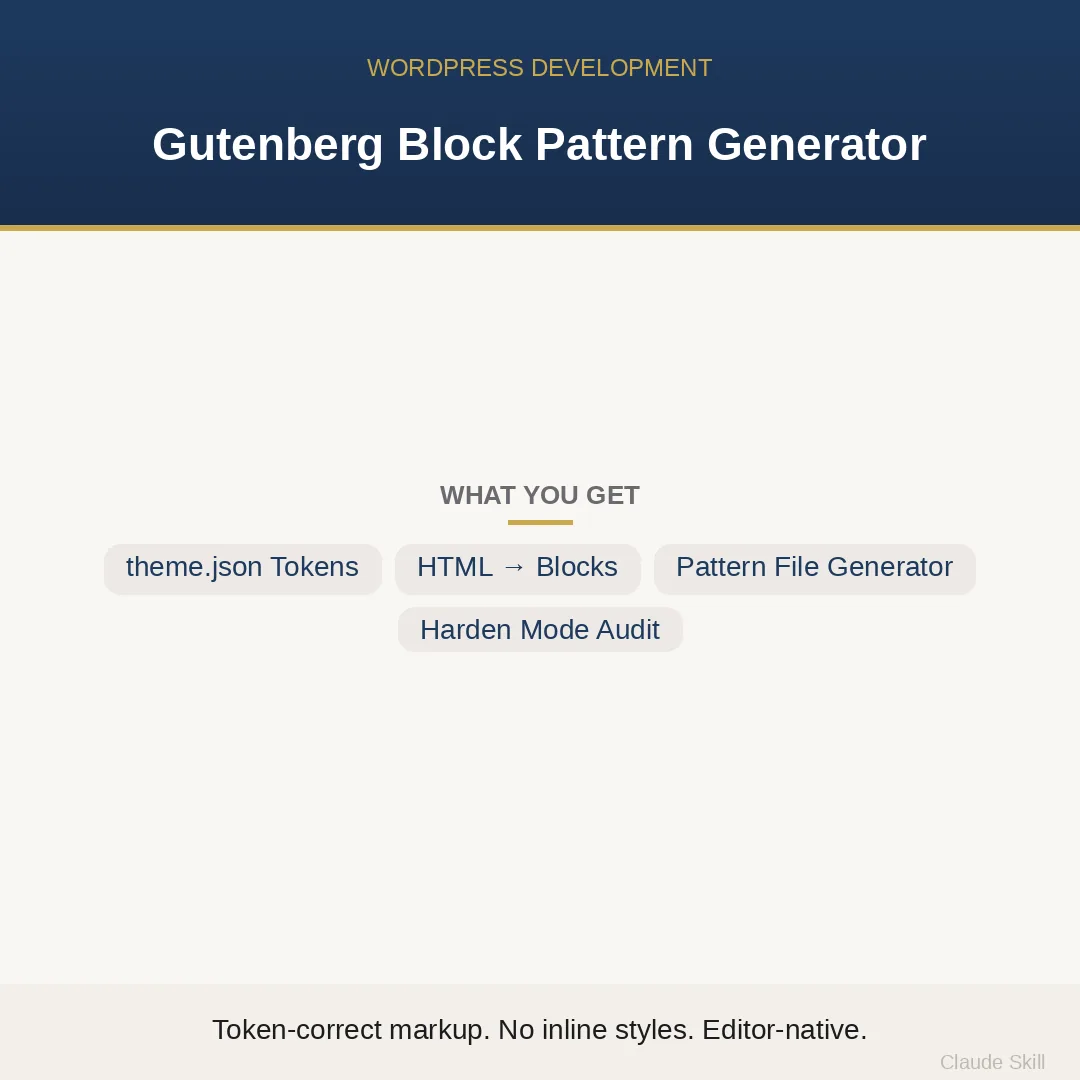
Gutenberg Block Pattern Generator is a Claude skill for WordPress & Dev. Convert existing HTML sections or plain descriptions into production-ready Gutenberg block patterns that inherit your theme's design system — no hardcoded colors, no inline styles, no editor validation errors. It costs $8.99 on Agensi. It runs on any Claude plan, including Free. Part of the StrategistKit catalog of 190+ focused Claude skills.
10 credits — included with a membership (30 credits/mo).
Prefer a one-time purchase, without joining?
Buy once on Agensi (opens in a new tab)StrategistKit Affiliate. One-time purchase on Agensi. Payment, delivery and refunds are handled by the marketplace — see their policy for refund terms.
Overview
The skill operates in three named modes. CONVERT takes any legacy HTML section — a div-soup hero, a table-based feature grid, an inline-styled CTA — and returns complete, valid Gutenberg block serialization plus a ready-to-register patterns/.php file. GENERATE takes a plain-English section description and produces the same. HARDEN audits an existing pattern file and returns a scored findings table (Impact² / Effort) with before/after fixes for every problem it finds. In every mode, colors resolve to theme palette slugs, spacing resolves to var:preset|spacing tokens, and font sizes resolve to named scale slugs — never a hardcoded hex, never a px value.
A typical CONVERT input: a 60-line HTML section with a background-color:#1E3A5F inline style on the wrapper, three child divs styled as columns, and an anchor tag with class='btn'. The skill maps the wrapper to a wp:cover block with overlayColor set to the primary palette slug, converts the column divs to wp:columns with wp:column children, and turns the anchor into a wp:button block with backgroundColor and textColor pointing to theme slugs. The complete patterns/.php file is returned in one response, with the registration header, correct block nesting, and matching open/close serialization comments.
A short excerpt of what the output looks like: <!– wp:cover {"overlayColor":"primary","dimRatio":50,"minHeight":480,"layout":{"type":"constrained"}} –> <div class="wp-block-cover"> <!– wp:heading {"level":1,"textColor":"background","fontSize":"xx-large"} –> <h1 class="wp-block-heading has-background-color has-text-color has-xx-large-font-size">HEADING_TEXT</h1> <!– /wp:heading –> <!– wp:buttons {"layout":{"type":"flex","justifyContent":"center"}} –> <div class="wp-block-buttons"> <!– wp:button {"backgroundColor":"accent","textColor":"background"} –> … <!– /wp:buttons –> <!– /wp:cover –>
Who it's for
WordPress developers and agencies converting legacy HTML sites to block themes, or building new FSE sites, who need production-correct pattern files without hand-authoring block serialization syntax. Also useful for freelancers inheriting a client site full of hardcoded inline styles who need to audit and repair existing patterns before a brand color change exposes the problem.
What you get
One .skill bundle. Run it on your material and it returns:
How it works
Add the .skill file to your Claude app. About 10 seconds.
Invoke the skill and paste in your material.
Review, keep what works, and use it.
In depth
A copy-paste prompt runs one static pass and stops. A skill is a bundled program — instructions, examples, and a workflow Claude runs as a unit: it asks for the right input, applies the same pattern every time, and returns the structured outputs above.
FAQ
Paste any valid HTML section — a single div and its children is enough. The skill will ask once for your theme's palette slugs and spacing scale if you do not include them; if you cannot supply them, it defaults to WordPress core presets and flags where you should substitute your own slugs.
It is designed for block themes with a theme.json. It can produce patterns for a classic theme with the block editor enabled, but the token-resolution approach (palette slugs, spacing presets) requires a theme.json to be meaningful. For classic themes without theme.json, the skill will flag which attributes have no token to resolve to.
Yes. Each response includes a complete patterns/.php file with the correct registration header fields (title, slug, categories, block types). Copy the file into your theme's patterns/ directory and it auto-loads on WordPress 6.0 and later. No functions.php edits required.
Only as a documented last resort. The skill uses a canonical HTML-to-block mapping table covering every common element. A wp:html raw HTML block is produced only when an element has no block equivalent — for example, a legacy shortcode with no block wrapper — and it is always annotated with a comment explaining why.
Paste an existing .php pattern file. The skill returns a findings table sorted by Impact² divided by Effort score, listing each problem (hardcoded hex, inline px spacing, mismatched serialization comment, raw HTML block used unnecessarily), its score, and a before/after code fix for each finding.
More in WordPress & Dev
Part of these collections
We use cookies for anonymous analytics (read more). Accept, decline, or choose for yourself.