WordPress SEO Content & Topic Cluster Builder
$8.99View skill
Skill · WordPress & Dev
Core Web Vitals Fixer for WordPress is a Claude skill for WordPress & Dev. Diagnoses the real cause of failing LCP, INP, and CLS on WordPress sites — and delivers prioritized, scored fixes with runnable code, including the non-obvious insight that consent-gated analytics loading is a measurable CWV fix, not just a privacy obligation. It costs $11.99 on Agensi. It runs on any Claude plan, including Free. Part of the StrategistKit catalog of 190+ focused Claude skills.
10 credits — included with a membership (30 credits/mo).
Prefer a one-time purchase, without joining?
Buy once on Agensi (opens in a new tab)StrategistKit Affiliate. One-time purchase on Agensi. Payment, delivery and refunds are handled by the marketplace — see their policy for refund terms.
Overview
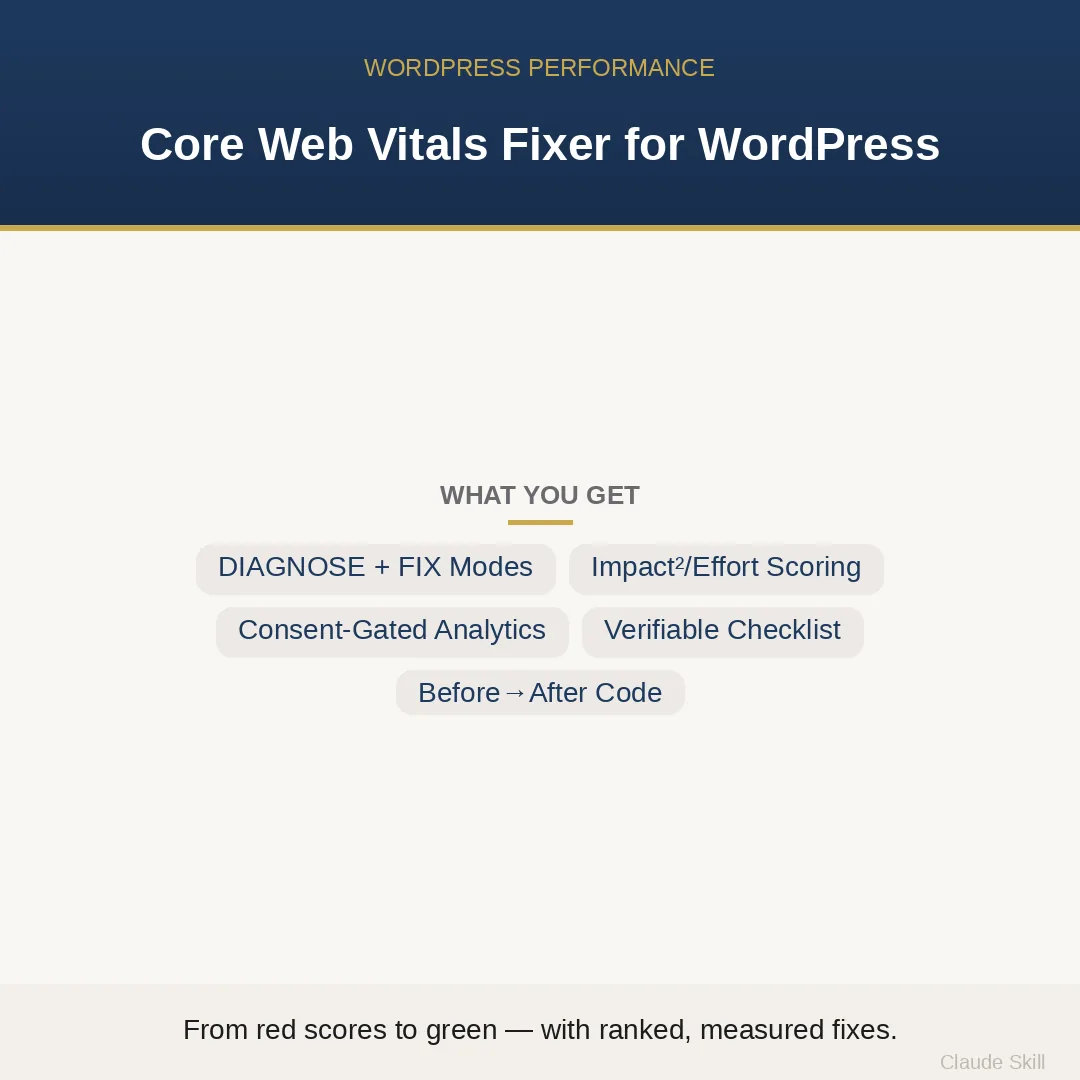
This skill traces failing LCP, INP, and CLS scores to their specific root causes in the WordPress/PHP/browser stack — not generic plugin recommendations. You supply a PageSpeed Insights URL, a raw PSI score, or a plain symptom description such as 'mobile LCP is 3.8 s after adding GA4'. The skill selects DIAGNOSE or FIX mode automatically, builds a ranked root-cause list scored on an anchored Impact-squared-over-Effort table, then delivers runnable before-and-after PHP and HTML patches for every finding: hero image preload hooks, font-display calibration, wp_get_attachment_image() with explicit dimensions, and a Consent Mode v2 deferred analytics pattern that eliminates bandwidth contention from an unconditionally loaded gtag.js.
One concrete example: a buyer pastes 'PSI mobile score dropped from 99 to 84, LCP went from 1.5 s to 3.8 s, TBT is still 0 ms.' The skill identifies the cause as gtag.js (approximately 146 KB) loading unconditionally in wp_head and competing with the hero image for the browser's narrow LCP bandwidth window — not a caching or server issue. Output includes an Impact²/Effort audit table ranking this finding first, a deferred Consent Mode v2 code snippet, a hero preload wp_head action, and a curl-based acceptance checklist so a second engineer can verify the result objectively without judgment calls.
Who it's for
WordPress developers and site owners who have PageSpeed Insights data showing red or amber CWV scores and need to know exactly which file, hook, or script is responsible — not a shortlist of plugins to try. Particularly useful for anyone who has already installed a caching plugin and still cannot clear LCP or CLS, or who noticed a score regression after adding analytics or a consent banner.
What you get
One .skill bundle. Run it on your material and it returns:
How it works
Add the .skill file to your Claude app. About 10 seconds.
Invoke the skill and paste in your material.
Review, keep what works, and use it.
In depth
A copy-paste prompt runs one static pass and stops. A skill is a bundled program — instructions, examples, and a workflow Claude runs as a unit: it asks for the right input, applies the same pattern every time, and returns the structured outputs above.
FAQ
A PageSpeed Insights URL, a copied PSI score breakdown, or a plain-language symptom description — for example, 'LCP is 4.2 s on mobile, CLS is 0.18, using Elementor on managed WordPress hosting with GA4.' The more detail you supply, the fewer clarifying questions the skill asks before delivering findings.
It delivers runnable PHP and HTML for every fix: wp_head preload snippets, font-display swap with fallback metric calibration, wp_get_attachment_image() calls with explicit width and height, and a Consent Mode v2 deferred loading pattern. Every code block includes a before state and an after state so you can see exactly what changes.
Yes. The skill includes a dedicated section explaining the structural performance advantages of block themes — per-page CSS loading, automatic font-display via theme.json — and assesses whether a theme migration would materially improve your scores given your current setup.
It covers LCP, INP, and CLS with separate diagnosis trees. Each tree maps symptoms to WordPress-specific root causes: for LCP, hero image preload and format issues; for INP, main-thread third-party scripts and heavy event handlers; for CLS, images without dimensions, late-injected banners, and font-swap shift.
At the end of FIX mode output, the skill produces a checklist where every item has its own verification method — a curl command, a PSI URL check, or a specific DevTools panel — so the results can be scored by a second engineer without relying on subjective assessment.
More in WordPress & Dev
Part of these collections
We use cookies for anonymous analytics (read more). Accept, decline, or choose for yourself.