WordPress SEO Content & Topic Cluster Builder
$8.99View skill
Skill · WordPress & Dev
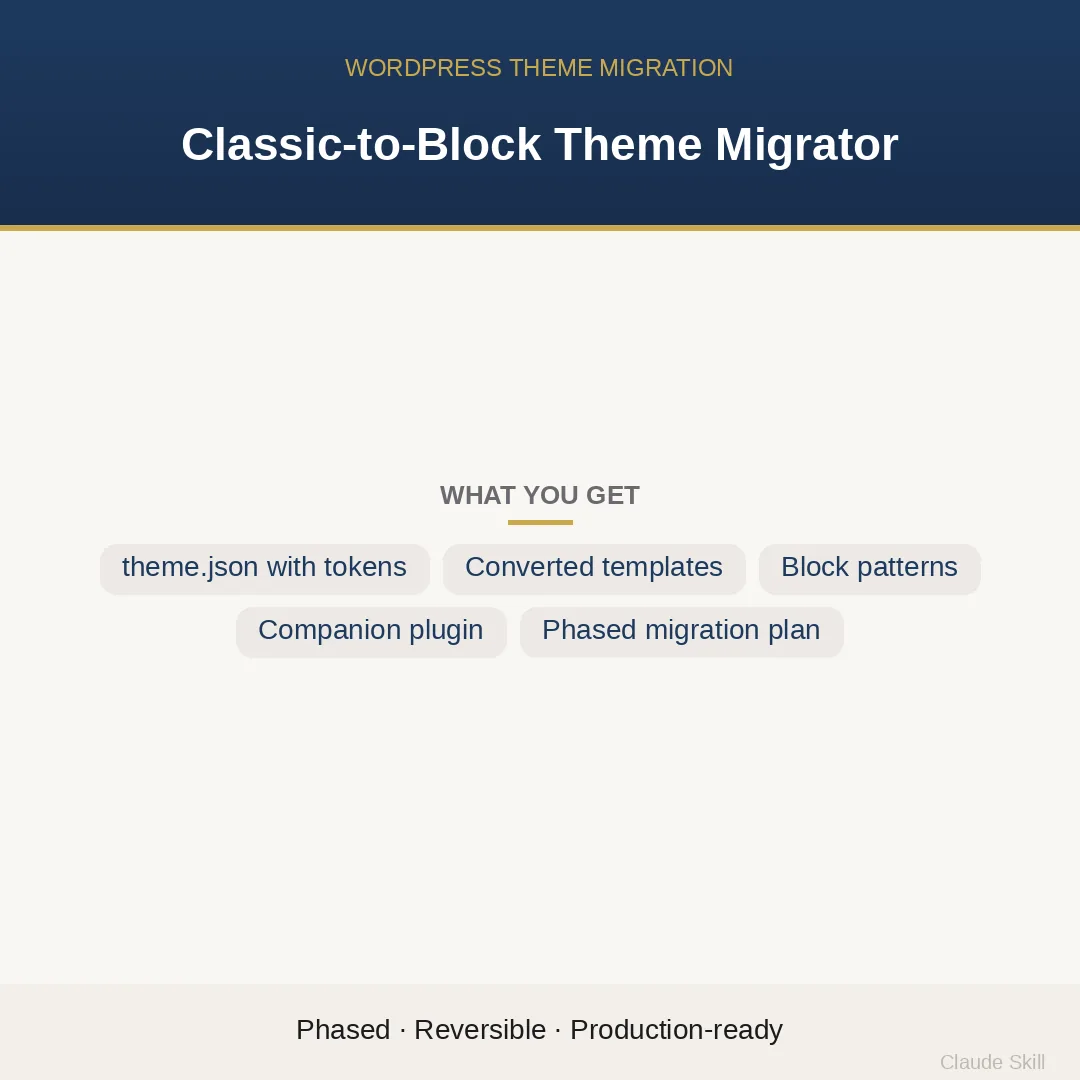
Classic-to-Block Theme Migrator is a Claude skill for WordPress & Dev. The only classic-to-FSE migration skill that extracts business logic into a companion plugin during conversion — delivering a phased, reversible plan AND the actual converted files, not a tutorial. It costs $22.99 on Agensi. It runs on any Claude plan, including Free. Part of the StrategistKit catalog of 190+ focused Claude skills.
10 credits — included with a membership (30 credits/mo).
Prefer a one-time purchase, without joining?
Buy once on Agensi (opens in a new tab)StrategistKit Affiliate. One-time purchase on Agensi. Payment, delivery and refunds are handled by the marketplace — see their policy for refund terms.
Overview
Classic-to-Block Theme Migrator runs in two modes. In ASSESS mode, it reads your classic theme file by file, classifies every template as auto-convertible, manual, or business-logic-that-belongs-in-a-plugin, scores each file by impact and effort, and returns a four-phase reversible migration plan with per-file risk ratings. In MIGRATE mode it produces the actual converted files: a valid theme.json with all design tokens mapped from your CSS variables and Customizer settings, converted template parts, Query Loop replacements for every classic loop, pattern files with correct Block Pattern headers, and a companion plugin scaffold that pulls CPTs, taxonomies, shortcodes, and REST endpoints cleanly out of the theme.
A typical input is a pasted or described classic theme directory — style.css, header.php, footer.php, functions.php, single.php, archive.php, and any page-specific templates — plus notes on whether CPTs, ACF field groups, or custom REST routes are present. The skill calibrates to whatever WordPress version is in use, flags any page-builder templates as out-of-scope manual work, and keeps the classic theme as a tagged git fallback throughout. No specific niche is assumed; the buyer supplies the actual theme and its business context.
A MIGRATE response for a theme with a registered CPT and custom loop would include, among other files: a complete theme.json (version 3 schema, WP 6.4+) with every palette color and font size as a named slug; parts/header.html showing the exact header.php-to-block-markup transformation; templates/archive.html with a Query Loop block and all child blocks (post-featured-image, post-title, post-excerpt, post-date, pagination) in place of The Loop; and a {theme-slug}-functionality plugin scaffold registering the CPT and its REST endpoint, with an explanation of what was extracted and why.
Who it's for
WordPress developers and agencies inheriting or maintaining classic PHP themes who need to deliver a production-safe FSE migration — not a tutorial to follow, but actual converted files and a structured plan they can hand to a client or commit to version control. Particularly valuable when the theme mixes presentation with CPT registration, shortcodes, or custom REST endpoints that would break if left inside the theme.
What you get
One .skill bundle. Run it on your material and it returns:
How it works
Add the .skill file to your Claude app. About 10 seconds.
Invoke the skill and paste in your material.
Review, keep what works, and use it.
In depth
A copy-paste prompt runs one static pass and stops. A skill is a bundled program — instructions, examples, and a workflow Claude runs as a unit: it asks for the right input, applies the same pattern every time, and returns the structured outputs above.
FAQ
At minimum, list the files present in the theme directory — style.css, header.php, footer.php, functions.php, index.php, and any page-, single-, or archive-specific templates. If you can paste the file contents, the skill converts them directly; if you can only describe the structure, it works from the canonical classic-theme file set and flags assumptions explicitly.
MIGRATE mode returns ready-to-paste fenced code blocks: a complete theme.json, .html template parts and templates, .php pattern files with all required Block Pattern header fields, and a companion plugin scaffold. The output is meant to be dropped into a theme directory and tested, not used as a writing prompt.
Extracting that code to a companion plugin is a mandatory gate in the migration, not an optional step. The skill identifies every non-presentation item in functions.php, moves it to a {theme-slug}-functionality plugin scaffold in the output, and leaves only enqueue logic and theme-specific hooks behind. This ensures the business logic survives a future theme switch.
Page-builder templates are flagged as manual work and excluded from auto-conversion scope. The skill will note which templates are affected and explain why they cannot be mechanically converted, but it does not attempt to produce block equivalents for page-builder markup.
The ASSESS output breaks the migration into four independently deployable phases, each with its own go/no-go condition. Every phase is designed to be rollback-able to the tagged classic theme fallback. You can stop after any phase without leaving the site in a broken state, which makes it practical to migrate in sprints rather than in a single deployment.
More in WordPress & Dev
Part of these collections
We use cookies for anonymous analytics (read more). Accept, decline, or choose for yourself.