Guide
Best Claude Skills for Teachers in 2026
The best Claude skills for teachers are the Teacher Lesson Planner Bundle Builder, the Educational Printable Builder, the Math Worksheet Pack Generator, the Sight Words Worksheet Pack Generator, and the Teacher Binder & Classroom Resource Pack Builder. Each one converts a brief from you — grade level, subject, standards — into a structured, finished document rather than a rough idea you still have to build from scratch.
Teachers do not have a content problem; they have a time problem. Turning curriculum goals into printable plans, worksheets, and classroom materials is repetitive, detail-heavy work that eats evenings. A Claude skill is a bundled workflow: it asks the right questions upfront, applies a consistent structure, and returns output that is close to classroom-ready. That repeatability is what separates a skill from a one-off prompt.
How we ranked them
Skills ranked highest if they address the tasks teachers perform most frequently, produce output that needs minimal finishing work (formatted, print-ready, properly scaffolded), and cover the widest range of grade levels or subjects from a single purchase. Price was a secondary tiebreaker — the catalog is tight enough that cost differences are small.
1. Lesson planning — the weekly anchor
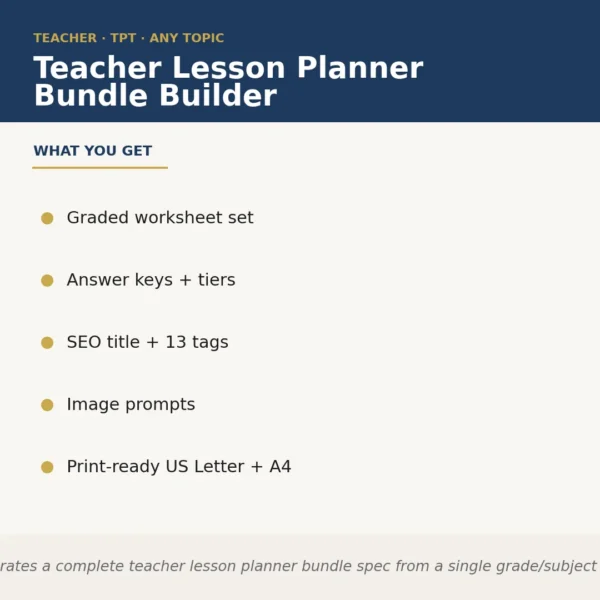
The Teacher Lesson Planner Bundle Builder ($6.99) is the skill most teachers will open every single week. You supply your subject, grade, standards, and any pacing constraints; it returns a structured lesson plan with objectives, materials, activities, and assessment checkpoints. It earns the top rank because lesson planning is the highest-frequency task in this catalog and the output is formatted, not just outlined.
2. General printables — one skill, many deliverables
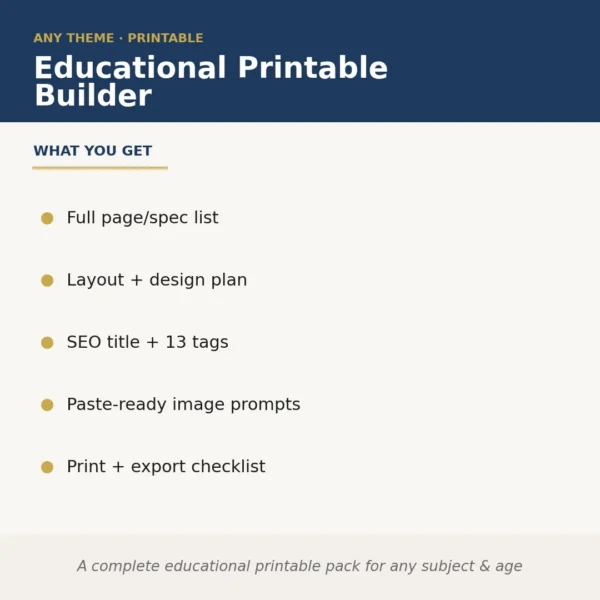
The Educational Printable Builder ($8.99) handles the long tail of classroom materials: graphic organizers, reading response sheets, vocabulary frames, exit tickets, and more. Rather than hunting for individual templates, you describe what you need and receive a document built to your specifications. It sits at rank two because it covers ground no single-subject skill can.
3. Math worksheets — differentiated practice at scale
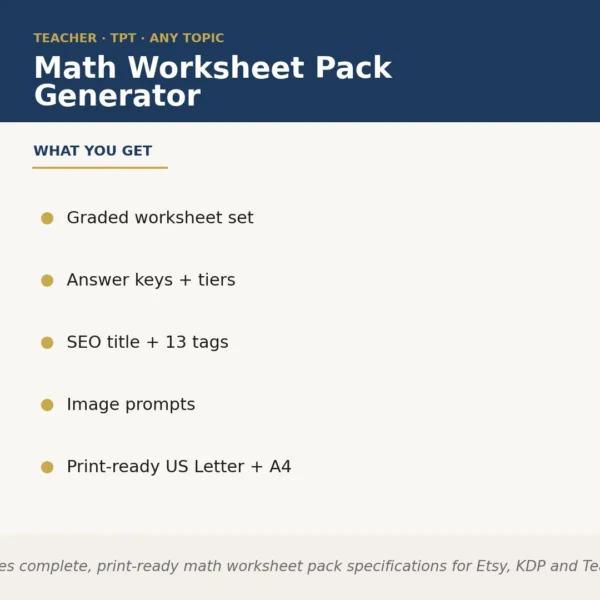
The Math Worksheet Pack Generator ($6.99) generates multi-problem worksheet sets tied to the skill and difficulty level you specify. For teachers who differentiate instruction, this is the fastest path to three versions of the same practice sheet — below grade, on grade, and extension — without building each manually.
4. Early literacy — sight words and foundational reading
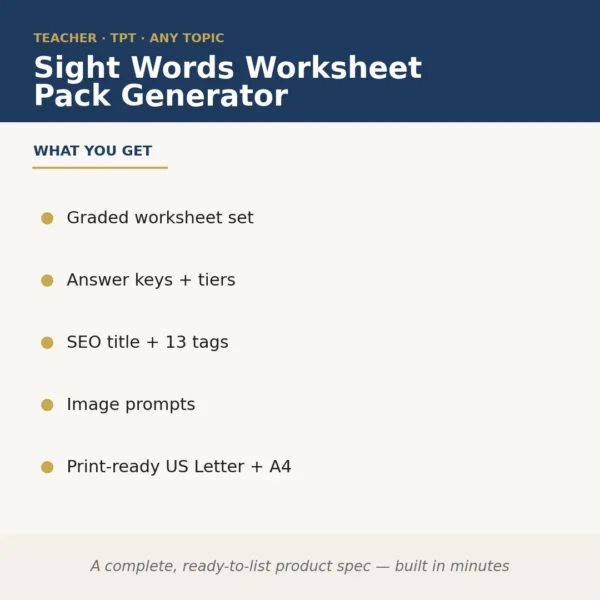
The Sight Words Worksheet Pack Generator ($8.99) targets K–2 teachers and reading specialists who need high-volume, low-prep practice materials. It produces varied activity formats — tracing, fill-in, sentence completion — around the word lists you specify, so students are not doing the same exercise repeatedly.
5. Classroom organization — binders and resource packs
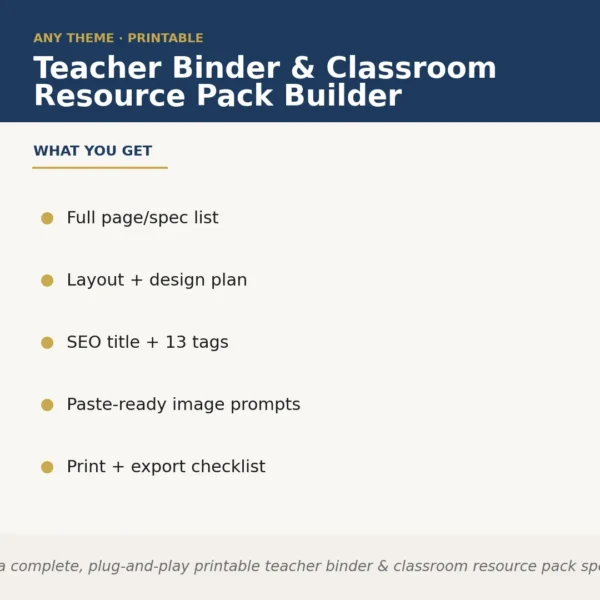
The Teacher Binder & Classroom Resource Pack Builder ($6.99) is worth its price on the first day you need a sub. It builds organized binder pages — class rosters, daily schedules, emergency procedures, and activity instructions — formatted so a substitute can follow them without your help. Secondary value: the same output doubles as a teacher’s own organizational reference.
6. Classroom decor — cohesive visual environments
Two skills address the physical classroom. The Classroom Decor & Bulletin Board Bundle Builder ($6.99) generates text-based layouts and content for bulletin boards, labels, and display panels. The Teacher Classroom Decor Bundle Builder ($6.99) focuses on themed decor packs. Neither replaces a graphic design tool for final rendering, but both remove the blank-page problem and give you structured content to drop into Canva or a similar app.
7. Curriculum structure — for teachers building courses or units
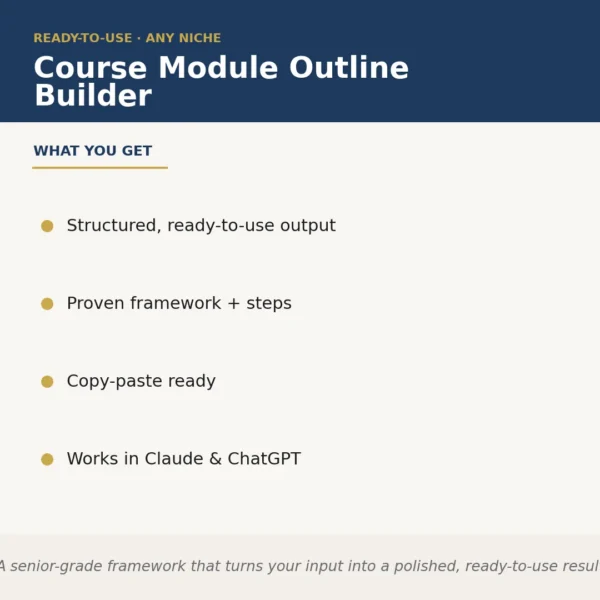
The Course Module Outline Builder ($8.99) is the right tool when you are designing a multi-week unit or a full elective from scratch. It maps learning objectives to sequenced modules, suggests assessment touchpoints, and surfaces scope-and-sequence gaps before you invest time in individual lessons. Teachers building professional development sessions will find it equally useful.
How to build a workflow
A practical starting stack: use the lesson planner at the start of each week to set the instructional skeleton, then pull the worksheet generators to fill in the practice layer — math or sight words depending on grade. When a unit ends, run the course module outline builder to plan the next one with better scope. For organizational overhead, generate a fresh resource pack at the start of each semester.
The key principle behind all of these is consistency. A skill applies the same structure every time, which means your output is predictable and your prep time shrinks as you learn what each skill expects as input. Read How Claude skills work if you want to understand the underlying mechanics before purchasing.
Browse the full collection at AI skills for teachers & educators or filter by the Education & Kids category to see every available skill. Also publishing your materials as printable products on Etsy or TPT? See the best Claude skills for Etsy sellers.
From the catalog
Skills mentioned in this guide.
Teacher Lesson Planner Bundle Builder
Educational Printable Builder
Math Worksheet Pack Generator
Sight Words Worksheet Pack Generator
Teacher Binder & Classroom Resource Pack Builder
Classroom Decor & Bulletin Board Bundle Builder
Course Module Outline Builder
FAQ
Frequently asked questions
Which skill should I buy first if I only have one budget slot?
Start with the Teacher Lesson Planner Bundle Builder — it covers the task teachers repeat most often and costs $6.99. Once you have a planning workflow in place, worksheet generators are the logical next addition.
Can one skill handle multiple grade levels and subjects, or do I need a separate one for each?
Most skills in this collection ask you to specify grade level, subject, and standards at the start of each session, so a single skill adapts across contexts. You are not locked into one niche.
How long does it typically take to go from opening the skill to a usable document?
For a straightforward lesson plan or worksheet pack, most teachers report ten to twenty minutes from launch to a print-ready or editable draft — faster if you have your standards and learning objectives ready before you start.
Will the output work if I teach in a country that doesn't follow US curriculum standards?
The skills prompt you for your own standards or objectives, so you can enter UK National Curriculum requirements, Australian AC codes, or any other framework. The output reflects whatever you supply.