Printable Wall Art & Decor Builder
$8.99View skill
Skill · Art & Design
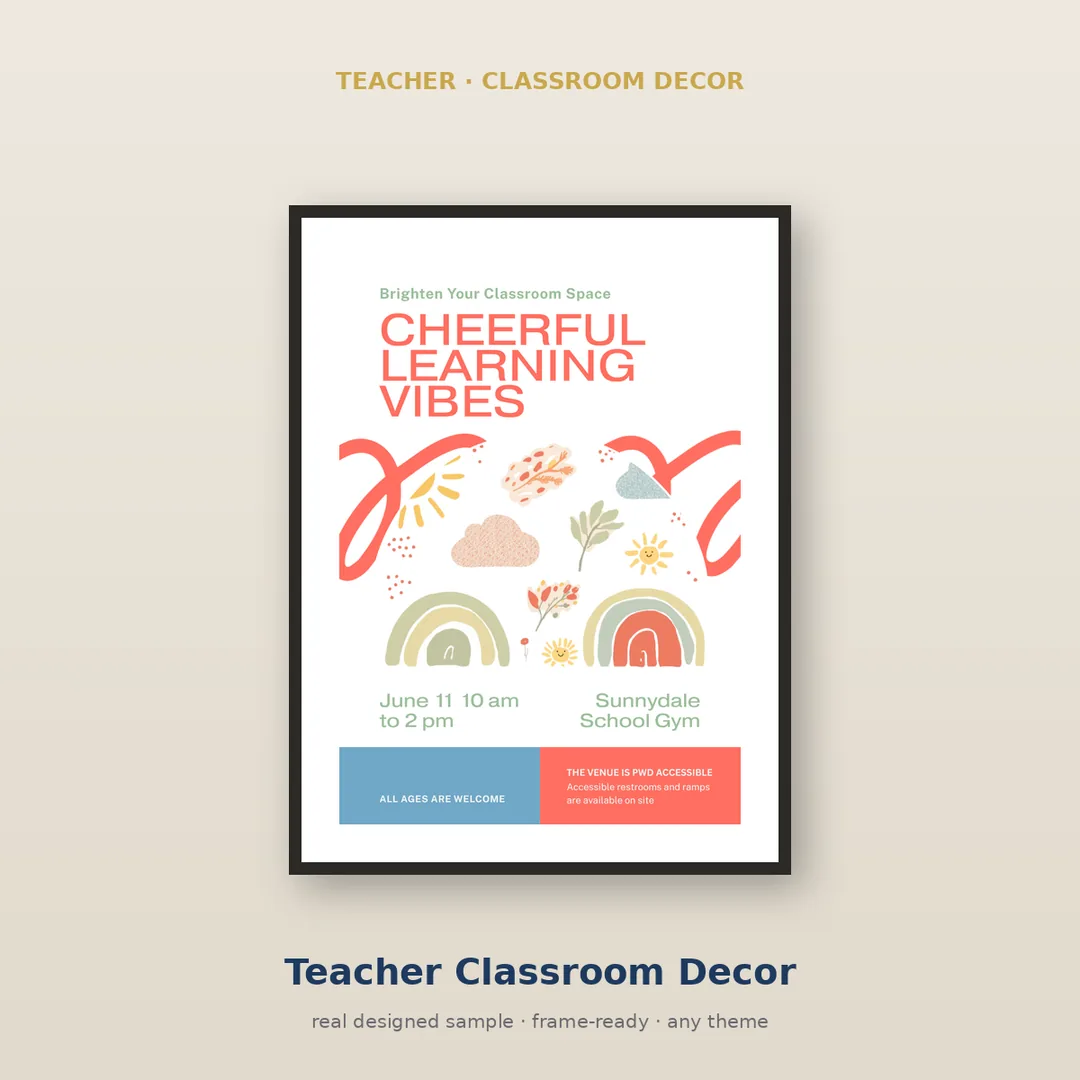
Teacher Classroom Decor Bundle Builder is a Claude skill for Art & Design. Teacher Classroom Decor Bundle Builder takes a niche or theme you specify — such as a subject area, grade level aesthetic, or seasonal concept — and generates a complete, cohesive set of classroom decor assets described in precise, print-ready detail. It costs $6.99 on PromptBase. It runs on any Claude plan, including Free. Part of the StrategistKit catalog of 190+ focused Claude skills.
10 credits — included with a membership (30 credits/mo).
Prefer a one-time purchase, without joining?
Buy once on PromptBase (opens in a new tab) Also on Agensi — $8.99 (opens in a new tab)StrategistKit Affiliate. One-time purchase on PromptBase. Payment, delivery and refunds are handled by the marketplace — see their policy for refund terms. PromptBase purchases earn us a referral fee.
Overview
Teacher Classroom Decor Bundle Builder takes a niche or theme you specify — such as a subject area, grade level aesthetic, or seasonal concept — and generates a complete, cohesive set of classroom decor assets described in precise, print-ready detail. It works by analyzing the visual and thematic logic of your input and producing coordinated specifications and copy across multiple decor item types: banners, labels, posters, border strips, name tags, and more. Every element is described with consistent color palette, font style direction, and wording so a designer or print service can execute without guesswork.
A buyer might enter: 'Third-grade science classroom, nature and growth theme, warm earthy tones, friendly but not babyish.' The skill returns a structured bundle plan — for example: a Welcome Banner with suggested wording and layout notes; a set of 30 student desk name tags with leaf motifs and space for hand-lettering; eight subject-area labels (Experiment Station, Reading Nook, etc.) with copy and icon direction; and a motivational poster series with five distinct plant-growth metaphors mapped to classroom rules.
Output is organized by item type, each entry including: item name, dimensions suggestion, copy text, color and typography direction, and a brief usage note. The full bundle reads as a creative brief a graphic designer or Canva-literate teacher can act on immediately. Nothing is left vague enough to require a follow-up brainstorming session.
Who it's for
Elementary and middle school teachers building a themed classroom environment from scratch or refreshing it for a new year, and teacher-content sellers on marketplaces like Teachers Pay Teachers who need to produce coherent, multi-piece decor bundles quickly without hiring a creative director.
How it works
Add the .skill file to your Claude app. About 10 seconds.
Invoke the skill and paste in your material.
Review, keep what works, and use it.
In depth
A copy-paste prompt runs one static pass and stops. A skill is a bundled program — instructions, examples, and a workflow Claude runs as a unit: it asks for the right input, applies the same pattern every time, and returns the structured outputs above.
FAQ
The skill returns structured text organized by decor item type, with labeled sections for copy, dimensions, color direction, and usage notes. It does not produce image files; it produces the creative specifications needed to create or commission them.
You can provide as much or as little direction as you like. A detailed prompt — grade level, subject, color preferences, tone — produces a tighter bundle. If you give only a broad concept, the skill will interpret it and make consistent choices, which you can then refine in a follow-up prompt.
A standard run covers six to ten distinct item types, enough to furnish a cohesive classroom environment. You can request a narrower set — labels only, for example — or ask for an expanded bundle with additional item categories.
Yes. The niche or theme is entirely defined by your input at runtime, so math-focused, reading-corner-only, seasonal, or curriculum-aligned bundles all work within the same skill.
It functions as a detailed creative brief. A designer or a teacher comfortable with Canva or similar tools will have clear enough direction to execute each item without additional concepting work. Final visual execution remains the buyer's responsibility.
More in Art & Design
Part of these collections
We use cookies for anonymous analytics (read more). Accept, decline, or choose for yourself.