Printable Wall Art & Decor Builder
$8.99View skill
Skill · Art & Design
Recipe Card Set Designer is a Claude skill for Art & Design. A complete, ready-to-list product spec — built in minutes. It costs $8.99 on PromptBase. It runs on any Claude plan, including Free. Part of the StrategistKit catalog of 190+ focused Claude skills.
10 credits — included with a membership (30 credits/mo).
Prefer a one-time purchase, without joining?
Buy once on PromptBase (opens in a new tab) Also on Agensi (opens in a new tab)StrategistKit Affiliate. One-time purchase on PromptBase. Payment, delivery and refunds are handled by the marketplace — see their policy for refund terms. PromptBase purchases earn us a referral fee.
Overview
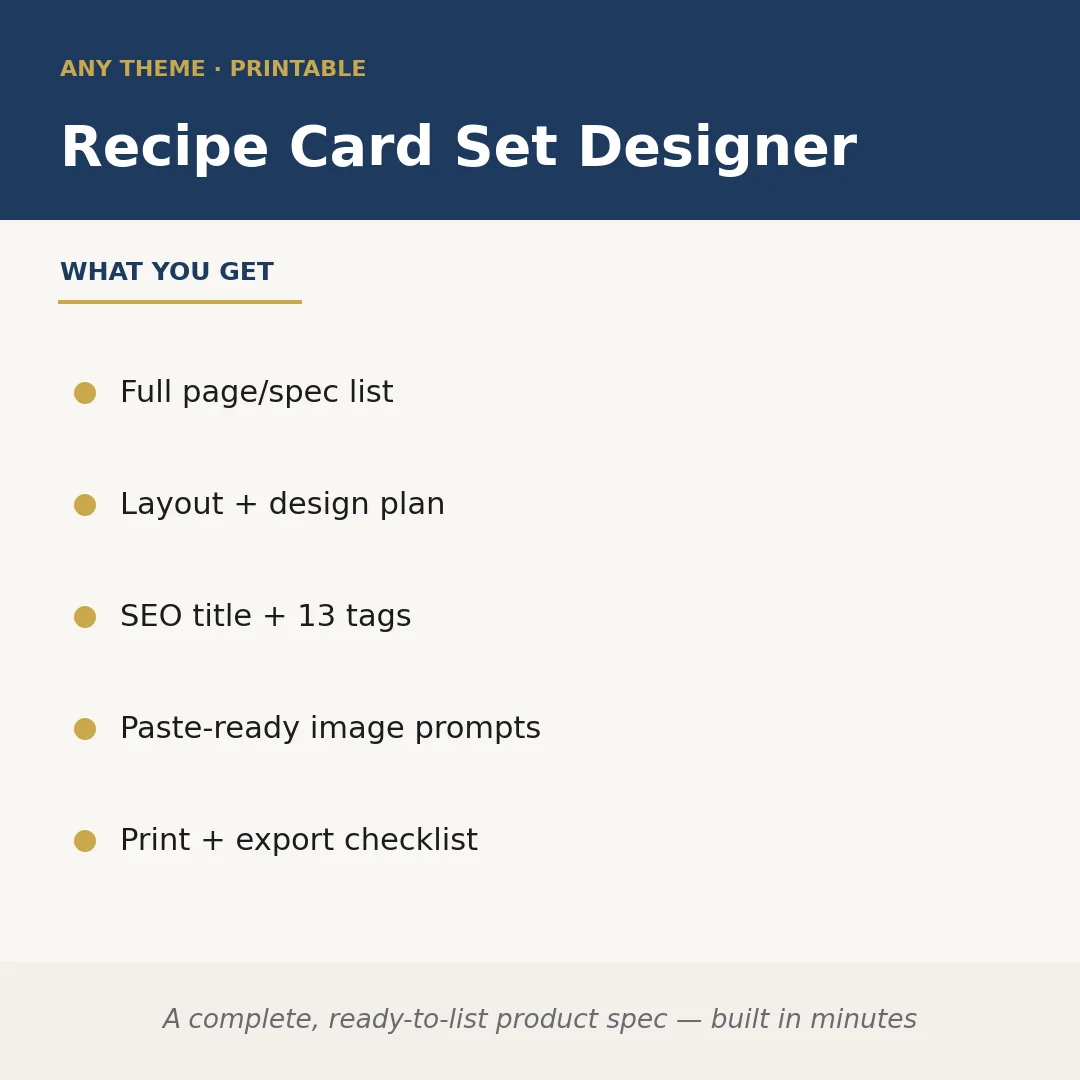
Recipe Card Set Designer takes a niche or theme you supply — say, a cuisine style, dietary focus, or seasonal angle — and builds a complete, market-ready product specification for a digital recipe card set. You get a full page and card count plan, a layout and design brief covering typography hierarchy, color palette direction, and grid structure, an SEO-optimized listing title with 13 tags, paste-ready image generation prompts for each card style, and a print and export checklist so the files are delivery-ready before you open a design tool.
A buyer might prompt: 'Weeknight high-protein meals, clean modern aesthetic, A5 cards, 8-card set, target audience is busy gym-goers.' The skill returns a structured spec: card dimensions and bleed settings, a layout plan (macro ingredient photo zone, macro breakdown badge, step column), a suggested type pairing, an SEO title such as 'High-Protein Weeknight Recipe Cards — Printable A5 Set for Meal Prep,' 13 marketplace tags, and four paste-ready prompts for an image generator covering the cover card, a filled recipe card, a blank template variant, and a lifestyle mockup.
The print and export checklist that closes each output flags resolution requirements, color mode, bleed and safe-zone margins, file format options for both print-on-demand and instant digital download, and a final proofing note on font licensing — so nothing is left to discover after the design work is done.
Who it's for
Digital product sellers on Etsy, Creative Market, or similar platforms who want to launch a recipe card set quickly without spending hours on listing research or design briefs. It is equally useful for freelance designers who need a client-ready spec document before touching a canvas.
What you get
One .skill bundle. Run it on your material and it returns:
How it works
Add the .skill file to your Claude app. About 10 seconds.
Invoke the skill and paste in your material.
Review, keep what works, and use it.
In depth
A copy-paste prompt runs one static pass and stops. A skill is a bundled program — instructions, examples, and a workflow Claude runs as a unit: it asks for the right input, applies the same pattern every time, and returns the structured outputs above.
FAQ
A theme or niche, an intended card size or format, a rough set size (number of cards), and any style or audience notes you have. The more specific your brief, the tighter the output — but even a short prompt produces a workable spec.
No. It produces a complete written and structured specification — layout plan, prompts, checklist, and SEO copy — that you or a designer then execute in a tool such as Canva, Adobe InDesign, or Affinity Publisher.
The prompts are written to be generator-agnostic and are clearly labeled as paste-ready, so you can use them with Midjourney, Firefly, DALL-E, or similar tools without rewriting them.
Yes — the title and tags are generated from the theme you supply, not from a fixed template, so they reflect your actual product angle rather than generic recipe card keywords.
It addresses resolution (DPI), color mode (RGB vs CMYK), bleed and safe-zone margins, recommended file formats for digital download and print-on-demand, and a font licensing reminder — the common failure points before a product goes live.
More in Art & Design
Part of these collections
We use cookies for anonymous analytics (read more). Accept, decline, or choose for yourself.