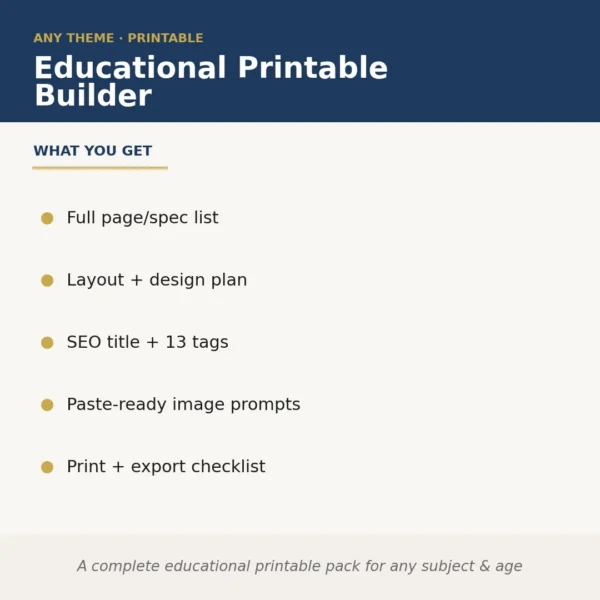
Educational Printable Builder
$8.99View skill
Skill · Education & Kids
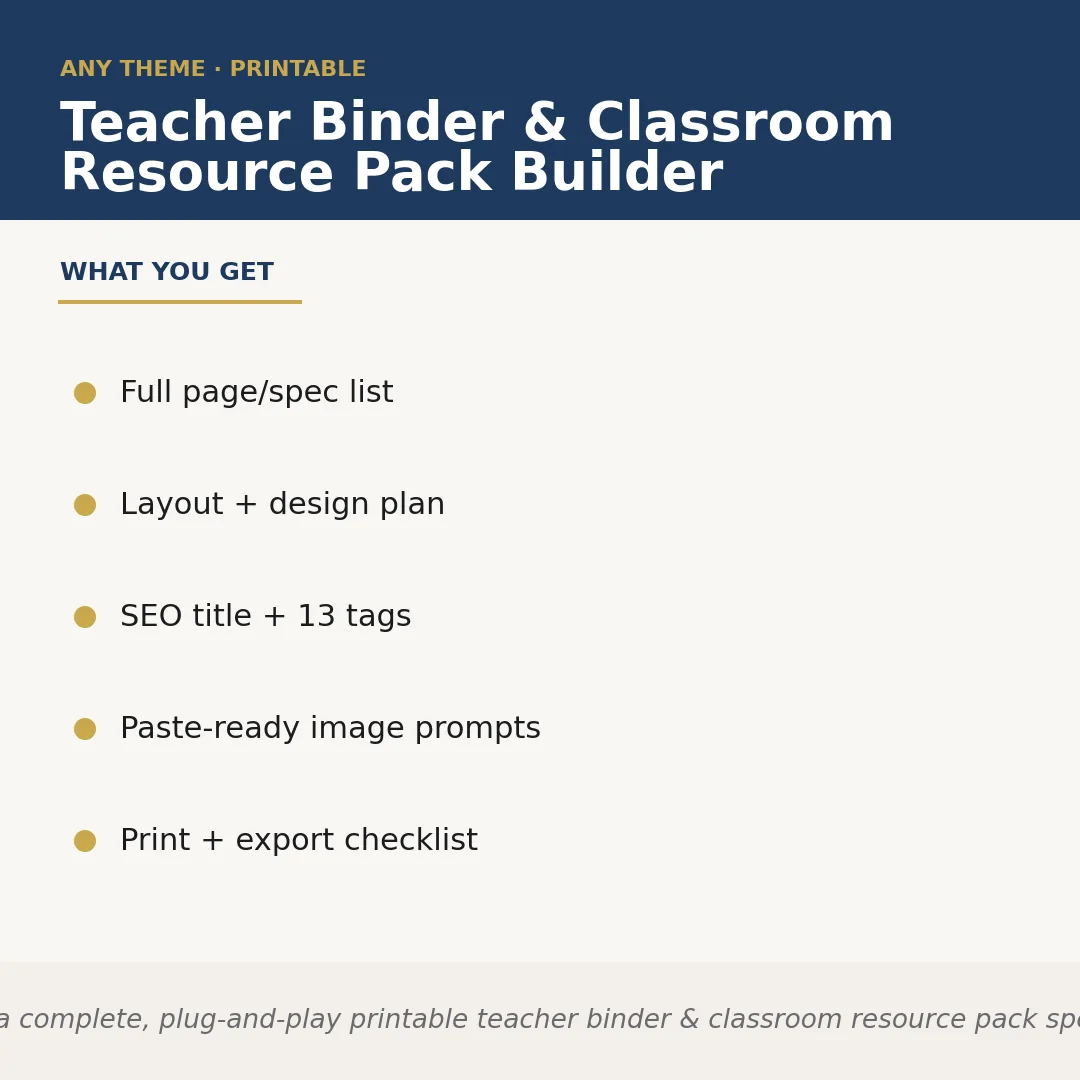
Teacher Binder & Classroom Resource Pack Builder is a Claude skill for Education & Kids. Builds a complete, plug-and-play printable teacher binder & classroom resource pack spec for ANY binder type or theme the seller names — substitute. It costs $6.99 on PromptBase. It runs on any Claude plan, including Free. Part of the StrategistKit catalog of 190+ focused Claude skills.
10 credits — included with a membership (30 credits/mo).
Prefer a one-time purchase, without joining?
Buy once on PromptBase (opens in a new tab) Also on Agensi — $8.99 (opens in a new tab)StrategistKit Affiliate. One-time purchase on PromptBase. Payment, delivery and refunds are handled by the marketplace — see their policy for refund terms. PromptBase purchases earn us a referral fee.
Overview
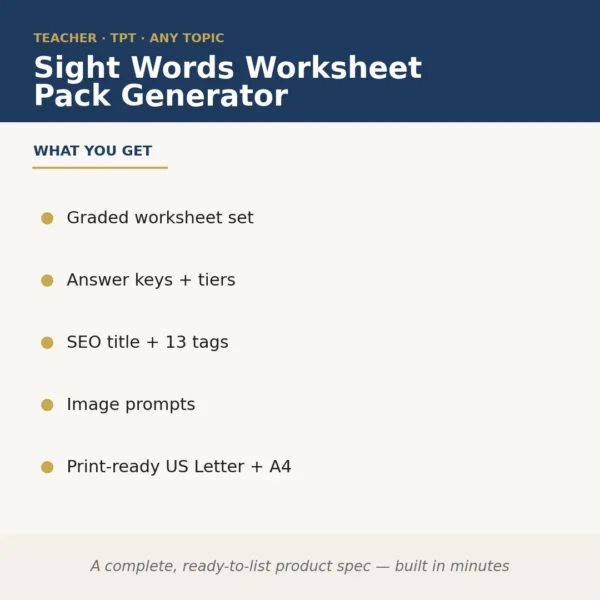
This skill takes one runtime input — the binder type or theme you name — and returns a complete, structured product specification ready to hand off to a designer or feed directly into your listing workflow. It produces a coordinated page list (every tab, divider, and form named and described), a layout and design style guide, a cover concept brief, an Etsy- or TPT-optimized title and description, 13 keyword tags, paste-ready image-generator prompts for mockup scenes, and a print-and-export checklist covering page sizing, bleed, and file format recommendations.
A seller building a substitute teacher resource pack would enter something like 'emergency sub tub binder, bright primary colors, K-2 classroom.' The skill returns a full specification: page list covering a class roster form, schedule at a glance, behavior expectations card, bathroom pass log, read-aloud book list, and eight additional named forms; a style guide specifying font pairings, color hex codes, and border style; a cover concept description; an SEO title such as 'Emergency Sub Tub Binder Printable | Substitute Teacher Forms K-2 | Classroom Management Pack'; and a block of image prompts ready to paste into a generator.
Output excerpt (partial page list): 1. Cover Page — editable name field, school year line; 2. Sub Information at a Glance — schedule grid, lunch/special rotations; 3. Class Roster with Allergy & Medical Alert Column; 4. Daily Behavior Tally Sheet; 5. Emergency Procedures Quick Reference Card. Alongside the page list, the checklist section specifies US Letter at 300 dpi, 0.125-inch bleed on all sides, individual PDF pages plus a bundled ZIP, and a no-bleed digital-only variant note.
Who it's for
Etsy and Teachers Pay Teachers sellers who produce printable teacher binders and classroom resource packs — particularly those launching new binder types frequently or expanding into adjacent niches — and who want a complete, listing-ready spec without building page lists, SEO copy, and design briefs from scratch each time.
What you get
One .skill bundle. Run it on your material and it returns:
How it works
Add the .skill file to your Claude app. About 10 seconds.
Invoke the skill and paste in your material.
Review, keep what works, and use it.
In depth
A copy-paste prompt runs one static pass and stops. A skill is a bundled program — instructions, examples, and a workflow Claude runs as a unit: it asks for the right input, applies the same pattern every time, and returns the structured outputs above.
FAQ
One descriptive prompt naming the binder type or theme, the intended grade level or audience if relevant, and any style preferences such as color scheme or aesthetic. The more specific your input, the more targeted the output, but even a short description like 'IEP data binder, neutral minimalist design' produces a full working spec.
It produces a structured written specification — page list, style guide, SEO copy, image prompts, and checklist — not finished design files. You or your designer use the spec to build the actual printable product.
The title, description, and 13 tags are written to fit Etsy listing conventions and TPT search patterns simultaneously, so the same copy is usable on either platform with minor platform-specific formatting adjustments.
The skill is designed around a single binder type per run so each output is fully coherent and specific. For a different binder type, start a new session with a new input prompt.
The prompts are written as plain descriptive text and are compatible with any major text-to-image tool such as Midjourney, Adobe Firefly, or DALL-E. No platform-specific syntax is locked in.
More in Education & Kids
Part of these collections
We use cookies for anonymous analytics (read more). Accept, decline, or choose for yourself.