WordPress Security Code Auditor
$27.99View skill
Skill · WordPress & Dev
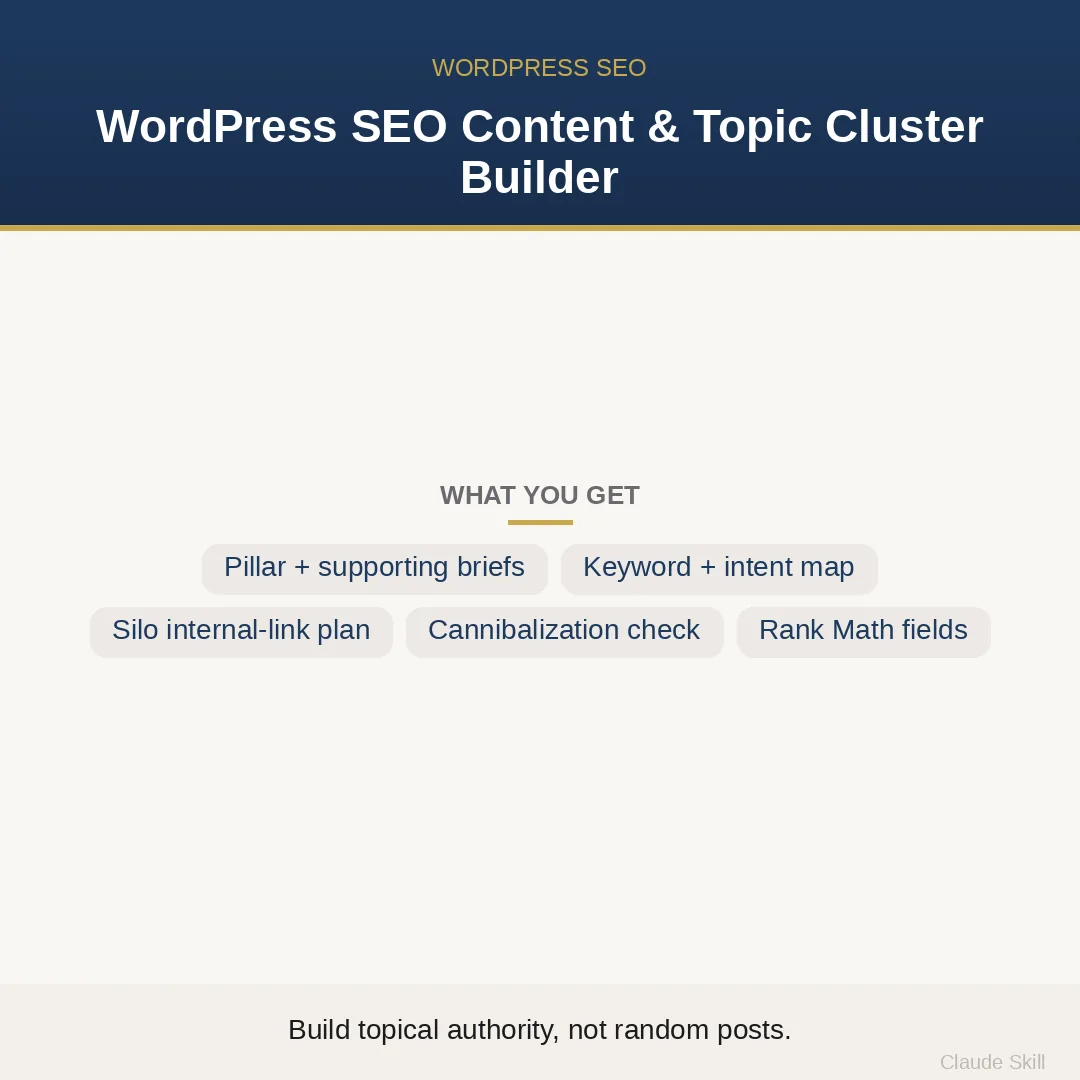
WordPress SEO Content & Topic Cluster Builder is a Claude skill for WordPress & Dev. Builds a complete topic-cluster + silo architecture for any WordPress niche — pillar brief, supporting-article briefs, keyword map, internal-link plan, and Rank Math fields. It costs $8.99 on Agensi. It runs on any Claude plan, including Free. Part of the StrategistKit catalog of 190+ focused Claude skills.
10 credits — included with a membership (30 credits/mo).
Prefer a one-time purchase, without joining?
Buy once on Agensi (opens in a new tab)StrategistKit Affiliate. One-time purchase on Agensi. Payment, delivery and refunds are handled by the marketplace — see their policy for refund terms.
Overview
Give this skill a niche — or a list of existing post URLs — and it returns a complete, build-ready WordPress content architecture, not a flat keyword list. In PLAN mode it produces one pillar-page brief, 8–14 supporting-article briefs with concrete titles, a keyword map assigning one primary keyword and a search intent to every page, a hub-and-spoke internal-link table with exact anchor text, WordPress-specific structure guidance (parent category, permalink pattern, tag warnings), Rank Math-ready SEO title, meta description, and focus keyword per page, and a prioritised content-gap list for the next expansion round.
In AUDIT mode, paste your existing post titles or URLs and the skill maps them into clusters, identifies the missing pillar, surfaces keyword cannibalization conflicts, and flags orphan pages — each fix scored by impact-squared-over-effort so you know which structural problem to solve first. A typical input looks like: 'Niche: home espresso machines, affiliate site, Rank Math installed' or a raw list of 30 post slugs. Either way, the skill delivers the complete plan in its first response — no questionnaire, no waiting.
Example output excerpt — keyword map rows for three pages in the espresso cluster: Pillar | 'best espresso machines for home' | informational-commercial | focus keyword: home espresso machines | SEO title: 'Best Home Espresso Machines (2025 Guide) — YourSite' | meta: 'We tested 18 machines…' [≤155 chars]. Spoke 1 | 'how to dial in espresso grind size' | informational | links up to pillar with anchor 'home espresso machines'. Spoke 2 | 'single boiler vs dual boiler espresso machine' | commercial investigation | sideways link to Spoke 3: 'best budget espresso machines'. The full output covers every planned page in this structure.
Who it's for
Niche-site and affiliate-blog builders who need a full WordPress silo planned before they write a single word, agency content leads who deliver cluster briefs to writers on deadline, and WordPress site owners whose existing posts have no pillar and are splitting rankings — the AUDIT mode is built specifically for that last case.
How it works
Add the .skill file to your Claude app. About 10 seconds.
Invoke the skill and paste in your material.
Review, keep what works, and use it.
In depth
A copy-paste prompt runs one static pass and stops. A skill is a bundled program — instructions, examples, and a workflow Claude runs as a unit: it asks for the right input, applies the same pattern every time, and returns the structured outputs above.
FAQ
For PLAN mode: your niche or seed topic, your monetization model (affiliate, lead-gen, e-commerce), and which SEO plugin you use (Rank Math, Yoast, or none). For AUDIT mode: a list of existing post titles or URLs. All of these are optional — the skill runs on sensible defaults if you skip any.
The skill returns structured text in a single response: named sections for the pillar brief, each supporting-article brief, the keyword map table, the hub-and-spoke link table, the WordPress structure block, Rank Math fields per page, and the content-gap list. You copy the Rank Math fields directly into the plugin; the briefs go straight to your writers.
The niche is always your runtime input — nothing is hardcoded. A personal finance blog and a dog-training blog both get a full cluster tailored to whichever topic you supply.
AUDIT mode is for sites that already have posts but no deliberate cluster structure. Paste your existing post titles or URLs; the skill maps them into clusters, identifies the missing pillar, flags which pages are cannibalising each other's rankings, and lists orphan pages — prioritised so you address the highest-impact structural fix first.
Yes. During context setup you specify your SEO plugin. When you select Yoast the output labels the same title, meta, and focus-keyword fields using Yoast's terminology instead of Rank Math's. If you use no plugin, those fields are still delivered as plain text you can paste manually.
More in WordPress & Dev
Part of these collections
We use cookies for anonymous analytics (read more). Accept, decline, or choose for yourself.