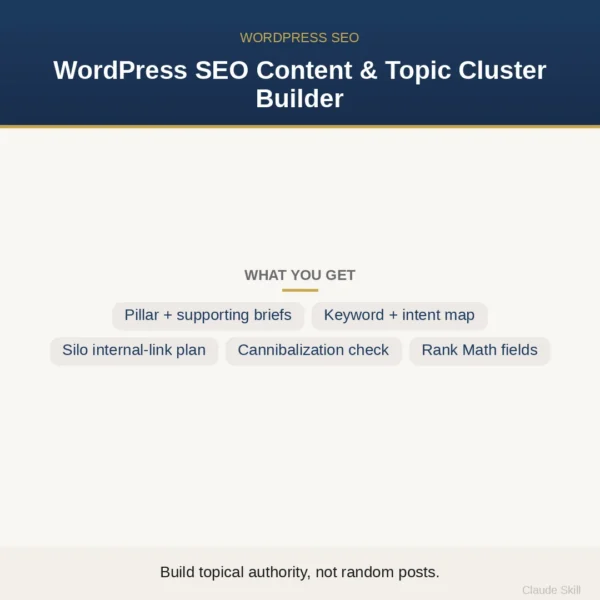
WordPress SEO Content & Topic Cluster Builder
$8.99View skill
Skill · WordPress & Dev
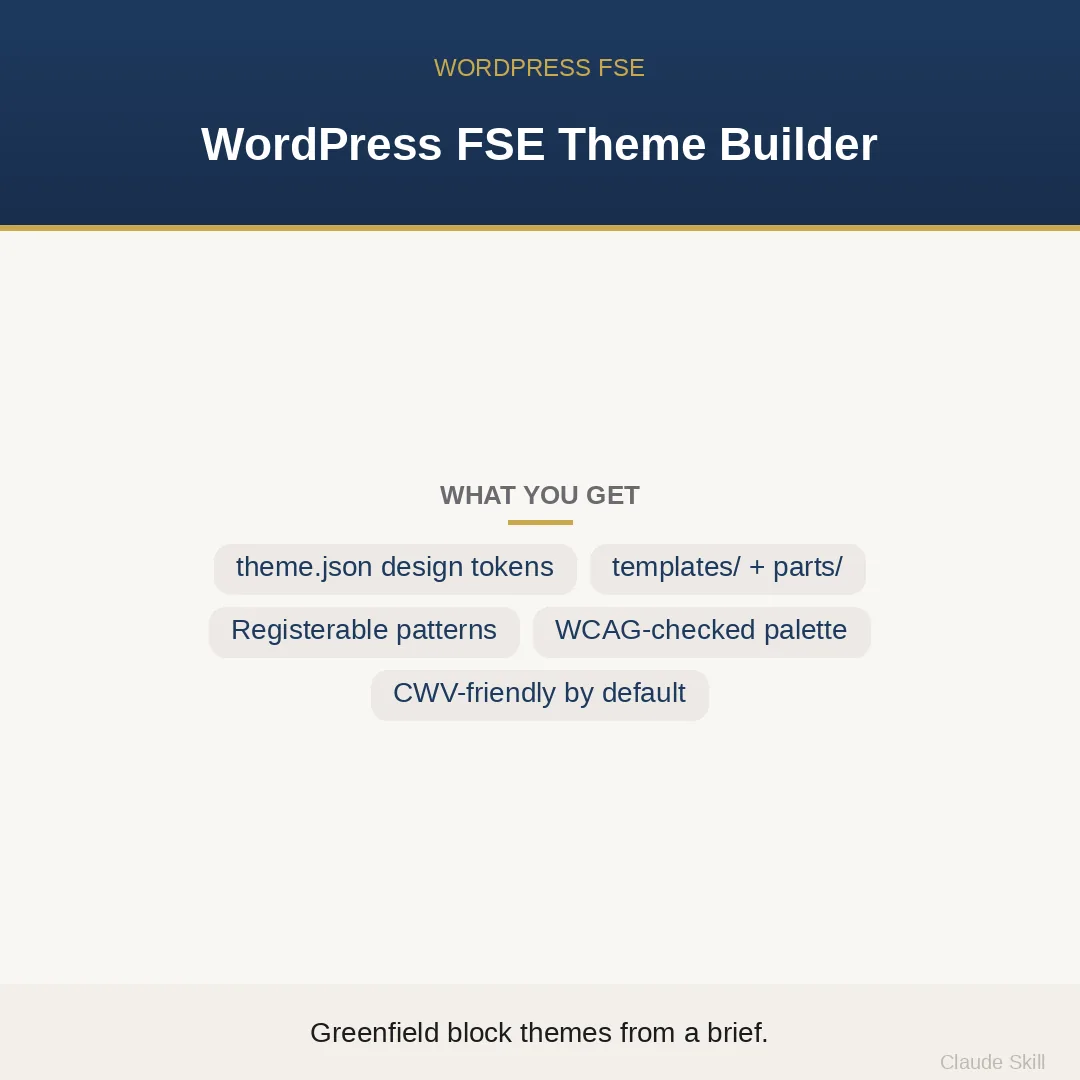
WordPress FSE Theme Builder is a Claude skill for WordPress & Dev. Build a complete, runnable greenfield WordPress block theme from a brand brief — theme.json design system, all templates, parts, and patterns, WCAG-checked and CWV-friendly. It costs $12.99 on Agensi. It runs on any Claude plan, including Free. Part of the StrategistKit catalog of 190+ focused Claude skills.
10 credits — included with a membership (30 credits/mo).
Prefer a one-time purchase, without joining?
Buy once on Agensi (opens in a new tab)StrategistKit Affiliate. One-time purchase on Agensi. Payment, delivery and refunds are handled by the marketplace — see their policy for refund terms.
Overview
Give this skill a brand brief — colors, fonts, site type, must-have sections — and it returns a complete, paste-ready WordPress Full Site Editing block theme in one pass. It computes a WCAG 2.1 AA-checked color palette with every text-pairing contrast ratio shown, builds a fluid type scale with the clamp() math exposed, wires six core templates plus a custom full-width template, and writes header.html and footer.html with proper landmarks and a skip-link target — all referencing the same theme.json v3 design system. Style.css, functions.php, three registerable section patterns, a ship checklist, and a README are included. A separate REVIEW mode accepts an existing theme.json and returns a scored audit with exact adjusted hex values for every failing color and the top three fixes ranked by priority.
Example input: 'Build a block theme for Ardent Legal, a boutique employment-law firm. Primary: #1A2E4A (deep navy). Accent: #B8860B (dark gold). Body font: system sans. Headings: Georgia stack. Must-have sections: hero with headline + CTA button, feature grid of three practice areas, client-logo strip.' The skill detects this as a BUILD, applies the brand, checks #1A2E4A against #FFFFFF (contrast: 12.4:1, pass) and #B8860B against #FFFFFF (3.8:1, borderline — supplies a safe fallback #A07608 with ratio 4.6:1), computes a fluid h1 from clamp(2rem, 5vw, 3.5rem), and returns every file described above scoped to Ardent Legal's tokens.
Structured excerpt from the returned theme.json palette block: { "slug": "primary", "color": "#1A2E4A", "name": "Navy" }, { "slug": "accent", "color": "#A07608", "name": "Gold (AA-safe)" }, { "slug": "surface", "color": "#F8F6F3", "name": "Off-White" }. The accompanying palette table lists every foreground/background pair with its computed ratio, a pass/fail flag, and any adjusted hex. Templates reference only the slugs defined here — no hard-coded colors appear in block markup.
Who it's for
WordPress developers and agencies starting a net-new FSE block theme who want a coherent, accessibility-checked design system without hand-tuning theme.json token by token. Also useful for designers handing off a finished brand brief who need a developer-ready file set, and freelancers who want a correct, auditable theme structure they can hand to a client without a QA backlog.
How it works
Add the .skill file to your Claude app. About 10 seconds.
Invoke the skill and paste in your material.
Review, keep what works, and use it.
In depth
A copy-paste prompt runs one static pass and stops. A skill is a bundled program — instructions, examples, and a workflow Claude runs as a unit: it asks for the right input, applies the same pattern every time, and returns the structured outputs above.
FAQ
theme.json (version 3), style.css (theme header + focus-visible + reduced-motion), functions.php (presentation hooks only), index/single/page/archive/search/404 templates plus a custom full-width template, header.html and footer.html template parts, three patterns (hero, CTA band, feature grid) as registerable .php files, a WCAG contrast-ratio table, a ship/QA checklist, and a README covering install, structure, recoloring, and version requirements.
A partial brief is enough — even no brief at all. When information is missing the skill fills gaps with professional defaults (a modern professional-services brand called Northwind), delivers the full theme immediately, then asks one follow-up. Nothing blocks the first deliverable.
Yes. Paste an existing theme.json and the skill switches to REVIEW mode: it scores the token architecture, checks every color pairing for contrast, evaluates fluid-type setup, and returns the top three prioritized fixes — including the exact adjusted hex value for any color that fails WCAG 2.1 AA.
By default the skill uses system-font stacks for Core Web Vitals performance; ask explicitly for self-hosted web fonts and it will include the @font-face declarations. WooCommerce block templates and custom post types are outside scope — the skill notes that business logic belongs in a companion plugin, not the theme.
The theme targets theme.json version 3, which requires WordPress 6.1 or later. The README includes version requirements. No classic PHP templates or shortcodes are generated — the theme is FSE-only.
More in WordPress & Dev
Part of these collections
We use cookies for anonymous analytics (read more). Accept, decline, or choose for yourself.