WordPress SEO Content & Topic Cluster Builder
$8.99View skill
Skill · WordPress & Dev
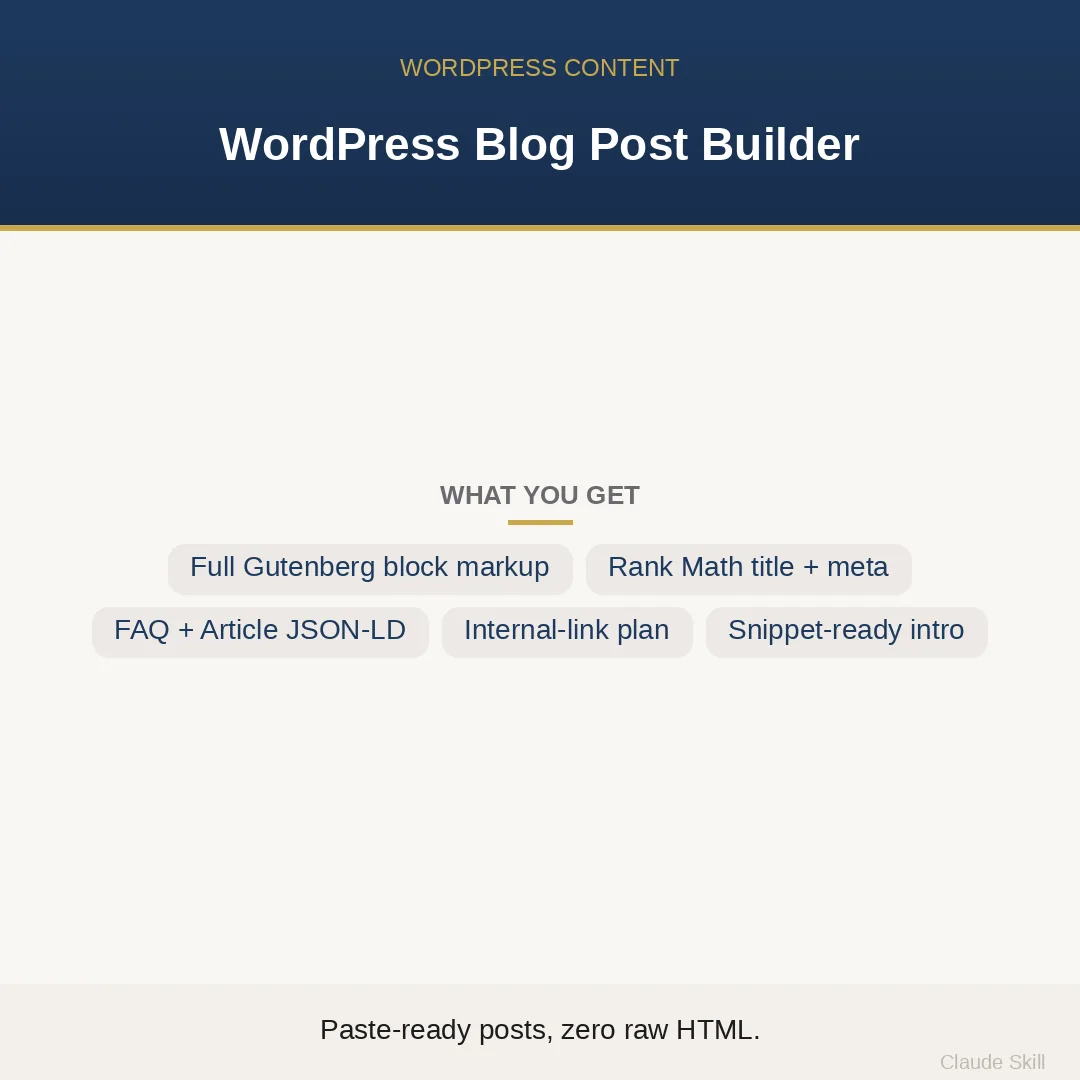
WordPress Blog Post Builder is a Claude skill for WordPress & Dev. Write a complete, SEO-structured WordPress blog post on any topic and get it back as valid Gutenberg block markup ready to paste straight into the editor — plus a Rank Math-ready title and meta, FAQ + Article schema, an internal-linking plan, and image alt text. It costs $8.99 on Agensi. It runs on any Claude plan, including Free. Part of the StrategistKit catalog of 190+ focused Claude skills.
10 credits — included with a membership (30 credits/mo).
Prefer a one-time purchase, without joining?
Buy once on Agensi (opens in a new tab)StrategistKit Affiliate. One-time purchase on Agensi. Payment, delivery and refunds are handled by the marketplace — see their policy for refund terms.
Overview
This skill takes a topic and a target keyword and returns a complete, publish-ready WordPress blog post — not prose to reformat, but valid Gutenberg block markup you paste straight into the Code editor view. Headings, paragraphs, lists, tables, and FAQ entries all arrive as native wp: block comments. On top of the body, every output includes a Rank Math-ready SEO title and meta description with live character counts, a featured-snippet-targeted intro, FAQ + Article JSON-LD schema, an internal-linking plan with anchor and target suggestions, and image alt text. A second mode, OPTIMIZE, accepts a messy draft or raw HTML and converts it into the same clean package.
A typical buyer input: 'WRITE mode — topic: how to choose a standing desk for a small home office, keyword: best standing desk for small spaces, niche: home productivity beginners, tone: friendly, 1,500 words, Rank Math.' The skill detects the mode automatically, writes the full post in the SNAP framework (Snippet answer, Navigable body, Authority signals, Pathway out), and leads with a 40–55-word first paragraph engineered to answer the query for a featured snippet.
A sample of what comes back — SEO fields section: SEO Title: 'Best Standing Desk for Small Spaces: 7 Picks for 2026' (53 chars). Meta Description: 'Tight on space? These standing desks fit a 4-foot corner desk footprint without sacrificing stability or cable management.' (122 chars — pad to 150 if adding brand). Slug: best-standing-desk-small-spaces. Body excerpt: <!– wp:heading {"level":2} –><h2>What to Look for Before You Buy</h2><!– /wp:heading –><!– wp:paragraph –><p>A standing desk for a small home office needs to clear three hurdles: footprint under 48 inches wide, a sturdy crossbar that does not block your legroom, and a weight rating above 50 lbs for a dual-monitor setup.</p><!– /wp:paragraph –>
Who it's for
WordPress bloggers, content-focused small-business owners, and agency writers who already know what they want to say but lose an hour per post to Gutenberg formatting, SEO plugin fields, schema markup, and internal-link planning. Particularly useful for anyone publishing consistently across a niche where the topic changes every post but the publishing checklist stays the same.
How it works
Add the .skill file to your Claude app. About 10 seconds.
Invoke the skill and paste in your material.
Review, keep what works, and use it.
In depth
A copy-paste prompt runs one static pass and stops. A skill is a bundled program — instructions, examples, and a workflow Claude runs as a unit: it asks for the right input, applies the same pattern every time, and returns the structured outputs above.
FAQ
The body is delivered as standard Gutenberg block comment markup (wp:heading, wp:paragraph, wp:list, etc.). Paste it into the Code editor view in WordPress and it renders as fully editable native blocks — no locked HTML, no 'unexpected content' warnings, no raw HTML blocks.
The topic, niche, and audience are always inputs you supply at runtime. The skill writes with equal fluency for gardening, B2B SaaS, personal finance, pet care, or any other vertical — the craft it applies (SNAP structure, Gutenberg formatting, schema rules) is platform-level, not niche-specific.
The default output is formatted for Rank Math field labels, but if you specify Yoast the skill adjusts the field names accordingly. The character-count logic and targets (50–60 chars for the title, 150–155 for the meta) are the same either way.
The schema is generated as Article + FAQPage markup that only references facts present in the post body. It does not include review, rating, or aggregate-rating markup, which are common sources of policy violations. The skill also flags any E-E-A-T risks (fabricated stats, unverifiable claims) in built-in safety notes on each output.
Either works. Paste the existing post's HTML or plain text, tell the skill it is a published post if you want the internal-link plan to treat it as an existing page, and it returns the restructured content as clean block markup with a revised title, fresh meta, schema, and link suggestions — ready to paste back in.
More in WordPress & Dev
Part of these collections
We use cookies for anonymous analytics (read more). Accept, decline, or choose for yourself.