WordPress SEO Content & Topic Cluster Builder
$8.99View skill
Skill · WordPress & Dev
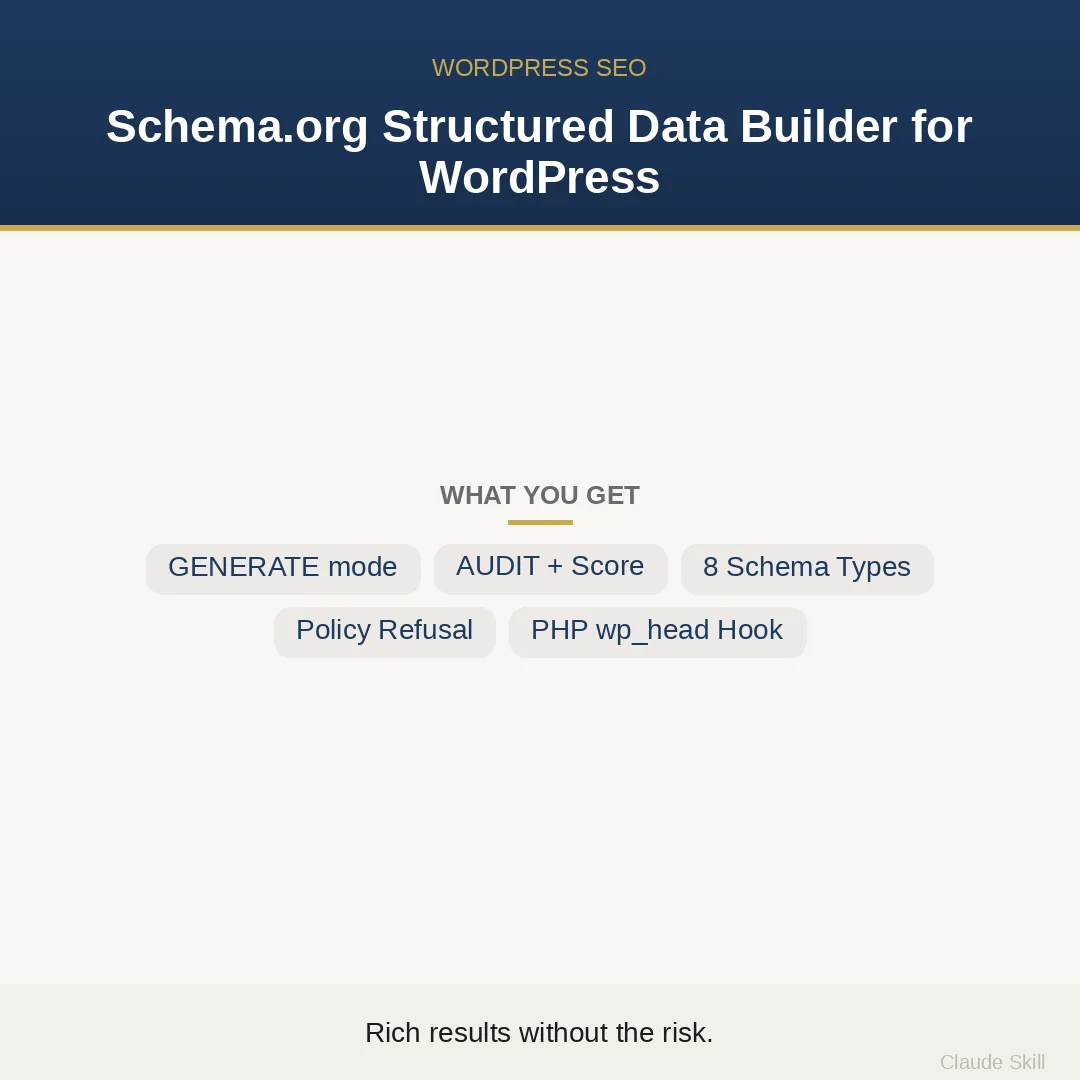
Schema.org Structured Data Builder for WordPress is a Claude skill for WordPress & Dev. Generates correct, policy-safe Schema.org JSON-LD for any WordPress page type — and audits existing schema for errors and Google-penalty risk before rich results become a liability. It costs $11.99 on Agensi. It runs on any Claude plan, including Free. Part of the StrategistKit catalog of 190+ focused Claude skills.
10 credits — included with a membership (30 credits/mo).
Prefer a one-time purchase, without joining?
Buy once on Agensi (opens in a new tab)StrategistKit Affiliate. One-time purchase on Agensi. Payment, delivery and refunds are handled by the marketplace — see their policy for refund terms.
Overview
This skill operates in two modes. In GENERATE mode, supply a page type (Article, FAQPage, Product, LocalBusiness, Organization, WebSite, BreadcrumbList, or Event) along with your data sources — post meta keys, ACF field names, WooCommerce product API fields — and the skill returns complete, validated JSON-LD plus a production-ready PHP snippet that hooks into wp_head, dispatches the correct schema per WordPress conditional tag, and detects Rank Math and Yoast SEO to suppress duplicate BreadcrumbList output. In AUDIT mode, paste your existing schema and receive a scored finding table prioritized by Impact²/Effort, with policy violations flagged first and before/after patches for every finding above the threshold.
Example input (GENERATE mode): page type is Product, data sources are WooCommerce product API for price and availability, ACF for a custom 'brand' field, and no user-visible reviews exist on the page. The skill generates JSON-LD that omits AggregateRating entirely — not because the field is missing, but because rendering a star rating Google cannot verify against visible page content is an explicit policy violation — and includes a PHP snippet using is_product() dispatch with sanitized dynamic value calls. Example input (AUDIT mode): paste three existing JSON-LD blocks from a portfolio site and receive a finding table that surfaces an unverifiable AggregateRating, a missing required 'url' on LocalBusiness, and a duplicate BreadcrumbList conflict with Yoast.
The output in AUDIT mode is structured, not prose. Findings are rows: severity, property path, violation type, and a patch block. The skill also ships a static policy red-flags table listing nine specific schema patterns that risk a Google manual action alongside safe alternatives, a WP data-mapping guide for Article, Product, FAQ, and LocalBusiness field reads, and a 13-point validation checklist where every criterion carries its own Verify: method so QA is testable, not subjective.
Who it's for
WordPress developers and agencies maintaining multiple client sites who need rich results without exposure to Google's Spammy Structured Markup manual action — particularly freelancers inheriting legacy codebases where someone else already added unverifiable AggregateRating or duplicated BreadcrumbList blocks that a standard SEO audit tool will not catch.
What you get
One .skill bundle. Run it on your material and it returns:
How it works
Add the .skill file to your Claude app. About 10 seconds.
Invoke the skill and paste in your material.
Review, keep what works, and use it.
In depth
A copy-paste prompt runs one static pass and stops. A skill is a bundled program — instructions, examples, and a workflow Claude runs as a unit: it asks for the right input, applies the same pattern every time, and returns the structured outputs above.
FAQ
For GENERATE mode: the target page type, the WordPress data sources you want mapped (post meta keys, ACF field slugs, or WooCommerce API references), and whether Rank Math or Yoast SEO is active. For AUDIT mode: your existing JSON-LD blocks, pasted directly or referenced by URL.
The PHP snippet targets wp_head via add_action, which fires regardless of theme architecture — block themes, classic themes, hybrid setups, and headless configurations that still process WordPress template hooks are all compatible.
AggregateRating is only emitted when you confirm that a real, user-visible review summary is rendered on the page for a logged-out visitor. If that condition is not met, the skill flags it as a policy violation risk and substitutes safe markup — because Google cross-checks schema claims against what its crawler sees, and a mismatch is grounds for a manual action, not a rich result.
The eight supported Schema.org types — Article, FAQPage, Product, LocalBusiness, Organization, WebSite, BreadcrumbList, Event — can be mapped to any post type, including custom ones, as long as you supply the field sources. The skill does not auto-discover custom post type structures; you specify the field mapping.
The snippet is a self-contained functions.php-ready block using add_action('wp_head', …) with conditional tag dispatch. It is written to WordPress Coding Standards, sanitizes all dynamic values, and includes inline comments explaining each dispatch branch. Paste it into your child theme's functions.php or a site-specific plugin — no build step required.
More in WordPress & Dev
Part of these collections
We use cookies for anonymous analytics (read more). Accept, decline, or choose for yourself.