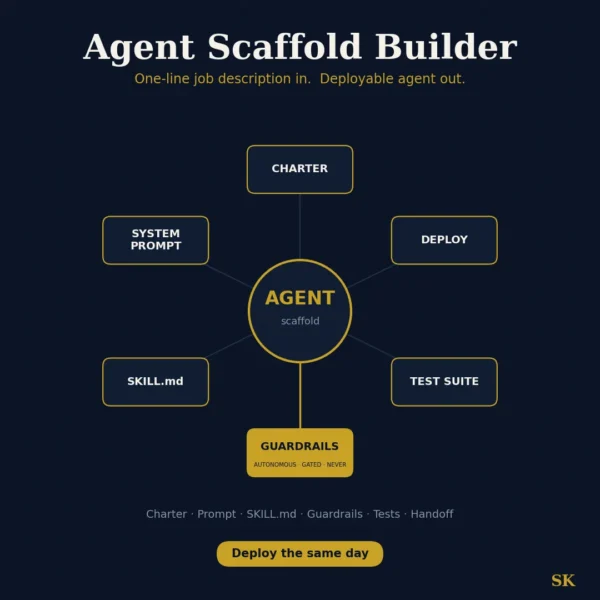
Agent Scaffold Builder
$8.99View skill
Skill · AI & Development
Visual Polish Master is a Claude skill for AI & Development. Refine UI details with layered shadows, interactive states, and premium CSS polish to turn functional code into a finished product. It costs $8.99 on Agensi. It runs on any Claude plan, including Free. Part of the StrategistKit catalog of 190+ focused Claude skills.
10 credits — included with a membership (30 credits/mo).
Prefer a one-time purchase, without joining?
Buy once on Agensi (opens in a new tab)StrategistKit Affiliate. One-time purchase on Agensi. Payment, delivery and refunds are handled by the marketplace — see their policy for refund terms.
Overview
Visual Polish Master targets the surface layer of a near-finished UI — shadows, borders, corner radii, interactive states, and transitions — without touching your layout or component structure. Share a screenshot or paste your CSS, Tailwind classes, or component code, and it audits what reads as unfinished: flat shadows that look glued rather than floating, missing focus rings that break accessibility, easing curves that feel mechanical. Every suggestion comes with an exact value change and a plain-English reason for why it works perceptually.
A typical session starts with a buyer sharing a card component: a white surface, a single drop-shadow, and a hover state that only changes background color. The skill asks four quick questions — stack, goal, constraints, and audience — then delivers a prioritized audit. Example output excerpt: Shadow — replace 'box-shadow: 0 2px 8px rgba(0,0,0,0.12)' with a two-layer stack ('0 1px 2px rgba(0,0,0,0.08), 0 4px 16px rgba(0,0,0,0.10)') so the card lifts without hazing. Hover — add 'transform: translateY(-1px)' at 150ms with 'cubic-bezier(0.25,0.46,0.45,0.94)' to give motion a physical quality. Focus — introduce a 2px offset ring in your brand accent; the current state is invisible to keyboard users.
Outputs are delivered in the format that matches your workflow: a structured audit report with prioritized findings, copy-paste CSS or Tailwind tokens, or a checklist with per-element verification fields. Dark mode is covered as a dedicated pass — elevation and contrast values are adjusted separately so lifted surfaces read correctly against dark backgrounds, not just inverted from light mode.
Who it's for
Front-end developers and product designers who have working, functional interfaces but notice the gap between their UI and polished commercial software — and want specific, implementable fixes rather than subjective design feedback. Particularly useful for solo founders and small teams shipping without a dedicated design QA resource.
How it works
Add the .skill file to your Claude app. About 10 seconds.
Invoke the skill and paste in your material.
Review, keep what works, and use it.
In depth
A copy-paste prompt runs one static pass and stops. A skill is a bundled program — instructions, examples, and a workflow Claude runs as a unit: it asks for the right input, applies the same pattern every time, and returns the structured outputs above.
FAQ
A screenshot of your UI, a code snippet (CSS, Tailwind, JSX), or both. The more context you share — stack, light or dark mode, component purpose — the more targeted the output. The skill asks four short clarifying questions before auditing.
No. It works only the surface layer: shadows, borders, radii, transitions, and interactive states. Core layout, spacing system, and component hierarchy are left untouched.
Depending on your workflow choice, it returns copy-paste CSS custom properties or Tailwind utility classes, a structured audit report, or a per-element checklist. You specify which format you need in the opening questions, or it defaults to direct inline specs for quick sessions.
Yes. Dark mode is a dedicated audit pass that checks elevation contrast, shadow opacity adjustments, and border visibility separately — not just an inverted version of light-mode values.
Yes. The skill can deliver vanilla CSS, Tailwind utility suggestions, or framework-agnostic design tokens. Specify your stack in the opening context step and output is formatted accordingly.
More in AI & Development
Part of these collections
We use cookies for anonymous analytics (read more). Accept, decline, or choose for yourself.