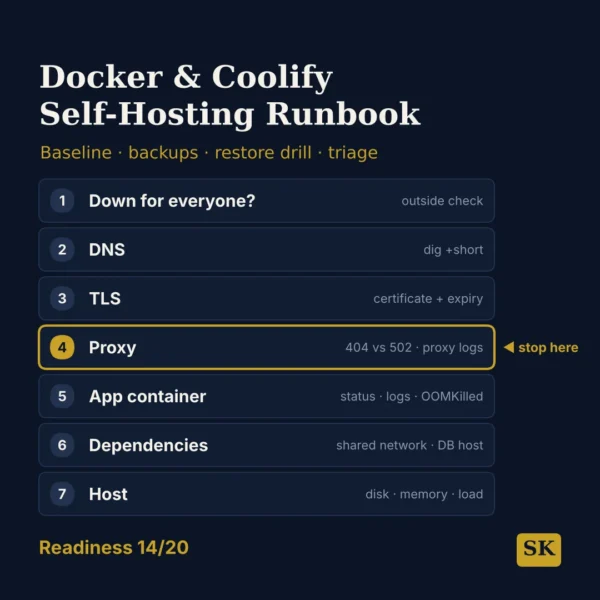
Docker & Coolify Self-Hosting Runbook
$8.99View skill
We use cookies for anonymous analytics (read more). Accept, decline, or choose for yourself.
Skill · AI & Development
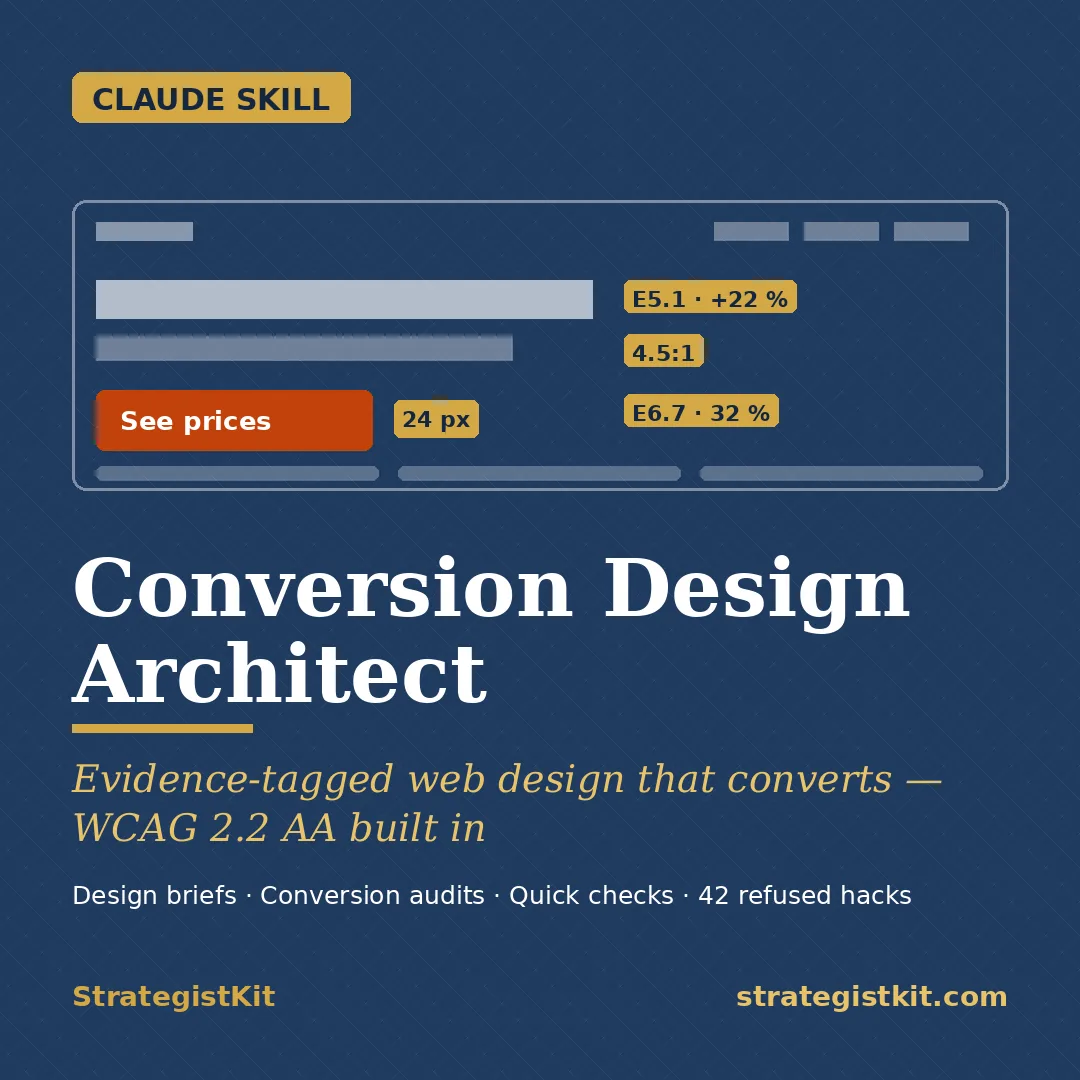
Conversion Design Architect is a Claude skill for AI & Development. Design briefs and page audits built on 107 numbered rules that show their evidence type, number, year and sample where the source has them — with computed contrast and a WCAG 2.2 AA plan. It costs $5 on Agensi. It runs on any Claude plan, including Free. Part of the StrategistKit catalog of 190+ focused Claude skills.
10 credits — included with a membership (30 credits/mo).
Prefer a one-time purchase, without joining?
Buy once on Agensi (opens in a new tab)StrategistKit Affiliate. One-time purchase on Agensi. Payment, delivery and refunds are handled by the marketplace — see their policy for refund terms.
Overview
Conversion Design Architect turns a business and one conversion goal into a complete design brief, or an existing page into a ranked audit. Every evidence number it quotes carries the rule ID, the year and the evidence tag, and where only convention exists it says "convention". It never invents a number, and it computes contrast ratios with the WCAG relative-luminance formula instead of estimating them.
A realistic input: "Design brief for a dental clinic in Oslo: goal = online booking via our booking widget, brand #0E5A6B, 48 Google reviews at 4.7, real staff photos, from-prices attached." You get a client pack in plain language and a developer pack with CSS custom properties, a contrast table, component states, a vendor QA checklist for the widget, a WCAG 2.2 AA design conformance plan, tracking events and a semantic HTML wireframe of the primary page.
A sample audit finding: the primary CTA is an outline "Learn more" button on a dark hero. Evidence: weak clickability signifiers cost +22 % time and +25 % fixations (NN/g 2017, 71 users). Exact change: a filled #C2410C button with a white label (5.18:1); on the dark panel the fill reaches only 2.06:1, below the skill's 3:1 signifier rule, so a 2 px white border is added (10.67:1).
Who it's for
Web designers, agencies and freelancers who write design specs; CRO consultants and e-commerce managers who audit pages; SaaS marketers; and public-sector web teams that must meet WCAG.
What you get
One .skill bundle. Run it on your material and it returns:
How it works
Add the .skill file to your Claude app. About 10 seconds.
Invoke the skill and paste in your material.
Review, keep what works, and use it.
In depth
A copy-paste prompt runs one static pass and stops. A skill is a bundled program — instructions, examples, and a workflow Claude runs as a unit: it asks for the right input, applies the same pattern every time, and returns the structured outputs above.
FAQ
For a design brief: the business, offer and audience, one primary goal per page, the market and the site language — plus prices, proof assets and any third-party widgets you must keep. For an audit: the page as a URL, mobile and desktop screenshots or HTML, and PageSpeed or Lighthouse data if you have it. It asks for what is missing and lists any assumptions under "inputs still needed".
Partly. With only SKILL.md it runs Quick Check and a reduced design brief from its built-in core constants, and says the full rule set is not loaded. The conversion audit needs the reference files, because it scores against the 60-check rubric.
No. The legal notes are design guidance: Norway in depth with dated sources, the EU in general terms, and Germany, the UK and the US as pointers marked for verification. Findings are worded as "may breach" or "required by" with the provision, and it recommends counsel for anything client-facing.
It gives the range and context of the study behind a fix, then says your result will differ, since most tests fail. It never transplants a case-study percentage onto your page.
42 anti-patterns in four groups: debunked, unsupported, ethically risky, and unlawful or regulator-flagged — for example resetting countdown timers or marking only optional form fields. Each one comes with the reason and an alternative.
More in AI & Development
Part of these collections