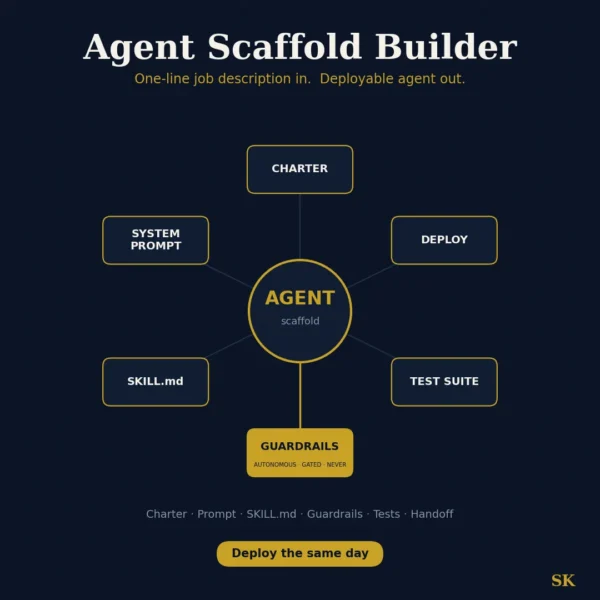
Agent Scaffold Builder
$8.99View skill
Skill · AI & Development
Minimalist UI Simplifier is a Claude skill for AI & Development. Apply the Delete-Demote-Defer framework to declutter complex interfaces and reduce visual noise in your UI. It costs $8.99 on Agensi. It runs on any Claude plan, including Free. Part of the StrategistKit catalog of 190+ focused Claude skills.
10 credits — included with a membership (30 credits/mo).
Prefer a one-time purchase, without joining?
Buy once on Agensi (opens in a new tab)StrategistKit Affiliate. One-time purchase on Agensi. Payment, delivery and refunds are handled by the marketplace — see their policy for refund terms.
Overview
The Minimalist UI Simplifier applies a structured Delete-Demote-Defer framework to any screen or workflow you describe. It starts by identifying the single primary task the screen must serve, then inventories every element against that task, sorting each into three buckets: remove entirely, push into a sub-menu or secondary flow, or keep at surface level. The output is not a vague suggestion to 'clean things up' — it is a documented triage with a rationale for each decision, a stakeholder defense guide to prevent re-cluttering in review meetings, and a developer-ready implementation checklist.
To use it, describe the screen you want simplified — paste a description, share a screenshot, or narrate the current layout — and explain what users are trying to accomplish there. For example: 'This is a SaaS dashboard settings page with 14 form fields, 3 toggle panels, and a sidebar navigation. Users mostly come here just to update their billing details.' That context is enough for the skill to begin its triage.
A typical output excerpt might look like this — Delete: 'API usage graph (only 4% of users access billing settings for this reason; move to a dedicated Analytics section).' Demote: 'Tax ID and VAT fields (visible only to enterprise plan users; show conditionally behind a disclosure toggle).' Keep: 'Payment method card and Update Billing button (primary task; surface at top, maximum contrast).' The audit continues in this format across every element inventoried, closing with a whitespace reallocation note and a checklist of implementation steps.
Who it's for
Product designers and frontend developers who are managing overcrowded screens and need a defensible, structured audit they can take into stakeholder reviews — not just a list of things to cut, but the documented reasoning that survives pushback from product managers and clients who want everything kept.
How it works
Add the .skill file to your Claude app. About 10 seconds.
Invoke the skill and paste in your material.
Review, keep what works, and use it.
In depth
A copy-paste prompt runs one static pass and stops. A skill is a bundled program — instructions, examples, and a workflow Claude runs as a unit: it asks for the right input, applies the same pattern every time, and returns the structured outputs above.
FAQ
A description or screenshot of the cluttered screen and a clear statement of what users are primarily trying to do on it. The more you specify your tech stack, team constraints, and intended audience for the output (developer, designer, executive), the more targeted the deliverable.
It adapts to your workflow: a structured audit report with findings and recommendations, a copy-paste triage blueprint, a stakeholder defense guide, or a developer-ready implementation checklist. If you need a quick answer rather than a full document, it can return a concise bulleted summary instead.
It produces recommendations and documented rationale, not live code changes. A developer then uses the implementation checklist to make the actual changes. The value is in having every removal justified so the decision survives the review process.
Yes. Describe the full workflow — onboarding flows, multi-step forms, navigation structures — and the skill will apply the Delete-Demote-Defer framework across the sequence, identifying where progressive disclosure can defer complexity rather than expose it upfront.
The framework is niche-agnostic. You supply the context — SaaS dashboard, e-commerce checkout, mobile settings screen, internal admin tool — and the skill calibrates its recommendations to the primary task and user goal you describe.
More in AI & Development
Part of these collections
We use cookies for anonymous analytics (read more). Accept, decline, or choose for yourself.