Yearly Calendar Template Set Designer
$6.99View skill
Skill · Productivity
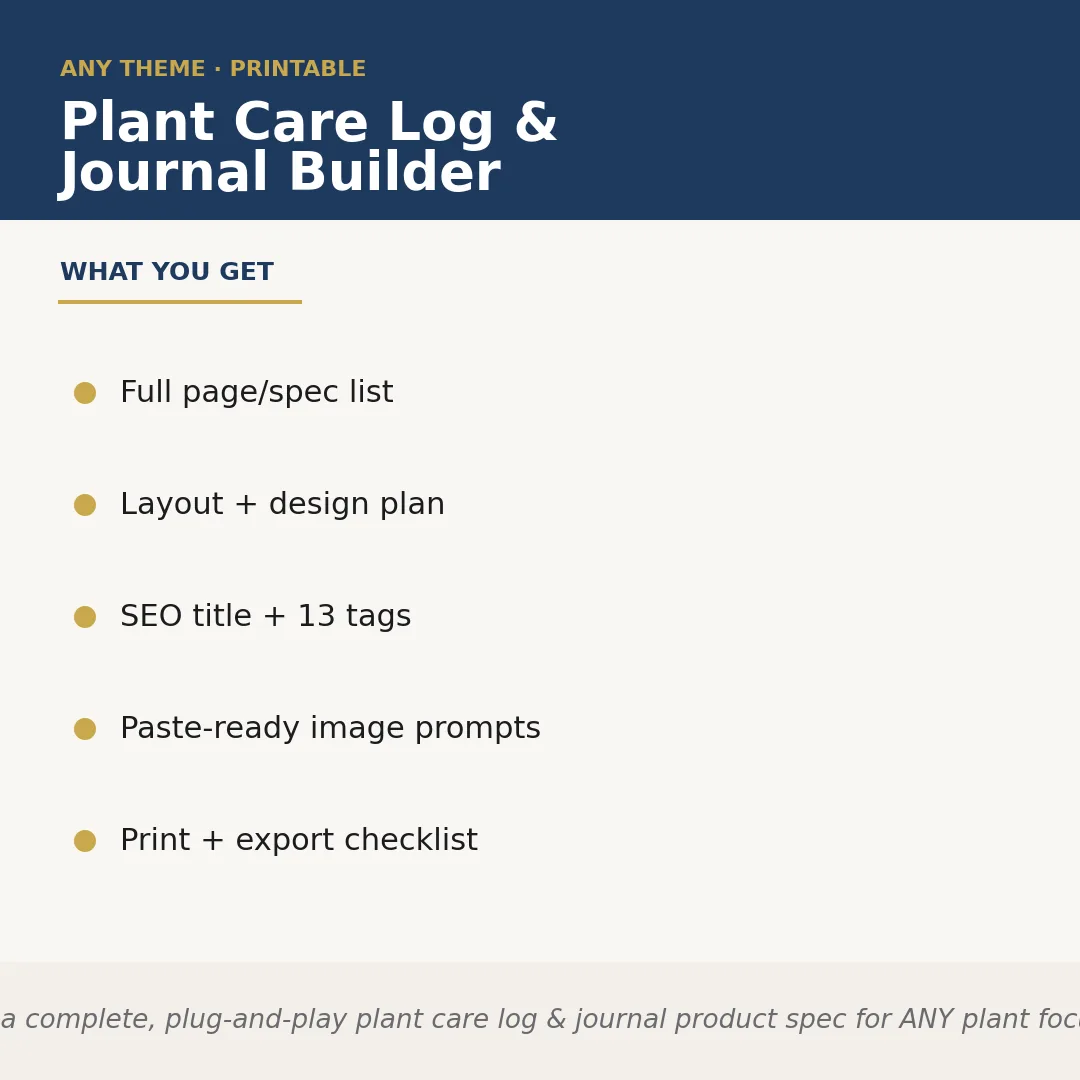
Plant Care Log & Journal Builder is a Claude skill for Productivity. Builds a complete, plug-and-play plant care log & journal product spec for ANY plant focus the seller names — houseplants, succulents, orchids, her. It costs $8.99 on PromptBase. It runs on any Claude plan, including Free. Part of the StrategistKit catalog of 190+ focused Claude skills.
10 credits — included with a membership (30 credits/mo).
Prefer a one-time purchase, without joining?
Buy once on PromptBase (opens in a new tab) Also on Agensi (opens in a new tab)StrategistKit Affiliate. One-time purchase on PromptBase. Payment, delivery and refunds are handled by the marketplace — see their policy for refund terms. PromptBase purchases earn us a referral fee.
Overview
This skill takes a single runtime input — your plant focus — and builds a complete, ready-to-list product specification for a plant care log or journal. It outputs a coordinated page list, a layout and design plan, a visual style guide with cover concept, an Etsy- and KDP-formatted SEO title and description, 13 keyword tags, paste-ready prompts for cover and interior image generation, and a print-and-export checklist. Nothing needs to be assembled from scratch; the entire product blueprint arrives in one structured response.
A seller running an Etsy shop focused on indoor herb growing would type something like: 'herb garden journal, rustic botanical aesthetic, A5 print-on-demand.' The skill returns a fully scoped spec built around that input — not a generic plant journal template with the word 'herb' swapped in.
Sample output excerpt for that input — Page list: Herb ID card, Weekly watering tracker, Sunlight notes, Harvest log, Pest observation page, Seasonal planting calendar, Blank sketch page, End-of-season review. SEO title: 'Herb Garden Journal — Printable Herb Tracker & Planting Log for Indoor & Outdoor Herb Growers | A5 PDF.' Tags include: herb garden journal, printable herb planner, herb tracker, kitchen garden log, gardening journal printable.
Who it's for
Etsy sellers and Amazon KDP publishers who create printable or print-on-demand journals and want a complete, niche-specific product spec — pages, design direction, SEO copy, and image prompts — without spending hours scoping it manually.
What you get
One .skill bundle. Run it on your material and it returns:
How it works
Add the .skill file to your Claude app. About 10 seconds.
Invoke the skill and paste in your material.
Review, keep what works, and use it.
In depth
A copy-paste prompt runs one static pass and stops. A skill is a bundled program — instructions, examples, and a workflow Claude runs as a unit: it asks for the right input, applies the same pattern every time, and returns the structured outputs above.
FAQ
One input: a description of your plant focus and, optionally, any aesthetic or format preferences such as size, style, or target platform. The more specific you are, the more tailored the output.
The page list, SEO copy, tags, and image prompts are all generated around the niche you supply, so a succulent log and a vegetable garden log will return structurally different specs with different tracking pages, terminology, and keyword sets.
The skill returns structured text you can read, copy, and paste directly — page list as a numbered set, SEO title and description as ready-to-paste blocks, tags as a comma-separated list, and image prompts as individual copyable strings. No proprietary file format is required.
The prompts are written as plain descriptive text and are compatible with standard AI image tools. They are not locked to a specific platform.
It produces the product specification and all the copy and planning assets needed to build the journal. Creating the PDF itself is done in your design tool of choice using the spec as a blueprint.
More in Productivity
Part of these collections
We use cookies for anonymous analytics (read more). Accept, decline, or choose for yourself.