Yearly Calendar Template Set Designer
$6.99View skill
Skill · Productivity
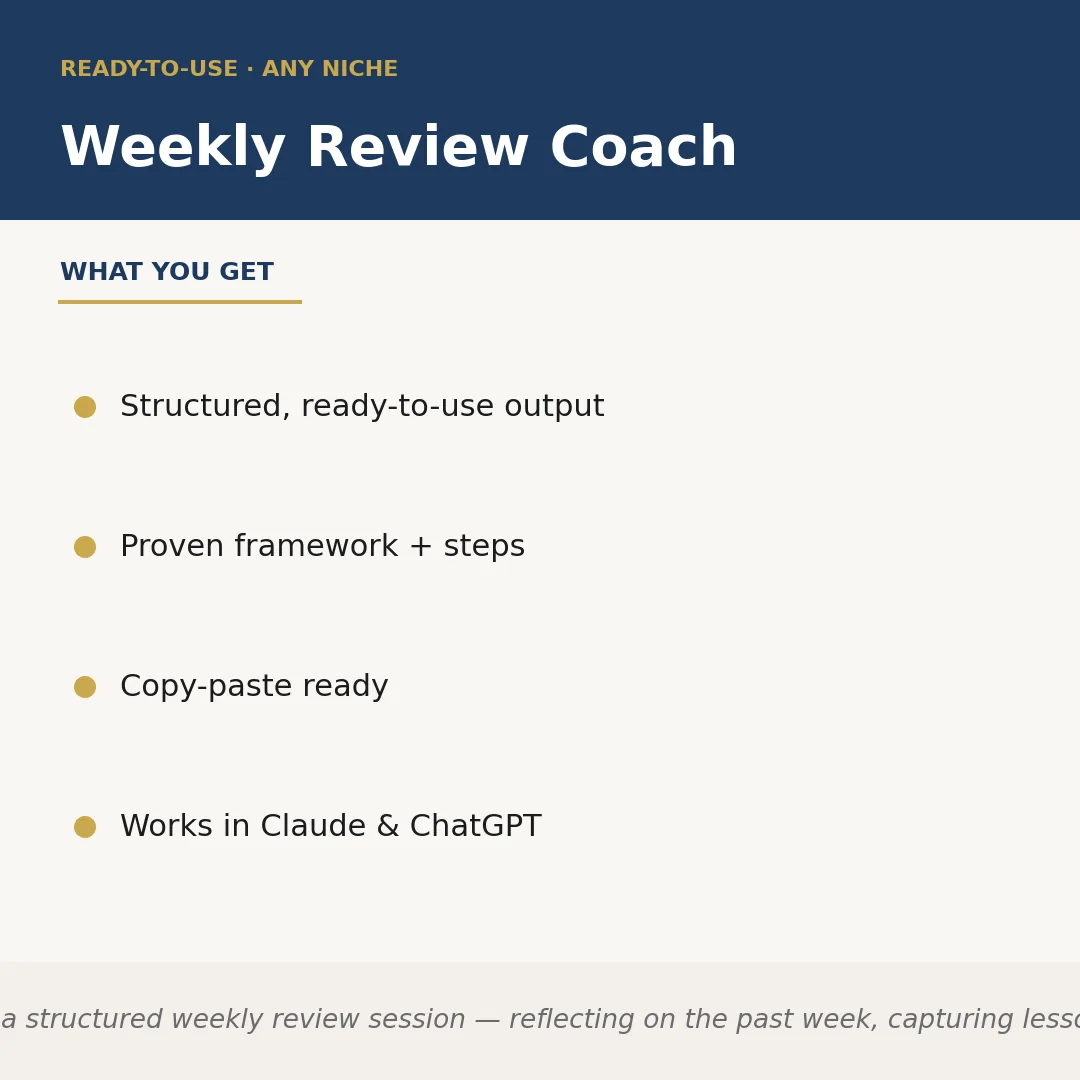
Weekly Review Coach is a Claude skill for Productivity. Runs a structured weekly review session — reflecting on the past week, capturing lessons,. It costs $4.99 on PromptBase. It runs on any Claude plan, including Free. Part of the StrategistKit catalog of 190+ focused Claude skills.
10 credits — included with a membership (30 credits/mo).
Prefer a one-time purchase, without joining?
Buy once on PromptBase (opens in a new tab) Also on Agensi — $8.99 (opens in a new tab)StrategistKit Affiliate. One-time purchase on PromptBase. Payment, delivery and refunds are handled by the marketplace — see their policy for refund terms. PromptBase purchases earn us a referral fee.
Overview
Weekly Review Coach runs a guided, structured weekly review session inside Claude. You tell it your niche or area of focus, then it walks you through a repeatable framework: reflecting on what happened last week, surfacing wins and friction points, extracting transferable lessons, and translating them into clear priorities and intentions for the week ahead. The output is pre-formatted and ready to save, share, or act on immediately.
A typical session starts with a prompt like: 'My niche is freelance UX consulting. Last week I finished a client audit, missed a proposal deadline, and struggled to block deep-work time.' From that input, the skill produces a structured review document covering what went well, what slipped and why, one key lesson, and three specific intentions for the coming week — concrete enough to put straight into your task manager or journal.
Example output excerpt — Last Week Snapshot: Completed Meridian audit on schedule (win). Proposal for new client sent two days late due to scope-creep in discovery call (friction). Key Lesson: Discovery calls need a hard 45-minute cap and a defined deliverable list before scope discussion. Week-Ahead Intentions: 1. Add discovery-call time-box to calendar template. 2. Draft proposal framework by Wednesday. 3. Block 9-11 am daily as no-meeting deep-work.
Who it's for
Independent professionals, solopreneurs, and knowledge workers who already intend to do weekly reviews but skip them because starting from a blank page feels slow and inconsistent. It is equally useful for managers who want a repeatable check-in format they can run for themselves before leading team retrospectives.
What you get
One .skill bundle. Run it on your material and it returns:
How it works
Add the .skill file to your Claude app. About 10 seconds.
Invoke the skill and paste in your material.
Review, keep what works, and use it.
In depth
A copy-paste prompt runs one static pass and stops. A skill is a bundled program — instructions, examples, and a workflow Claude runs as a unit: it asks for the right input, applies the same pattern every time, and returns the structured outputs above.
FAQ
Describe your niche or work context, then give a brief, honest account of last week — what you worked on, what stalled, and any moments that stood out. A few sentences is enough; the skill asks follow-up questions if it needs more to complete the framework.
It returns a structured document with labeled sections: a past-week snapshot, identified wins, friction points with brief root-cause notes, a distilled lesson, and numbered intentions for the coming week. All sections are plain text, ready to paste into Notion, a journal, or a task manager.
Yes. The niche is something you specify at the start of each session, so the reflection questions and output language adapt to your context — whether that is content creation, engineering, sales, coaching, or anything else.
No — it sits on top of whatever system you already use. The output is a review document and a short intentions list; how you feed those intentions into your calendar or task manager is up to you.
Most sessions run five to fifteen minutes depending on how much detail you bring into the initial prompt. The skill is designed for a realistic end-of-week cadence, not a lengthy retrospective.
More in Productivity

Part of these collections
We use cookies for anonymous analytics (read more). Accept, decline, or choose for yourself.