
Travel Journal Designer
$6.99View skill
Skill · Wellness & Journaling
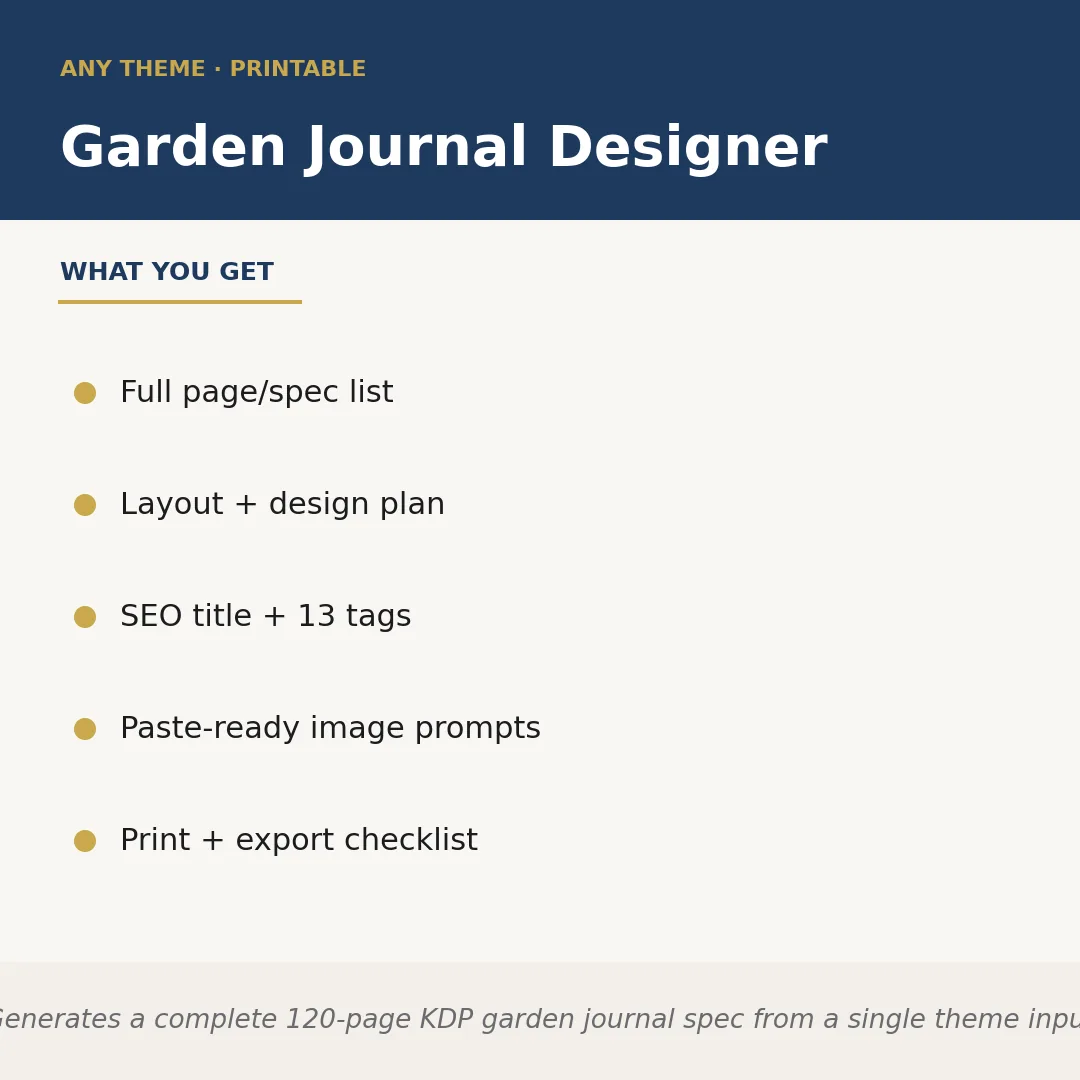
Garden Journal Designer is a Claude skill for Wellness & Journaling. Generates a complete 120-page KDP garden journal spec from a single theme input. It costs $6.99 on PromptBase. It runs on any Claude plan, including Free. Part of the StrategistKit catalog of 190+ focused Claude skills.
10 credits — included with a membership (30 credits/mo).
Prefer a one-time purchase, without joining?
Buy once on PromptBase (opens in a new tab) Also on Agensi — $8.99 (opens in a new tab)StrategistKit Affiliate. One-time purchase on PromptBase. Payment, delivery and refunds are handled by the marketplace — see their policy for refund terms. PromptBase purchases earn us a referral fee.
Overview
Garden Journal Designer takes a single theme you type at runtime and returns a complete 120-page KDP-ready product specification. It structures every interior section, assigns page counts, drafts a layout and design plan, writes an SEO-optimized title with 13 searchable tags, produces paste-ready image prompts for covers or interior art, and closes with a print-and-export checklist. The output is built around KDP trim and bleed conventions so the spec moves directly into Canva, Adobe InDesign, or a similar layout tool without a planning phase.
Supply a theme such as 'moonlight herb garden,' 'raised-bed vegetable planner for beginners,' or 'wildflower meadow observation journal' and the skill generates output calibrated to that exact angle. It never defaults to a generic gardening template; every section title, prompt type, and tag reflects the niche you specified.
A partial output excerpt for the theme 'cottage rose garden' might look like: Page allocation — Planting Records 18pp, Bloom Tracker grids 24pp, Seasonal Reflection prompts 16pp, Sketch/Photo pages 20pp, Reference charts 12pp, Index + notes 10pp. SEO title — 'Cottage Rose Garden Journal: Monthly Planting Tracker, Bloom Log & Reflection Prompts for Rose Growers.' Tags — rose garden journal, gardening planner, bloom tracker, KDP low content book, rose lover gift, floral journal, planting log, garden notebook, cottage garden, rose care diary, monthly garden planner, nature journal, flower garden tracker.'
Who it's for
KDP and Etsy sellers who publish low-content and guided-journal books and need a fully spec'd interior plan without spending hours on structure, SEO research, and prompt writing. Particularly useful for sellers who batch-produce themed journals and want to move from idea to layout-ready brief in a single session.
What you get
One .skill bundle. Run it on your material and it returns:
How it works
Add the .skill file to your Claude app. About 10 seconds.
Invoke the skill and paste in your material.
Review, keep what works, and use it.
In depth
A copy-paste prompt runs one static pass and stops. A skill is a bundled program — instructions, examples, and a workflow Claude runs as a unit: it asks for the right input, applies the same pattern every time, and returns the structured outputs above.
FAQ
A short theme or niche description is all that is required — for example, 'Japanese zen garden planner' or 'urban balcony vegetable grower.' The more specific your theme, the more targeted the output, but even a two-word input produces a usable full spec.
The spec is structured around common KDP interior conventions, including 120-page count and standard trim considerations. You should still verify current KDP guidelines before uploading, as platform requirements can change.
The skill returns structured plain text organized into labeled sections: page list, layout plan, SEO title and tags, image prompts, and a print checklist. You copy the relevant sections into your layout tool or brief document.
Yes. The prompts are written to be pasted into AI image generators without editing, though you can refine them to match your exact visual style or brand palette.
Fully. The interior page plan, layout guidance, and section prompts are self-contained outputs. You can use just those sections and set aside the cover-related image prompts if that work is already done.
More in Wellness & Journaling
Part of these collections
We use cookies for anonymous analytics (read more). Accept, decline, or choose for yourself.