Travel Journal Designer
$6.99View skill
Skill · Wellness & Journaling
Moon & Lunar Cycle Collection Builder is a Claude skill for Wellness & Journaling. Use this skill to build complete moon-cycle and lunar living products for KDP and Etsy — journals, ritual planners, moon phase trackers, intention-. It costs $8.99 on Agensi. It runs on any Claude plan, including Free. Part of the StrategistKit catalog of 190+ focused Claude skills.
10 credits — included with a membership (30 credits/mo).
Prefer a one-time purchase, without joining?
Buy once on Agensi (opens in a new tab)StrategistKit Affiliate. One-time purchase on Agensi. Payment, delivery and refunds are handled by the marketplace — see their policy for refund terms.
Overview
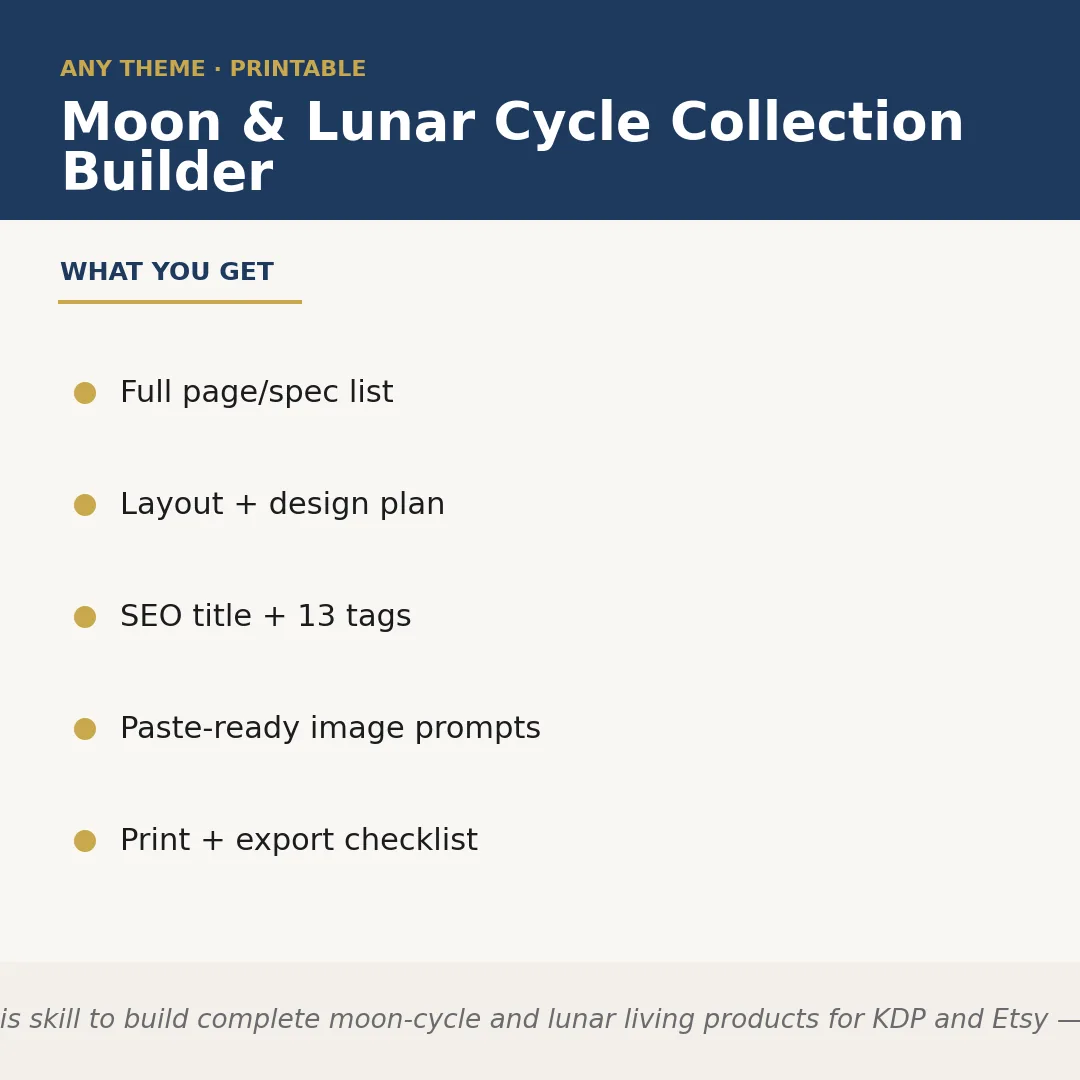
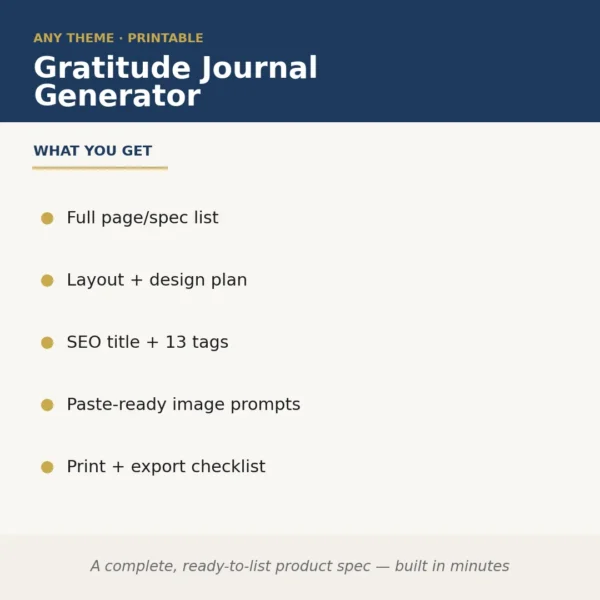
Moon & Lunar Cycle Collection Builder takes a single runtime input — your chosen niche or theme — and produces a complete, sellable product specification for KDP paperbacks or Etsy digital downloads. It generates the full page and section list, a layout and design plan, an SEO-optimised title with 13 tags, paste-ready image generation prompts for your cover and interior art, and a print-and-export checklist. Nothing is left as a placeholder; every deliverable is written to the spec of the actual format you are building.
Suppose you supply the input: 'dark feminine moon journal for shadow work, A5, 90 pages, Etsy PDF download.' The skill returns a structured spec that includes a 14-section page plan (cover, moon phase key, monthly intention spreads, shadow-work prompts, new and full moon ritual pages, gratitude log, affirmation card layouts), a typography and colour-palette brief, a ready-to-paste Midjourney or DALL-E prompt for the cover, and a tag list such as 'shadow work journal, lunar planner, new moon ritual, dark feminine, printable journal PDF' plus nine more. The print checklist confirms bleed settings, margin minimums, and PDF export specs for both KDP and Etsy.
The output excerpt looks like this — Section list item 6: 'Full Moon Release Spread (2-page): left page: lined reflection prompts with crescent rule dividers; right page: blank release ritual space with moon-phase watermark placeholder. Design note: use dusty mauve on near-black ground, 11pt serif body.' Each section arrives with the same level of detail, so you move directly to design software rather than spending hours scoping the product yourself.
Who it's for
KDP publishers and Etsy sellers who create lunar-themed printables or paperbacks but lose time scoping page counts, section structures, and listing metadata from scratch. It is also useful for designers who receive a vague client brief and need a defensible, detailed product spec to quote and execute against.
What you get
One .skill bundle. Run it on your material and it returns:
How it works
Add the .skill file to your Claude app. About 10 seconds.
Invoke the skill and paste in your material.
Review, keep what works, and use it.
In depth
A copy-paste prompt runs one static pass and stops. A skill is a bundled program — instructions, examples, and a workflow Claude runs as a unit: it asks for the right input, applies the same pattern every time, and returns the structured outputs above.
FAQ
You supply your niche or theme, the intended format (KDP paperback or Etsy PDF), and any key constraints such as page count or trim size. The skill uses those details to tailor every part of the output; the more specific your input, the more targeted the result.
Yes. For KDP the spec includes trim-size-appropriate margin and bleed guidance and a print checklist aligned with KDP's PDF requirements. For Etsy digital downloads it adjusts to standard printable sizes and multi-file bundle considerations. The SEO tags are also marketplace-appropriate.
The skill is designed for any lunar or moon-cycle niche you name — pregnancy moon tracking, astrological sign-specific planners, herbalist moon calendars, manifestation workbooks, and so on. The theme is entirely defined by your runtime input.
It provides the structural spec, layout brief, and design direction for each section, plus image generation prompts. It does not generate the final printed body text word-for-word, so you retain creative control over the exact wording of prompts and affirmations.
Each prompt is formatted for direct use in a text-to-image tool such as Midjourney or DALL-E. You paste it in, generate the asset, and bring it into your design file. The prompts specify style, palette, and subject so the output matches your product's design brief.
More in Wellness & Journaling
Part of these collections
We use cookies for anonymous analytics (read more). Accept, decline, or choose for yourself.