Yearly Calendar Template Set Designer
$6.99View skill
Skill · Productivity
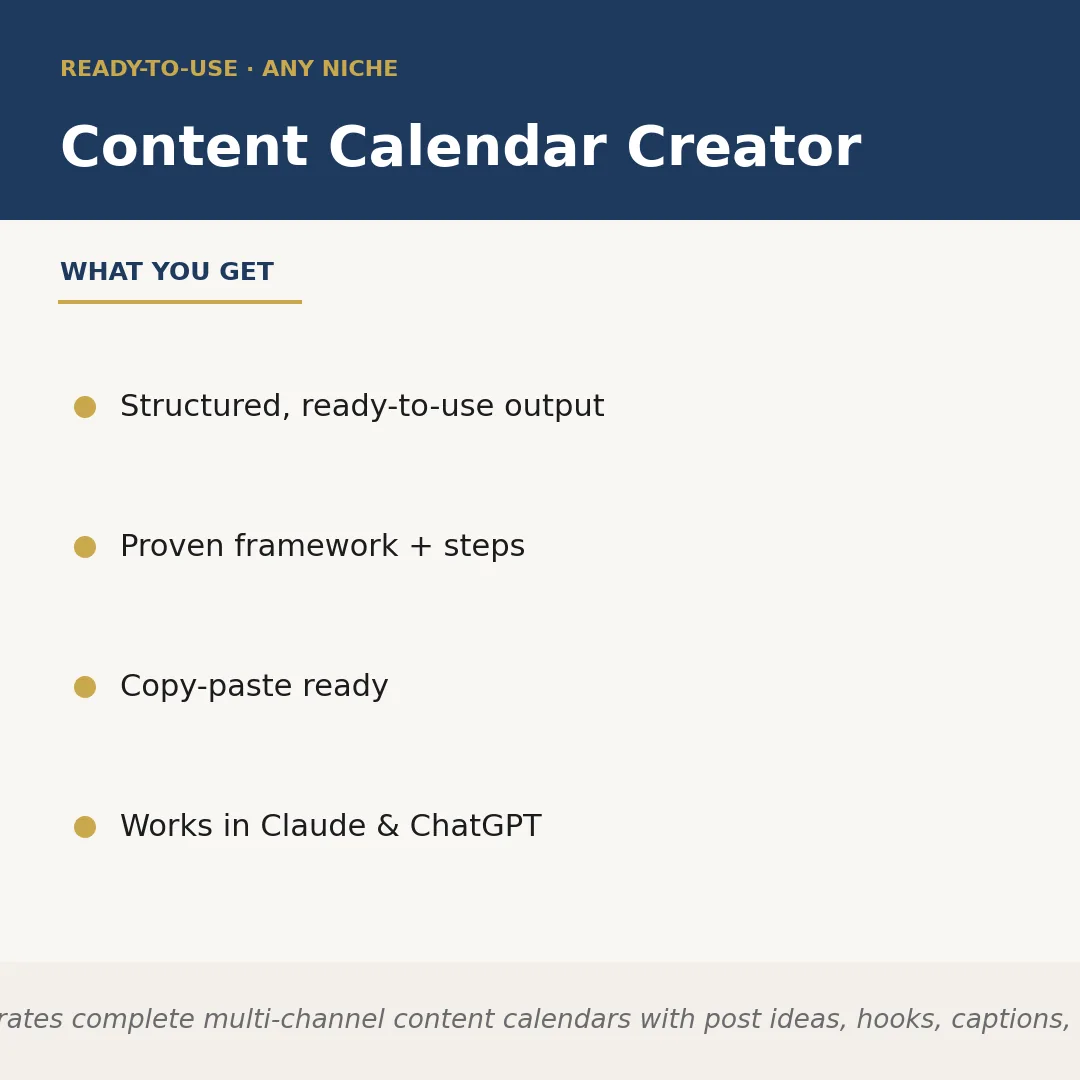
Content Calendar Creator is a Claude skill for Productivity. Generates complete multi-channel content calendars with post ideas, hooks, captions, and. It costs $4.99 on PromptBase. It runs on any Claude plan, including Free. Part of the StrategistKit catalog of 190+ focused Claude skills.
10 credits — included with a membership (30 credits/mo).
Prefer a one-time purchase, without joining?
Buy once on PromptBase (opens in a new tab) Also on Agensi — $8.99 (opens in a new tab)StrategistKit Affiliate. One-time purchase on PromptBase. Payment, delivery and refunds are handled by the marketplace — see their policy for refund terms. PromptBase purchases earn us a referral fee.
Overview
Content Calendar Creator takes your niche, target audience, posting frequency, and preferred platforms as inputs, then builds a complete multi-channel content calendar covering every scheduled slot. For each entry it produces a post idea, an attention-holding hook, a ready-to-publish caption, and relevant hashtag or keyword suggestions. The output is structured by date and platform so you can drop it directly into a spreadsheet, Notion board, or scheduling tool without rewriting.
A realistic prompt might be: 'My niche is sustainable home living, my audience is eco-conscious millennial homeowners, I post five times a week across Instagram and LinkedIn, and I want four weeks of content.' That single input is enough for the skill to generate a full 20-slot calendar, differentiated by platform tone — conversational and visual-led for Instagram, insight-forward for LinkedIn.
The output looks like this: Week 1 / Monday / Instagram — Idea: 'Before-and-after swap: plastic wrap to beeswax wraps.' Hook: 'This one kitchen change cut my plastic use by 40%.' Caption: 'I used to go through a roll of cling film every two weeks… [full caption]' Tags: #sustainableliving #ecohome #zerowaste. Each of the 20 entries follows the same four-field structure, ready to copy and schedule.
Who it's for
Solo content creators, social media managers handling multiple brand accounts, and small-business owners who need to plan weeks of posts in one session rather than writing captions reactively. It is particularly useful for anyone running parallel channels with different tones who wants consistent output without starting from a blank page each time.
What you get
One .skill bundle. Run it on your material and it returns:
How it works
Add the .skill file to your Claude app. About 10 seconds.
Invoke the skill and paste in your material.
Review, keep what works, and use it.
In depth
A copy-paste prompt runs one static pass and stops. A skill is a bundled program — instructions, examples, and a workflow Claude runs as a unit: it asks for the right input, applies the same pattern every time, and returns the structured outputs above.
FAQ
You supply your niche or topic, a brief description of your target audience, the platforms you post on, your desired posting frequency, and the number of weeks you want covered. Optional extras like content pillars or brand voice notes sharpen the results.
The skill adapts to whichever platforms you name — Instagram, LinkedIn, TikTok, X, Facebook, YouTube Shorts, and others. It adjusts caption length and tone per platform based on standard best practices for each channel.
Each calendar slot returns four fields: post idea, hook, caption, and hashtags or keywords. The format is consistent and table-friendly, so it pastes cleanly into Google Sheets, Airtable, Notion, or any scheduling tool like Buffer or Later.
Yes. The skill generates ideas from your described niche at runtime, so it is not limited to predefined categories. Whether your niche is B2B SaaS, sourdough baking, or vintage watch restoration, the calendar is built around the specifics you provide.
Yes, the skill is confirmed compatible with both Claude and ChatGPT, so you can run it in whichever AI interface you already use.
More in Productivity
We use cookies for anonymous analytics (read more). Accept, decline, or choose for yourself.