Travel Journal Designer
$6.99View skill
Skill · Wellness & Journaling
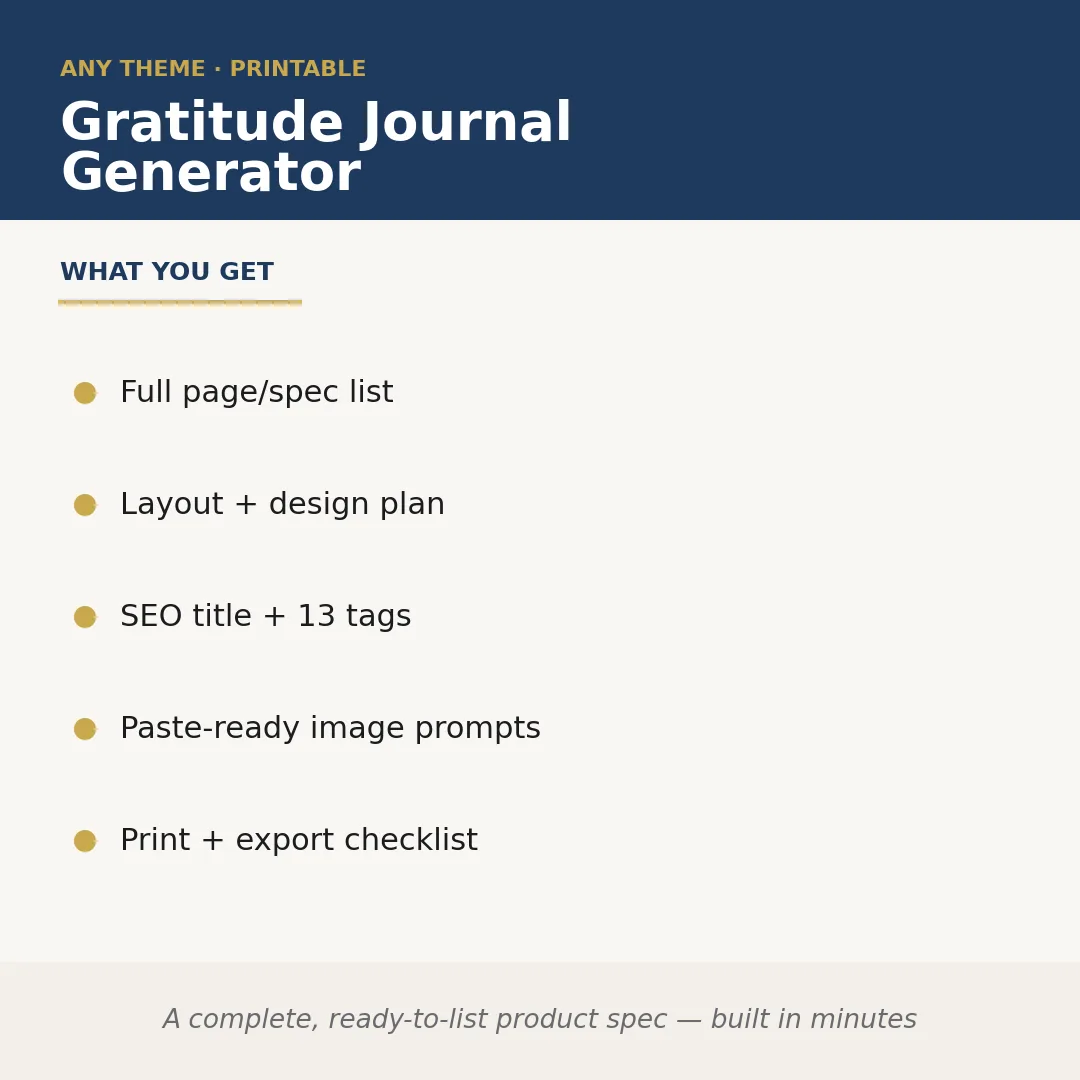
Gratitude Journal Generator is a Claude skill for Wellness & Journaling. A complete, ready-to-list product spec — built in minutes. It costs $6.99 on PromptBase. It runs on any Claude plan, including Free. Part of the StrategistKit catalog of 190+ focused Claude skills.
10 credits — included with a membership (30 credits/mo).
Prefer a one-time purchase, without joining?
Buy once on PromptBase (opens in a new tab) Also on Agensi — $8.99 (opens in a new tab)StrategistKit Affiliate. One-time purchase on PromptBase. Payment, delivery and refunds are handled by the marketplace — see their policy for refund terms. PromptBase purchases earn us a referral fee.
Overview
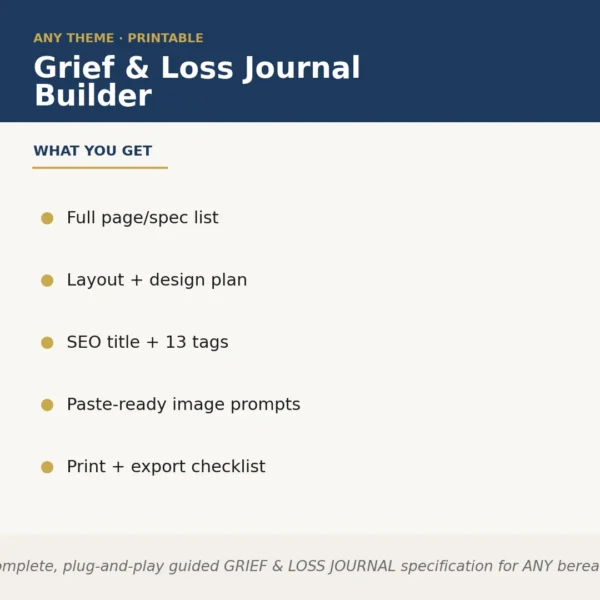
Gratitude Journal Generator takes a niche or theme you supply — say, a journaling product aimed at new parents, or one built around stoic philosophy — and produces a complete, sellable product specification in a single run. It defines every page in the journal, maps out the layout and visual design logic, writes an SEO-optimised title with 13 searchable tags, and outputs paste-ready image generation prompts so you can move straight into production. The result is a structured spec document, not a blank outline.
A typical input looks like: 'A 90-day gratitude journal for remote workers dealing with burnout, minimalist aesthetic, A5 format, designed for Etsy and Amazon KDP.' From that, the skill returns a full page-by-page spec covering prompts, section headers, and interior layout guidance, plus a print and export checklist covering bleed, margins, and file-type requirements.
Sample output excerpt — SEO title: '90-Day Gratitude Journal for Remote Workers: Daily Mindfulness Prompts to Beat Burnout.' Tags include: gratitude journal, remote work wellness, burnout recovery, daily journal prompts, KDP interior, minimalist planner, mindfulness notebook. Image prompt (cover): 'Flat-lay of open minimalist journal on pale oak desk, soft morning light, single plant stem, no text, muted sage and cream palette, photorealistic.'
Who it's for
Etsy sellers, KDP publishers, and wellness content creators who need to move from niche idea to print-ready product spec without spending hours on page planning, tag research, or brief-writing for designers. It is especially useful for anyone producing multiple journal SKUs and needing a repeatable, consistent output format each time.
What you get
One .skill bundle. Run it on your material and it returns:
How it works
Add the .skill file to your Claude app. About 10 seconds.
Invoke the skill and paste in your material.
Review, keep what works, and use it.
In depth
A copy-paste prompt runs one static pass and stops. A skill is a bundled program — instructions, examples, and a workflow Claude runs as a unit: it asks for the right input, applies the same pattern every time, and returns the structured outputs above.
FAQ
A brief description of your target audience, the journal's theme or emotional focus, your preferred trim size or format if you have one, and any platform you are publishing on (Etsy, KDP, Gumroad, etc.). The more specific your niche, the sharper the output.
The skill maps out every functional section of the journal — cover, introduction page, daily spread layout, weekly reflection pages, and any bonus sections — with a description of what each page contains and how it should be structured, ready to hand to a designer or use directly in a KDP interior tool.
Yes. The prompts are written with standard image-generation syntax — subject, style, lighting, palette, and mood — and are designed to be pasted without editing. They cover at minimum a cover scene and one interior lifestyle shot.
It returns one optimised SEO title and exactly 13 tags calibrated to the niche you provide, following typical Etsy and KDP character limits. You can use them as-is or treat them as a starting point for further keyword research.
The outputs are bundled as a set — you will receive all five components together. If you only need the print and export checklist, the other outputs will still be generated, but the checklist alone covers bleed settings, margin standards, colour mode, and recommended export formats for print-on-demand.
More in Wellness & Journaling
Part of these collections
We use cookies for anonymous analytics (read more). Accept, decline, or choose for yourself.