Yearly Calendar Template Set Designer
$6.99View skill
Skill · Productivity
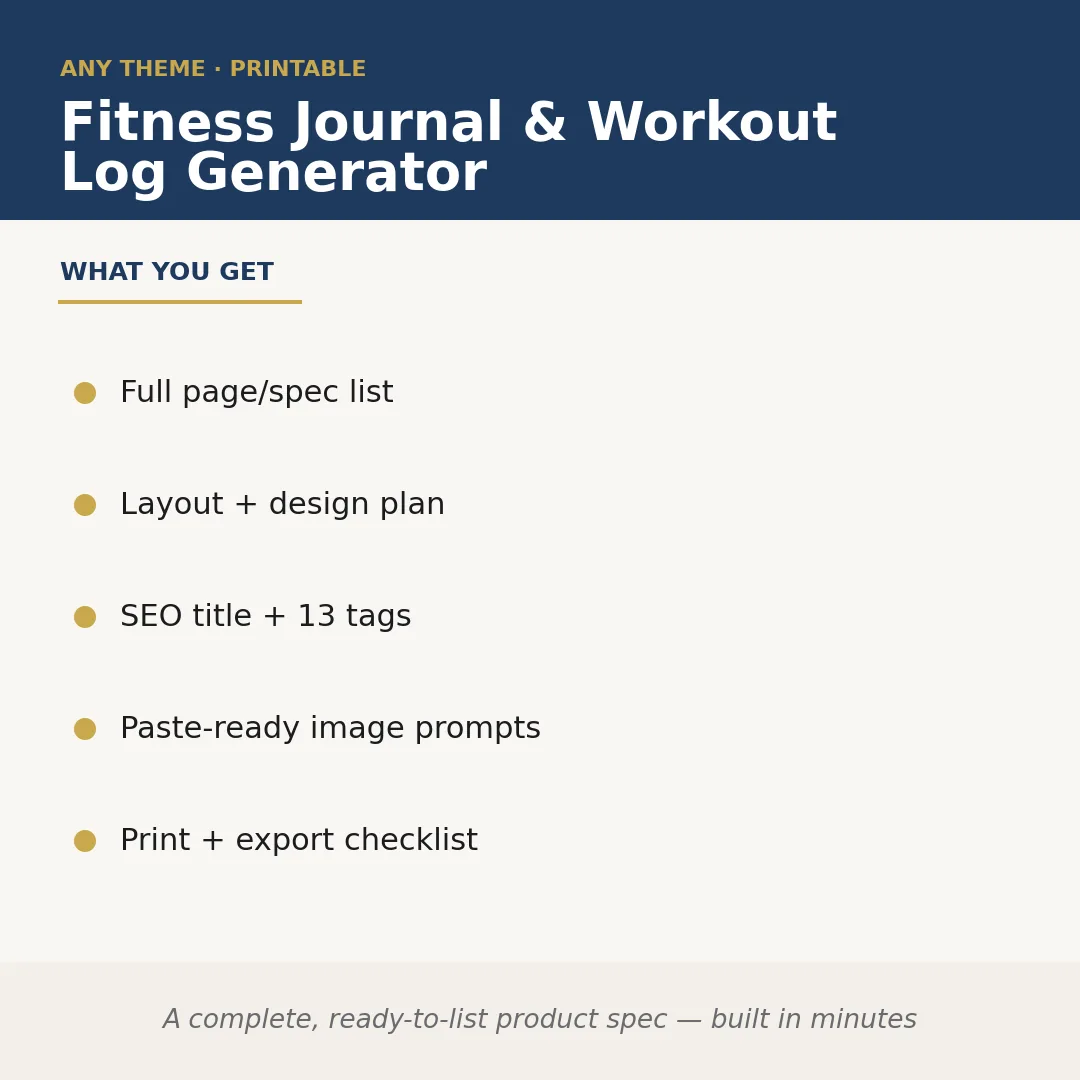
Fitness Journal & Workout Log Generator is a Claude skill for Productivity. A complete, ready-to-list product spec — built in minutes. It costs $6.99 on PromptBase. It runs on any Claude plan, including Free. Part of the StrategistKit catalog of 190+ focused Claude skills.
10 credits — included with a membership (30 credits/mo).
Prefer a one-time purchase, without joining?
Buy once on PromptBase (opens in a new tab) Also on Agensi — $8.99 (opens in a new tab)StrategistKit Affiliate. One-time purchase on PromptBase. Payment, delivery and refunds are handled by the marketplace — see their policy for refund terms. PromptBase purchases earn us a referral fee.
Overview
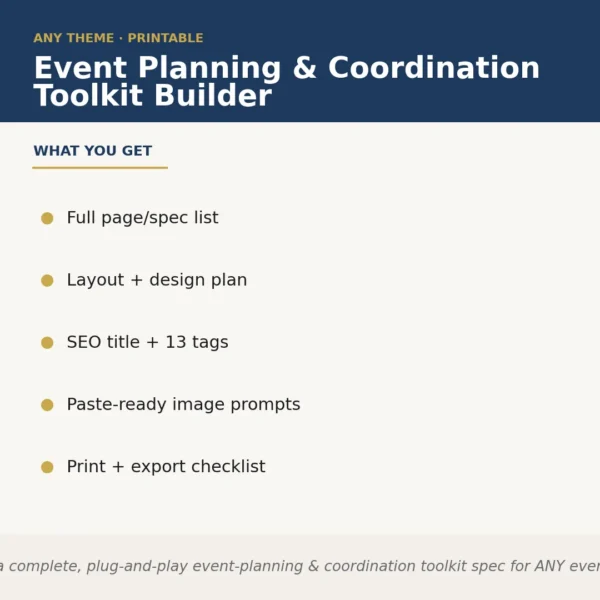
This skill takes a niche or audience you specify and produces a complete, publish-ready product specification for a fitness journal or workout log. It maps out every page and section, writes a layout and design plan, generates an SEO-optimized title with 13 searchable tags, outputs paste-ready image prompts for cover and interior mockups, and delivers a print-and-export checklist — all in a single structured run. No blank-page staring, no guessing what KDP or Etsy buyers expect.
A buyer might prompt it with: 'Powerlifting log for intermediate women, 90-day format, minimalist aesthetic, sold on Etsy as a printable PDF.' From that, the skill returns a named section list (training max tracker, RPE notes column, weekly PR summary, rest-day reflection prompt), a trim-size and font-pairing recommendation, a title like 'Powerlifting Progress Log for Women — 90-Day Strength Tracker' plus 13 niche tags, three Midjourney-ready cover prompts, and a pre-flight checklist covering bleed, margin, and file-format requirements.
Output excerpt — Page/Spec List sample: (1) Cover page with editable tagline field; (2) How-to-use guide, 1 page; (3) 13-week overview calendar; (4) Weekly spread: 6 training days + 1 rest day, each with sets/reps/weight grid, RPE slider, and notes line; (5) PR milestone tracker, 2 pages; (6) Nutrition snapshot (optional toggle); (7) Back cover. Each section includes recommended page count and a one-line design note.
Who it's for
Designers, Etsy sellers, and KDP publishers who produce fitness journals or workout logs as physical or digital products and need a thorough, market-aware spec fast — especially those juggling multiple niches and cannot afford to rebuild the same framework from scratch each time.
What you get
One .skill bundle. Run it on your material and it returns:
How it works
Add the .skill file to your Claude app. About 10 seconds.
Invoke the skill and paste in your material.
Review, keep what works, and use it.
In depth
A copy-paste prompt runs one static pass and stops. A skill is a bundled program — instructions, examples, and a workflow Claude runs as a unit: it asks for the right input, applies the same pattern every time, and returns the structured outputs above.
FAQ
At minimum: your target niche or audience, the workout format or training style, the intended duration (e.g. 12 weeks, 6 months), your preferred aesthetic, and the sales platform. More detail produces tighter output, but those five points are enough to generate a full spec.
The skill returns structured text you copy directly from the Claude conversation — section lists, design notes, tag strings, and image prompts. You paste each block into your design tool, KDP dashboard, or listing editor as needed; there is no proprietary file format to install or open.
Yes. The print-and-export checklist addresses trim sizes, bleed and margin settings, color mode, and file-format requirements relevant to both downloadable PDFs and POD platforms such as KDP. You specify your target format in the prompt and the checklist adapts accordingly.
Yes — niche specificity is an input you control. The more precisely you define the audience and training context, the more tailored the page list, tags, and design direction will be. The skill is built to handle narrow niches, not just generic 'workout log' briefs.
The prompts are written to work with commonly used text-to-image tools. They include style descriptors, composition notes, and color direction but are not locked to one platform's syntax — you can use them as-is or adjust phrasing for the tool you prefer.
More in Productivity
Part of these collections
We use cookies for anonymous analytics (read more). Accept, decline, or choose for yourself.