Yearly Calendar Template Set Designer
$6.99View skill
Skill · Productivity
ADHD Planner Pack Generator is a Claude skill for Productivity. A complete, ready-to-list product spec — built in minutes. It costs $6.99 on PromptBase. It runs on any Claude plan, including Free. Part of the StrategistKit catalog of 190+ focused Claude skills.
10 credits — included with a membership (30 credits/mo).
Prefer a one-time purchase, without joining?
Buy once on PromptBase (opens in a new tab) Also on Agensi — $8.99 (opens in a new tab)StrategistKit Affiliate. One-time purchase on PromptBase. Payment, delivery and refunds are handled by the marketplace — see their policy for refund terms. PromptBase purchases earn us a referral fee.
Overview
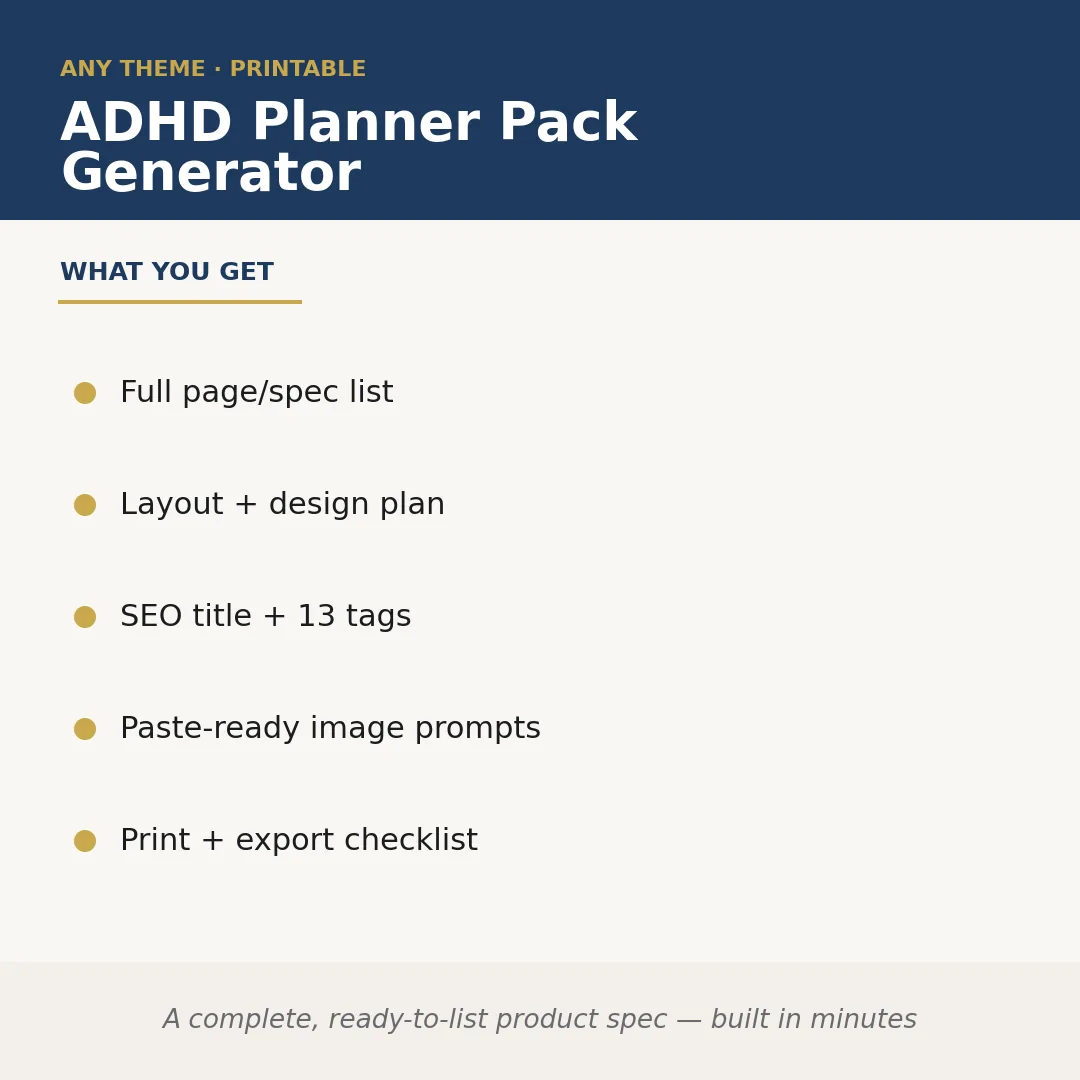
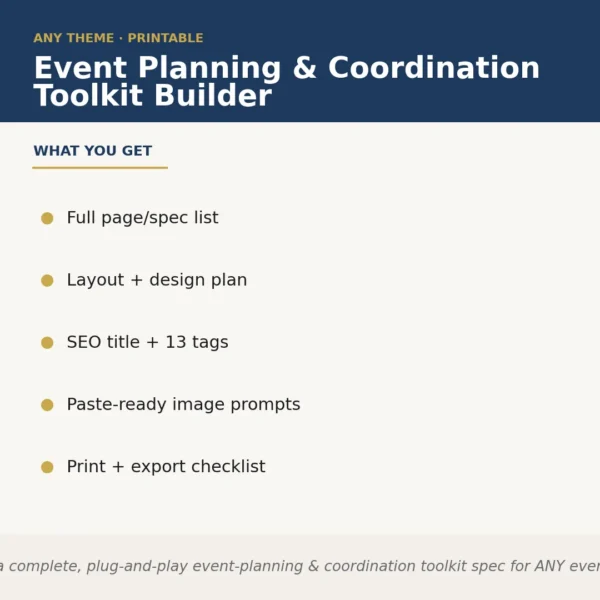
The ADHD Planner Pack Generator takes a niche or audience focus you supply at runtime and produces a complete, publish-ready product specification for a digital planner pack. It maps out every page and spread the pack needs, drafts a layout and design direction, writes an SEO-optimised listing title with 13 tags, generates paste-ready image prompts for your cover and mockup visuals, and outputs a print-and-export checklist — so the gap between idea and listed product closes in a single session.
A buyer might prompt it with: 'ADHD adults working from home, minimalist aesthetic, pastel colour palette, PDF and GoodNotes versions.' The skill uses that brief as its runtime input and builds everything around it — page count, spread types, and tag language all reflect that specific audience, not a generic planner template.
Sample output excerpt — Page/Spec List (partial): '1. Daily Focus Page — time-blocked schedule, priority brain-dump box, energy tracker. 2. Weekly Overview — habit grid, top-3 goals, distraction log. 3. Monthly Reset — reflection prompts, win column, next-month intention box.' SEO Title: 'ADHD Digital Planner for Work-From-Home Adults | Minimalist Pastel | GoodNotes + PDF.' Tags include: adhd planner, executive function, focus tracker, work from home planner, undated digital planner (plus 8 more).
Who it's for
Digital product sellers and Etsy shop owners who want to launch or expand a planner niche without spending hours on product architecture. Also useful for graphic designers and template creators who need a fully scoped brief before opening Canva or Affinity Publisher.
What you get
One .skill bundle. Run it on your material and it returns:
How it works
Add the .skill file to your Claude app. About 10 seconds.
Invoke the skill and paste in your material.
Review, keep what works, and use it.
In depth
A copy-paste prompt runs one static pass and stops. A skill is a bundled program — instructions, examples, and a workflow Claude runs as a unit: it asks for the right input, applies the same pattern every time, and returns the structured outputs above.
FAQ
The skill returns structured text you can copy directly — a spec list, a design brief paragraph, an SEO title, a tag block, image-prompt lines, and a checklist. It is not a pre-made file; it gives you the blueprint to build one.
You supply the niche at runtime — it could be as broad as 'ADHD teens' or as specific as 'ADHD mums doing school runs, A5 portrait, Notion-style aesthetic.' The tighter your brief, the more targeted the output, but the skill will work with a loose prompt too.
Yes. The print-and-export checklist covers bleed, resolution, and file-format considerations for both routes, and the page spec distinguishes between elements that translate well to print versus interactive PDF or GoodNotes hyperlinks.
The prompts are written to be paste-ready for AI image tools, with style, colour, and subject language included. Minor tweaks for platform-specific syntax may help, but they are designed to work without heavy editing.
Each run is scoped to one niche brief. To generate specs for a second pack — say, ADHD students versus ADHD entrepreneurs — you simply run the skill again with a new runtime input.
More in Productivity
Part of these collections
We use cookies for anonymous analytics (read more). Accept, decline, or choose for yourself.