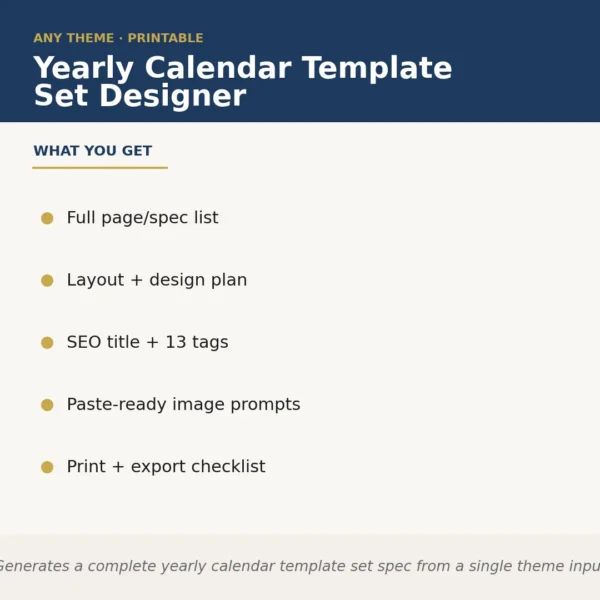
Yearly Calendar Template Set Designer
$6.99View skill
Skill · Productivity
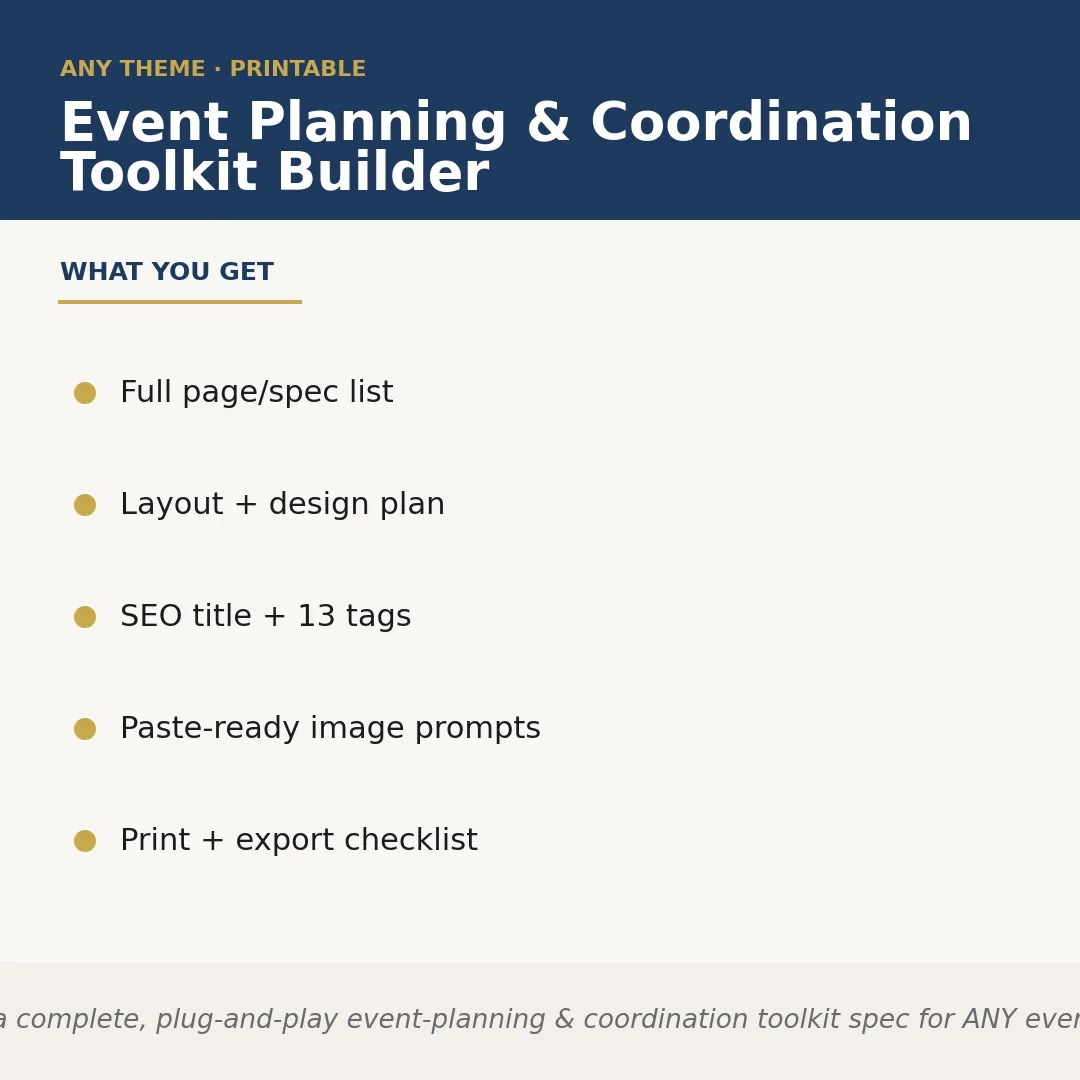
Event Planning & Coordination Toolkit Builder is a Claude skill for Productivity. Builds a complete, plug-and-play event-planning & coordination toolkit spec for ANY event type the seller names — weddings, corporate events, confe. It costs $8.99 on PromptBase. It runs on any Claude plan, including Free. Part of the StrategistKit catalog of 190+ focused Claude skills.
10 credits — included with a membership (30 credits/mo).
Prefer a one-time purchase, without joining?
Buy once on PromptBase (opens in a new tab) Also on Agensi (opens in a new tab)StrategistKit Affiliate. One-time purchase on PromptBase. Payment, delivery and refunds are handled by the marketplace — see their policy for refund terms. PromptBase purchases earn us a referral fee.
Overview
This skill takes a single runtime input — the event type you name — and builds a complete, ready-to-list product specification for an event-planning and coordination toolkit. It outputs a coordinated document and template list, a run-of-show system, a vendor coordination tracker, a cover design concept, an Etsy-ready SEO title and description with 13 tags, paste-ready image-generator prompts, and a print and export checklist. Every element is scoped to your named event so nothing reads generic.
Hand it an input like 'intimate backyard wedding for 50 guests, boho aesthetic' and the skill returns assets calibrated to that brief: template names such as 'Ceremony Day Timeline,' 'Florist & Decor Vendor Sheet,' and 'Guest Meal Preference Tracker'; a cover concept specifying warm terracotta tones with dried-pampas overlays; and an Etsy title structured for search, such as 'Wedding Planning Toolkit — Boho Backyard Wedding Organizer, Printable Planner Bundle, Editable Templates.'
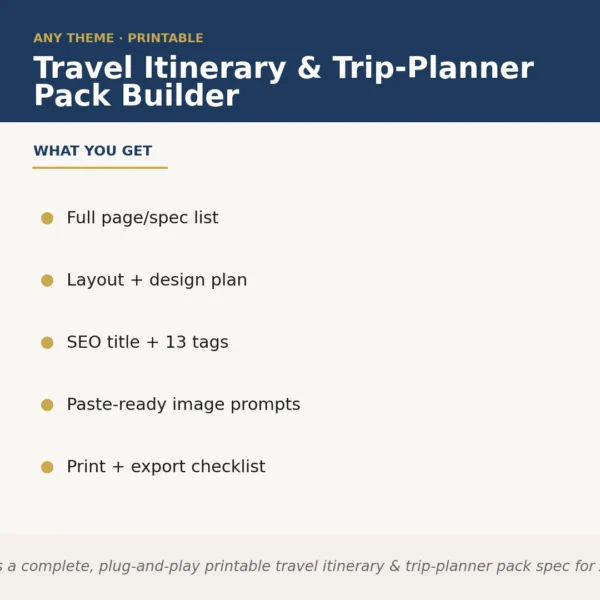
The structured output excerpt looks like this — Page/Spec List: 14 named documents with purpose notes. Layout Plan: font pairing, color palette, grid format. SEO Package: title, 150-word listing description, 13 comma-separated tags. Image Prompts: 3 paste-ready text strings for a cover mockup generator. Print Checklist: page sizes, bleed settings, export format notes. All output is copy-paste ready for your design tool and listing workflow.
Who it's for
Etsy sellers and Amazon KDP publishers who produce printable event-planning templates across multiple niches — weddings, corporate retreats, fundraisers, baby showers — and need a structured product spec without building each one from scratch. Particularly useful for sellers who ship new listings frequently and want consistent, SEO-optimized output at scale.
What you get
One .skill bundle. Run it on your material and it returns:
How it works
Add the .skill file to your Claude app. About 10 seconds.
Invoke the skill and paste in your material.
Review, keep what works, and use it.
In depth
A copy-paste prompt runs one static pass and stops. A skill is a bundled program — instructions, examples, and a workflow Claude runs as a unit: it asks for the right input, applies the same pattern every time, and returns the structured outputs above.
FAQ
The minimum input is the event type — for example, 'corporate team retreat' or 'quinceañera.' Adding style notes, guest-count range, or a tone descriptor (formal, casual, rustic) sharpens the output, but the skill produces a usable spec from the event name alone.
The output is tool-agnostic text: spec lists, copy blocks, and image prompts you paste wherever you work. It does not produce finished PDFs or Canva files — it produces the blueprint and assets you use to build them in your preferred tool.
The skill is designed for one event type per run so outputs stay focused and niche-specific. Running it separately for each niche — say, once for 'bridal shower' and once for 'nonprofit fundraiser gala' — gives you two clean, distinct product specs.
Yes. The title format, tag count (13), and description length follow Etsy listing conventions. The output is not formatted for Amazon KDP search, though the template spec and print checklist are useful for KDP sellers building interior files.
Copy each prompt string directly into an AI image tool such as Midjourney, Adobe Firefly, or a similar generator. The prompts specify the cover style, color palette, and prop or texture references derived from your event type so you get on-brand mockup candidates without writing prompts manually.
More in Productivity
Part of these collections
We use cookies for anonymous analytics (read more). Accept, decline, or choose for yourself.