Educational Printable Builder
$8.99View skill
Skill · Education & Kids
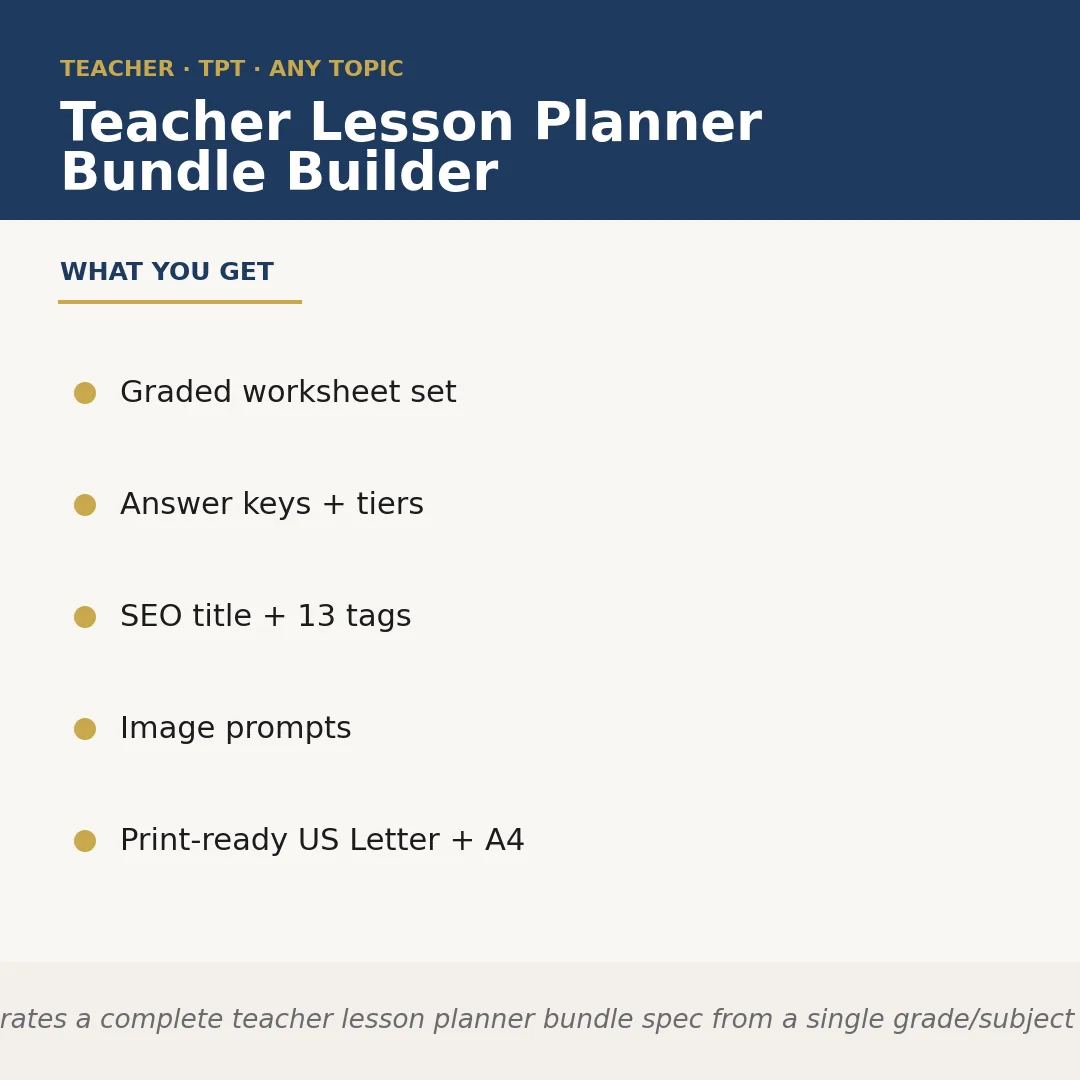
Teacher Lesson Planner Bundle Builder is a Claude skill for Education & Kids. Generates a complete teacher lesson planner bundle spec from a single grade/subject input. It costs $6.99 on PromptBase. It runs on any Claude plan, including Free. Part of the StrategistKit catalog of 190+ focused Claude skills.
10 credits — included with a membership (30 credits/mo).
Prefer a one-time purchase, without joining?
Buy once on PromptBase (opens in a new tab) Also on Agensi — $8.99 (opens in a new tab)StrategistKit Affiliate. One-time purchase on PromptBase. Payment, delivery and refunds are handled by the marketplace — see their policy for refund terms. PromptBase purchases earn us a referral fee.
Overview
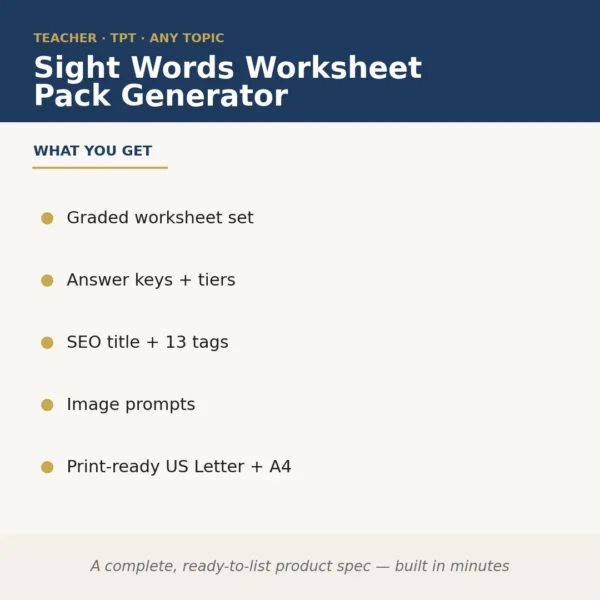
Teacher Lesson Planner Bundle Builder takes a single grade level and subject as your starting input and returns a complete, structured product specification ready to list on Etsy or Amazon KDP. It outputs a graded worksheet set, tiered answer keys, an SEO-optimized title with 13 keyword tags, image prompt copy for cover and preview mockups, and page specs formatted for both US Letter and A4 — all in one pass, without a blank page in sight.
Hand it an input like '3rd Grade, Earth Science — the water cycle' and it maps out a differentiated worksheet set across three learner tiers, writes answer keys to match, and drafts a KDP-ready title such as 'Water Cycle Worksheets for 3rd Grade: Evaporation, Condensation & Precipitation Activities with Answer Key' alongside 13 tags targeting teacher-buyer search terms. The niche is whatever you bring — the skill adapts to any subject or grade combination.
Sample output excerpt for the listing spec block: Product Title: 'Water Cycle Worksheets Grade 3 | Differentiated Science Activities with Answer Key'; Tags: water cycle worksheet, 3rd grade science, evaporation activity, condensation worksheet, precipitation printable, earth science center, third grade science review [+6 more]; Worksheet tiers: Below-grade fill-in, On-grade diagram label, Above-grade short-answer extension; Print spec: 8.5×11 US Letter + A4 alternate included.
Who it's for
Etsy sellers and Amazon KDP publishers who produce teacher resource products and need a repeatable, fast spec-generation step — particularly those running a catalog across multiple grades or subjects who cannot afford to draft each listing structure from scratch.
What you get
One .skill bundle. Run it on your material and it returns:
How it works
Add the .skill file to your Claude app. About 10 seconds.
Invoke the skill and paste in your material.
Review, keep what works, and use it.
In depth
A copy-paste prompt runs one static pass and stops. A skill is a bundled program — instructions, examples, and a workflow Claude runs as a unit: it asks for the right input, applies the same pattern every time, and returns the structured outputs above.
FAQ
You provide a grade level, a subject, and optionally a specific topic or theme — for example, '5th Grade, Math, long division' or '2nd Grade, ELA, sight words.' The more specific your topic, the more targeted the worksheet tiers and SEO tags will be.
It returns a structured product specification: the worksheet set outline with differentiation tiers, answer key structure, SEO listing copy, and image prompts. It is designed as a planning and listing layer, not a finished printable file you upload directly.
The 13 tags are written to reflect buyer search behavior common to both platforms. You may want to review Etsy's 13-tag character limit and KDP's keyword field format before pasting, but the terms themselves are researched for teacher-resource buyer intent.
Yes. You can re-run the skill with a different grade input — for example, shifting from Grade 2 to Grade 4 on the same science topic — and receive a distinct spec each time with appropriately adjusted difficulty tiers and terminology.
They are text descriptions you can feed into an AI image generator or pass to a graphic designer to create cover images and preview thumbnails for your listing. They describe the visual style, page layout, and key elements that signal the product type to teacher-buyers browsing search results.
More in Education & Kids
Part of these collections
We use cookies for anonymous analytics (read more). Accept, decline, or choose for yourself.