Yearly Calendar Template Set Designer
$6.99View skill
Skill · Productivity
Pregnancy Tracker Journal Builder is a Claude skill for Productivity. A complete, ready-to-list product spec — built in minutes. It costs $6.99 on PromptBase. It runs on any Claude plan, including Free. Part of the StrategistKit catalog of 190+ focused Claude skills.
10 credits — included with a membership (30 credits/mo).
Prefer a one-time purchase, without joining?
Buy once on PromptBase (opens in a new tab) Also on Agensi — $8.99 (opens in a new tab)StrategistKit Affiliate. One-time purchase on PromptBase. Payment, delivery and refunds are handled by the marketplace — see their policy for refund terms. PromptBase purchases earn us a referral fee.
Overview
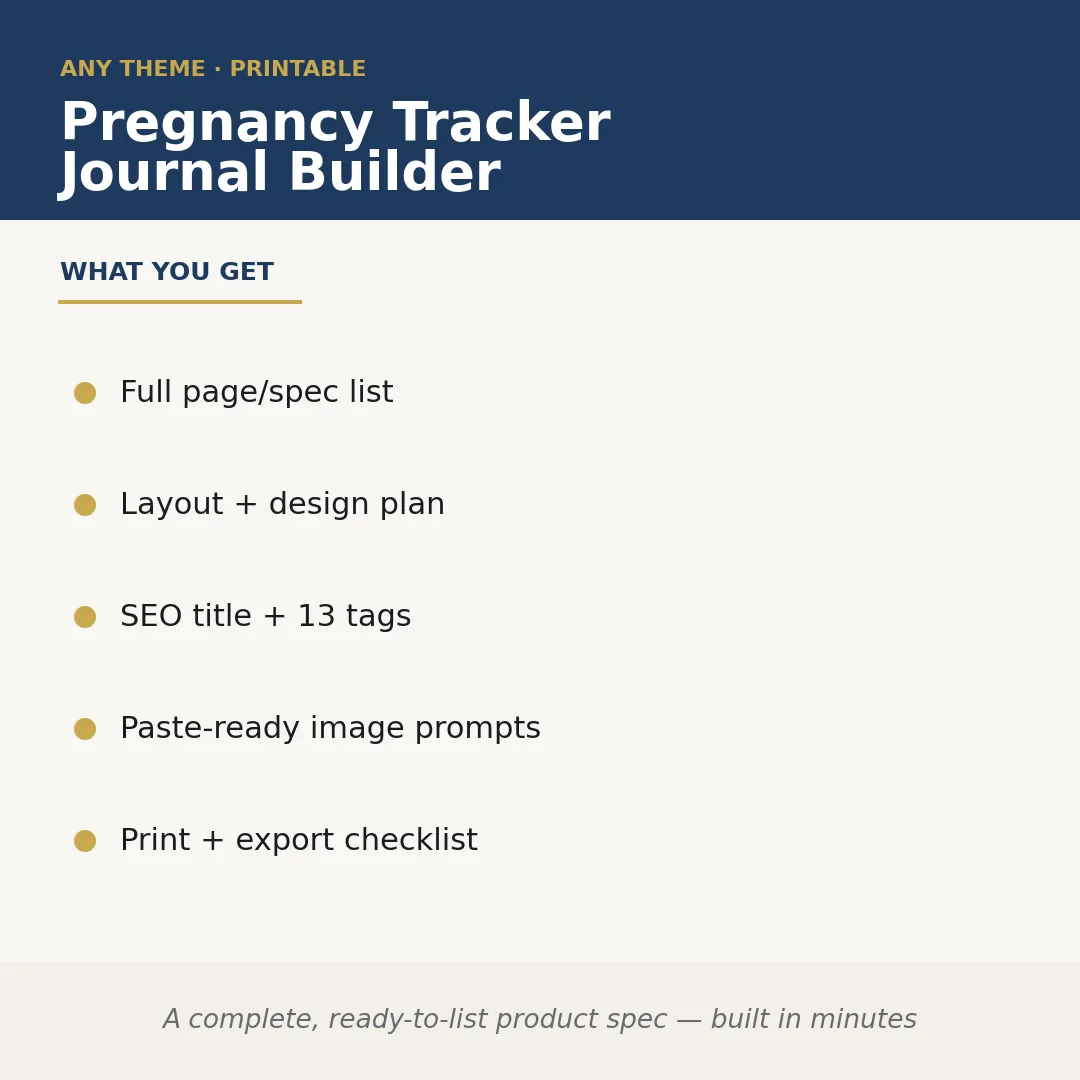
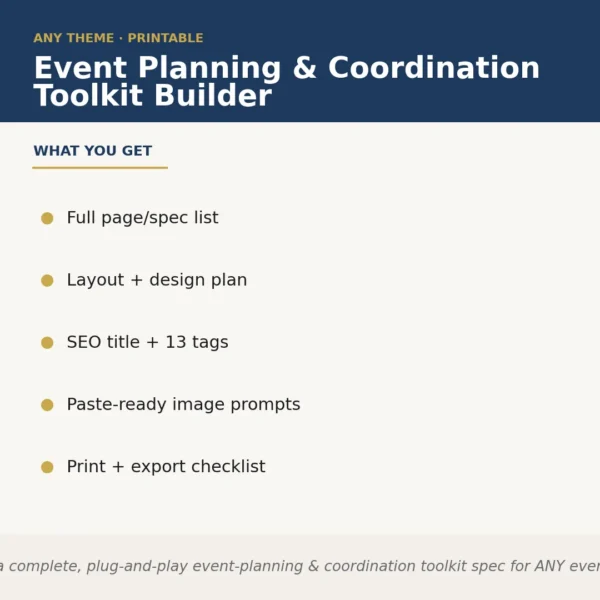
Pregnancy Tracker Journal Builder takes a niche or audience angle you specify and returns a complete, paste-ready product specification for a printable pregnancy tracking journal. It works by generating the full page and section list, a layout and design plan, an SEO-optimized title with 13 tags, image generation prompts you can feed directly into a design tool, and a print-and-export checklist — everything needed to move from idea to listed product without a blank-page moment.
A buyer might enter: 'minimalist pregnancy journal for first-time moms who want a clinical, no-fluff tracking approach — weekly check-ins, symptom logs, appointment notes, and space for ultrasound photos.' The skill takes that brief and builds out the complete spec rather than returning a generic template.
Sample output excerpt — Page list (partial): Week-by-week tracking spreads (40 pages), Symptom + mood log, Appointment record sheet, Medication and supplement log, Ultrasound photo pocket page, Birth plan worksheet. Design plan note: clean sans-serif typography, two-column grid, muted neutral palette. SEO title: 'Minimalist Pregnancy Journal for First-Time Moms | Weekly Tracker, Symptom Log & Appointment Planner.' Tags include: pregnancy planner, prenatal tracker, weekly pregnancy journal, first trimester log.
Who it's for
Digital product sellers and Etsy or Payhip shop owners who want to expand into the pregnancy niche without spending hours on product architecture. Also useful for graphic designers who need a structured brief before opening Canva or Adobe InDesign.
What you get
One .skill bundle. Run it on your material and it returns:
How it works
Add the .skill file to your Claude app. About 10 seconds.
Invoke the skill and paste in your material.
Review, keep what works, and use it.
In depth
A copy-paste prompt runs one static pass and stops. A skill is a bundled program — instructions, examples, and a workflow Claude runs as a unit: it asks for the right input, applies the same pattern every time, and returns the structured outputs above.
FAQ
You provide the niche angle, tone, and any specific features you want — for example, the target trimester focus, aesthetic style, or a particular tracking element like contraction timing or glucose logs. The more specific your input, the more tailored the output.
It produces the product specification, not finished PDF or print files. The outputs are structured planning documents you use to design the journal in your preferred tool, along with image prompts ready to paste into an AI image generator.
Yes. The niche and audience framing come from you at runtime, so the skill builds a spec around whatever angle you define, including inclusive language guidance, relevant page types, and positioning language suited to that audience.
The skill returns a single SEO-optimized product title and a list of 13 tags, formatted for direct paste into a marketplace listing such as Etsy or PromptBase.
The skill is specifically built around pregnancy tracking products — its page logic, section types, and checklist items reflect that category. For other health journals, a different skill would be a better fit.
More in Productivity
Part of these collections
We use cookies for anonymous analytics (read more). Accept, decline, or choose for yourself.