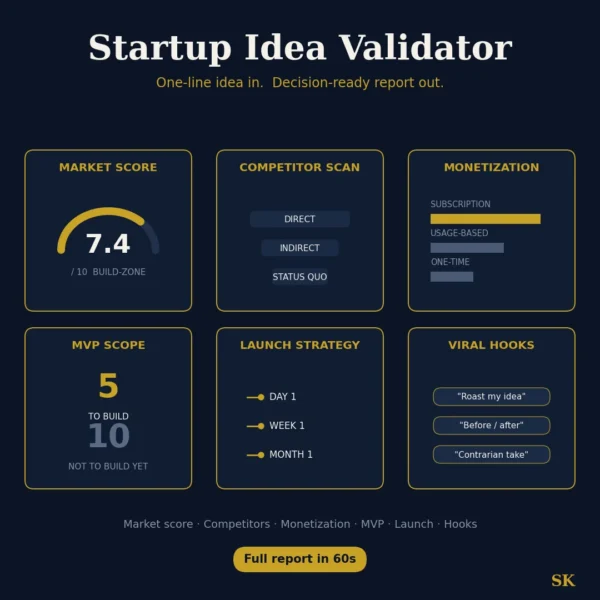
Startup Idea Validator
$8.99View skill
Skill · Business & Consulting
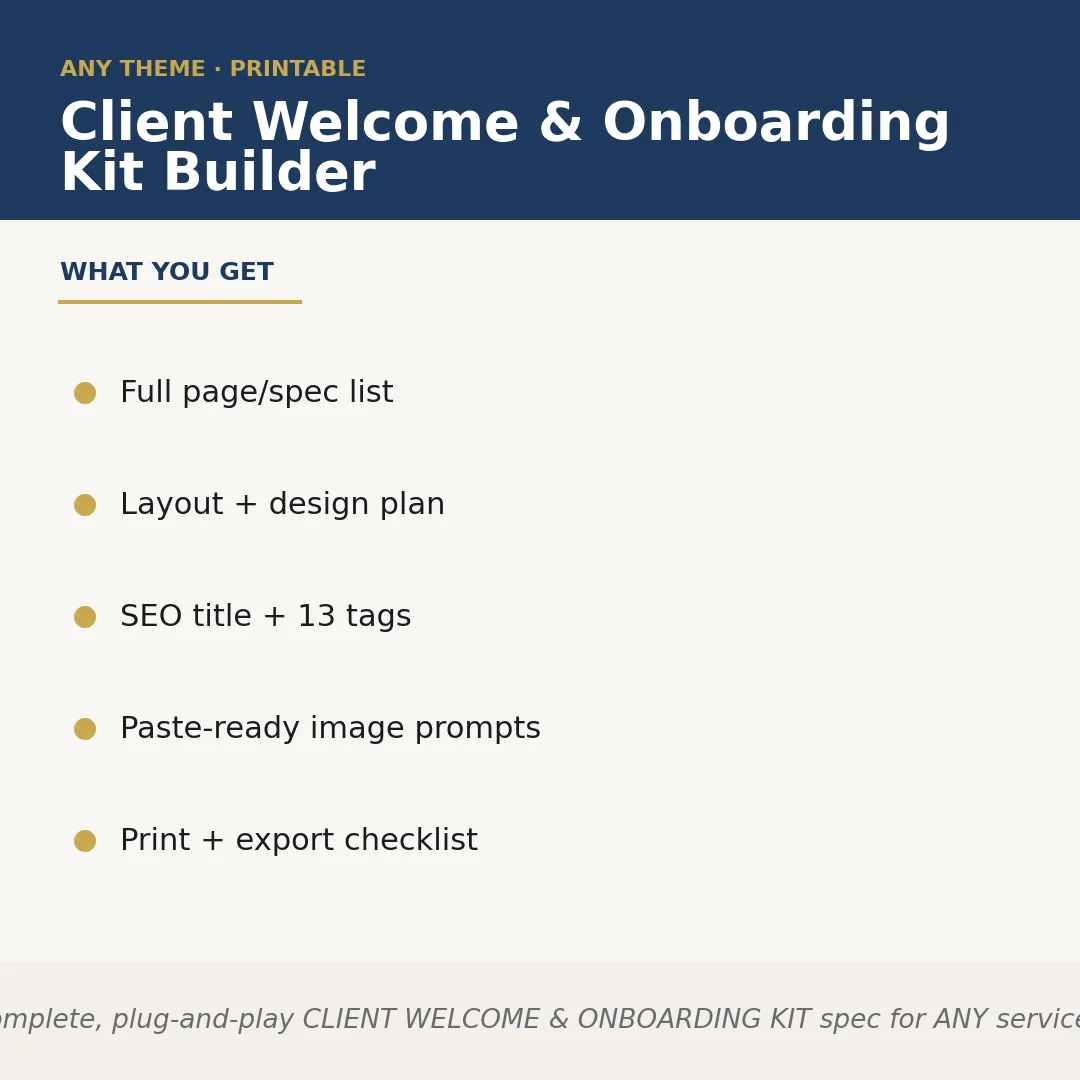
Client Welcome & Onboarding Kit Builder is a Claude skill for Business & Consulting. Builds a complete, plug-and-play CLIENT WELCOME & ONBOARDING KIT spec for ANY service profession the seller names — photographers, hair stylists, m. It costs $8.99 on PromptBase. It runs on any Claude plan, including Free. Part of the StrategistKit catalog of 190+ focused Claude skills.
10 credits — included with a membership (30 credits/mo).
Prefer a one-time purchase, without joining?
Buy once on PromptBase (opens in a new tab) Also on Agensi (opens in a new tab)StrategistKit Affiliate. One-time purchase on PromptBase. Payment, delivery and refunds are handled by the marketplace — see their policy for refund terms. PromptBase purchases earn us a referral fee.
Overview
Give this skill a service profession — any one you sell for — and it builds the complete spec for a client welcome and onboarding kit product from scratch. It maps out every document the kit should contain, designs a brand style guide and client-journey touchpoint sequence, writes an Etsy-ready SEO title and description, generates 13 keyword tags, produces paste-ready image prompts for your listing mockups, and outputs a print and export checklist so nothing gets missed before you upload.
A buyer might enter: 'birth doula — calm, earthy, neutral tones.' The skill returns a named document list (Welcome Letter, Birth Preferences Worksheet, Hospital Bag Checklist, Postpartum Support Guide, FAQ Sheet, and more), a layout plan specifying font pairings and color palette, a touchpoint map from first inquiry through postpartum follow-up, and an SEO title such as 'Birth Doula Client Welcome Kit — Editable Canva Template, Printable Onboarding Packet for Doulas.'
Structured outputs returned for that example: Document list (9 named files with purpose notes); Layout plan (typeface, hex codes, paper size, bleed spec); SEO block (title, 150-word description, 13 tags); Image prompts (5 prompts, each specifying scene, props, angle, and mood); Print checklist (7 export steps from PDF flatten to Etsy upload). Every section is paste-ready — copy into Canva, your KDP file, or your listing editor without reformatting.
Who it's for
Etsy sellers and Amazon KDP publishers who create done-for-you template products for service professionals — and need a fully specced, listing-ready kit outline they can hand straight to a designer or build in Canva themselves, without spending hours on research and structure.
What you get
One .skill bundle. Run it on your material and it returns:
How it works
Add the .skill file to your Claude app. About 10 seconds.
Invoke the skill and paste in your material.
Review, keep what works, and use it.
In depth
A copy-paste prompt runs one static pass and stops. A skill is a bundled program — instructions, examples, and a workflow Claude runs as a unit: it asks for the right input, applies the same pattern every time, and returns the structured outputs above.
FAQ
You provide the service profession and, optionally, a visual mood or color direction — for example, 'virtual assistant — clean, corporate blue' or 'massage therapist — warm, spa-minimal.' That single input drives the entire output.
The skill returns clearly labeled text sections: a numbered document list, a layout and design plan, an SEO title and description block, 13 keyword tags, numbered image prompts, and a step-by-step print and export checklist. All sections are plain text, ready to copy.
It produces the spec and structure — what each document should contain, how it should look, and what the listing needs — not the finished Canva or Word files themselves. You use the spec to build or brief a designer.
Yes. Each run takes a new profession as its input and produces a fully distinct output tailored to that niche's client journey, terminology, and typical deliverables.
The prompts are written as descriptive scene briefs — subject, props, lighting, mood, and composition — that work with any major text-to-image tool. Minor tweaks may be needed for platform-specific syntax.
More in Business & Consulting
Part of these collections
We use cookies for anonymous analytics (read more). Accept, decline, or choose for yourself.