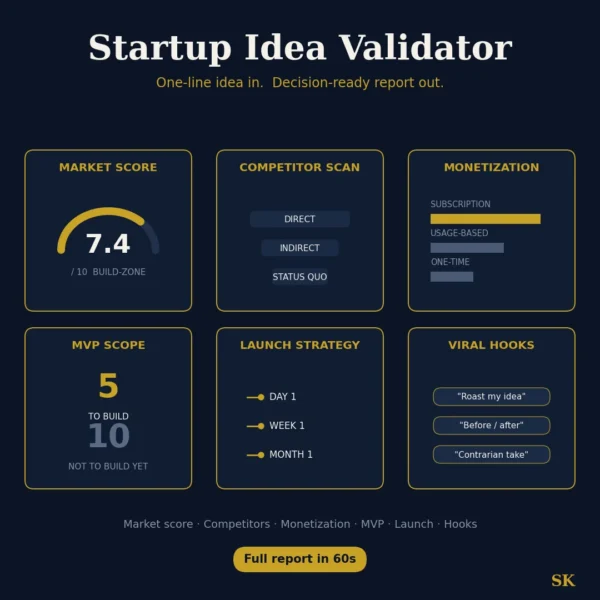
Startup Idea Validator
$8.99View skill
Skill · Business & Consulting
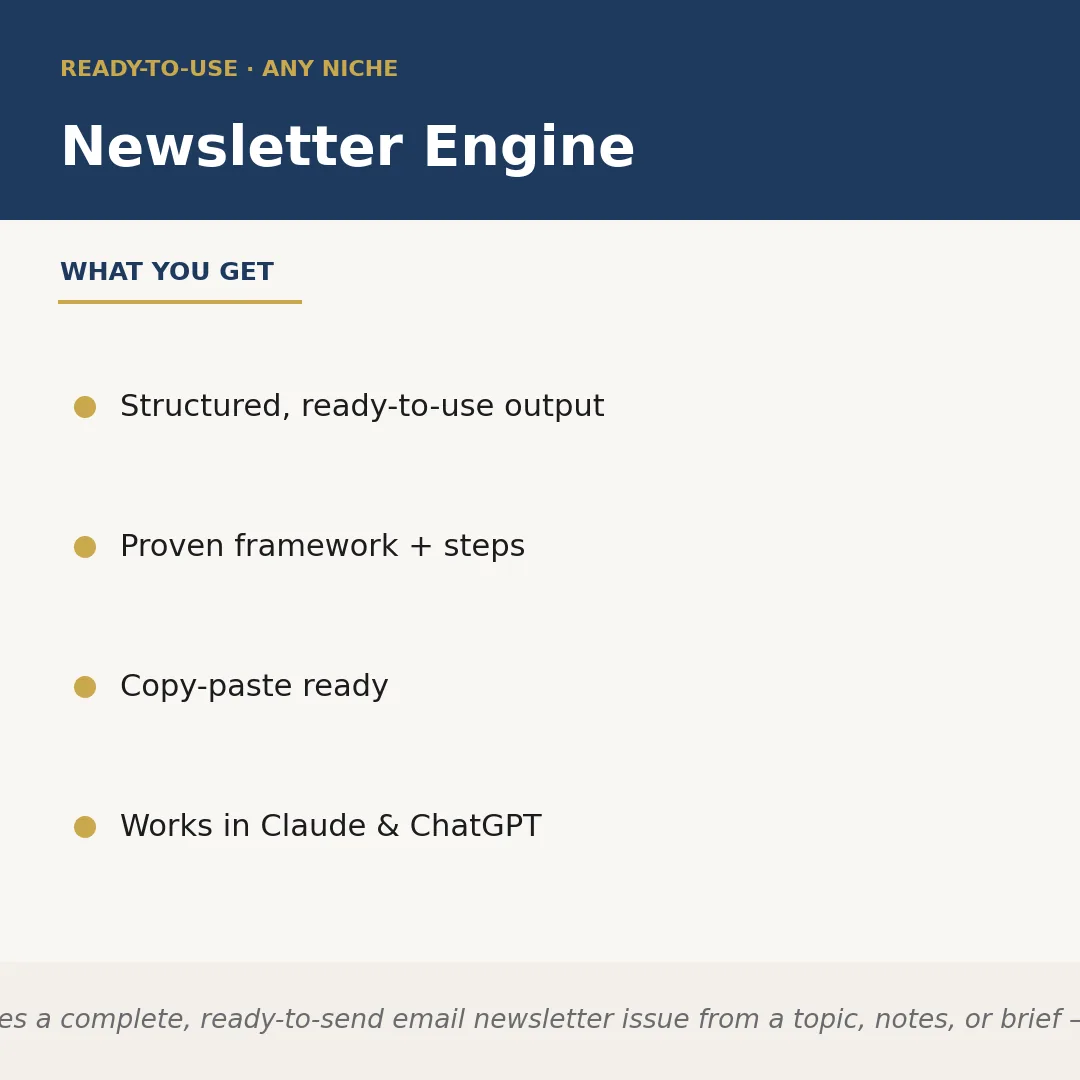
Newsletter Engine is a Claude skill for Business & Consulting. Writes a complete, ready-to-send email newsletter issue from a topic, notes, or brief — i. It costs $4.99 on PromptBase. It runs on any Claude plan, including Free. Part of the StrategistKit catalog of 190+ focused Claude skills.
10 credits — included with a membership (30 credits/mo).
Prefer a one-time purchase, without joining?
Buy once on PromptBase (opens in a new tab) Also on Agensi — $8.99 (opens in a new tab)StrategistKit Affiliate. One-time purchase on PromptBase. Payment, delivery and refunds are handled by the marketplace — see their policy for refund terms. PromptBase purchases earn us a referral fee.
Overview
Newsletter Engine takes a topic, a loose set of notes, or a short brief and returns a complete, formatted email newsletter issue — subject line, preview text, intro hook, body sections, and a closing call to action. You supply the niche and the raw material; the skill applies a proven editorial structure to turn that input into a ready-to-send draft. Nothing needs rewriting from scratch.
A typical input looks like: 'Niche: independent coffee roasters. Topic: why single-origin pricing is rising in 2025. Notes: harvest yields down in Ethiopia and Colombia, shipping costs up, consumers still expect flat pricing.' That is enough for the skill to work with.
The output it returns is structured and segmented: a subject line and preview text pair, a 60-word narrative intro, two or three body sections with subheadings, a stat or insight callout, and a one-sentence CTA. Each block is labeled so it can be copied directly into your email platform without reformatting.
Who it's for
Solo newsletter operators, content marketers, and consultants who publish regularly but lose hours to the blank-page problem every send cycle. Also suits agencies producing newsletters for multiple clients across different industries who need consistent output without consistent effort.
What you get
One .skill bundle. Run it on your material and it returns:
How it works
Add the .skill file to your Claude app. About 10 seconds.
Invoke the skill and paste in your material.
Review, keep what works, and use it.
In depth
A copy-paste prompt runs one static pass and stops. A skill is a bundled program — instructions, examples, and a workflow Claude runs as a unit: it asks for the right input, applies the same pattern every time, and returns the structured outputs above.
FAQ
At minimum, a niche or audience description and a topic or angle. Adding bullet-point notes, a stat, or a recent event you want to reference will make the output more specific and closer to publish-ready.
It writes a complete issue: subject line, preview text, intro, two to three body sections, and a closing call to action. If you only need one section, you can specify that in your brief.
The output is plain structured text with labeled blocks, so it pastes cleanly into any email editor. No reformatting is built in for a specific platform's drag-and-drop builder, but the copy is ready to paste.
You can include a brief voice note — 'conversational and data-driven' or 'warm but authoritative' — in each brief. The skill follows that direction per run; it does not store memory of previous issues between sessions.
The niche is a runtime input you supply, so it is not locked to one industry. It has been designed for business and professional content but handles any topic you brief it on.
More in Business & Consulting
Part of these collections
We use cookies for anonymous analytics (read more). Accept, decline, or choose for yourself.