Startup Idea Validator
$8.99View skill
Skill · Business & Consulting
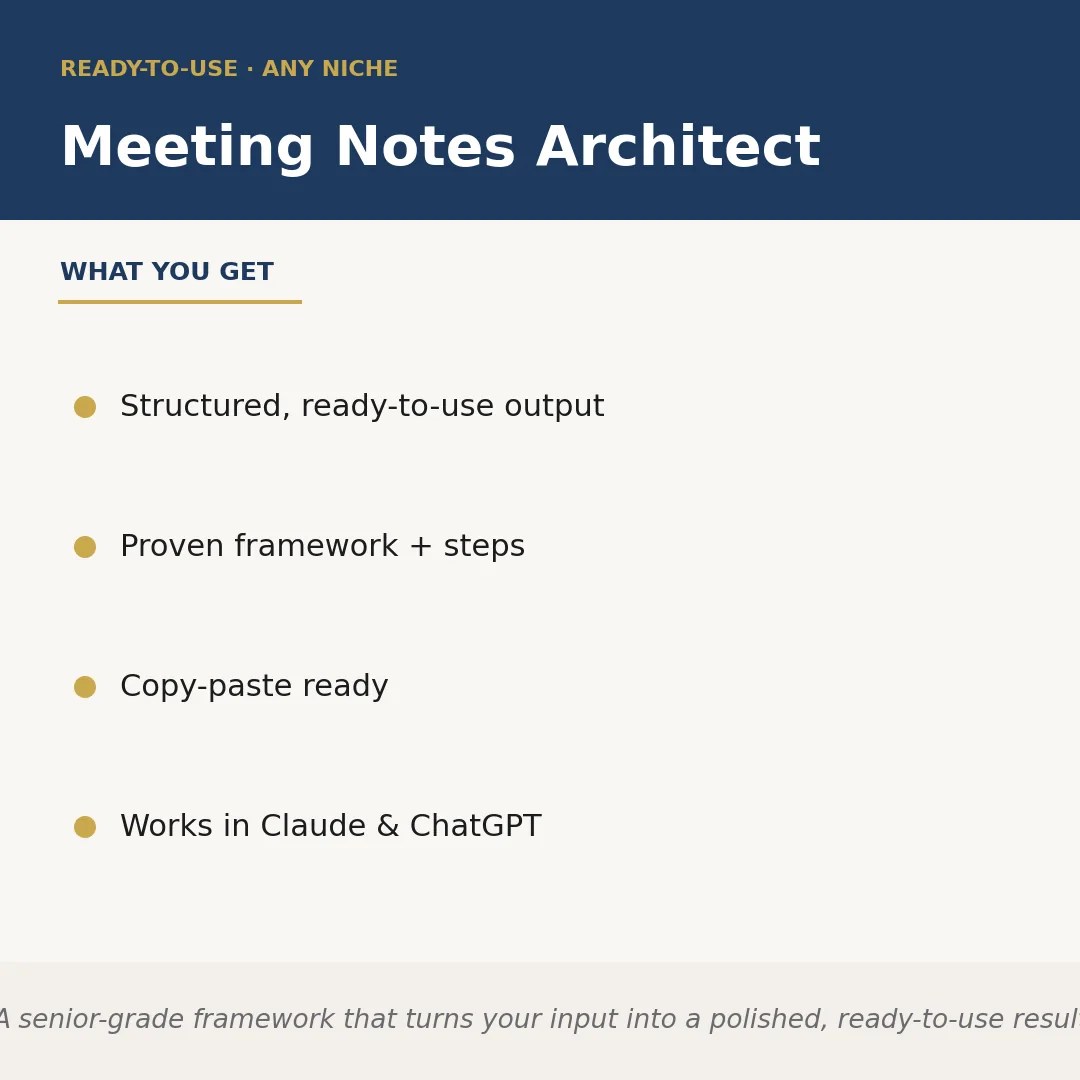
Meeting Notes Architect is a Claude skill for Business & Consulting. A senior-grade framework that turns your input into a polished, ready-to-use result. It costs $3.99 on PromptBase. It runs on any Claude plan, including Free. Part of the StrategistKit catalog of 190+ focused Claude skills.
10 credits — included with a membership (30 credits/mo).
Prefer a one-time purchase, without joining?
Buy once on PromptBase (opens in a new tab) Also on Agensi — $8.99 (opens in a new tab)StrategistKit Affiliate. One-time purchase on PromptBase. Payment, delivery and refunds are handled by the marketplace — see their policy for refund terms. PromptBase purchases earn us a referral fee.
Overview
Meeting Notes Architect takes the raw material from any meeting — a voice transcript, a hasty bullet dump, or a stream-of-consciousness summary you typed on your phone — and structures it into a professional, actionable document. The skill applies a consistent framework: it identifies decisions made, action items with owners, open questions, and key discussion points, then formats everything so the output is ready to send or drop into a project management tool without editing.
A typical input looks like: 'We talked for 45 minutes about the Q3 product roadmap. Sarah wants to push the API feature to Q4. Marcus is worried about capacity. We agreed to run a resourcing audit by Friday. No one could agree on the release date. Follow up needed with legal on the data terms.' That is enough for the skill to work with — messy, partial, and out of order.
The output excerpt it returns follows a fixed structure: a one-sentence meeting summary, a Decisions section (e.g., 'API feature deferred to Q4'), an Action Items table with owner and due date columns, an Open Questions list (e.g., 'Release date — pending legal input on data terms'), and a Next Steps note. Every section is labeled, every action item is attributed, and the document reads like something a chief of staff wrote.
Who it's for
Operations managers, executive assistants, consultants, and team leads who run or attend multiple meetings per week and currently spend time after each one manually reconstructing what was decided and who owns what. It is especially useful for anyone who records or transcribes meetings but finds raw transcripts too unstructured to share with stakeholders.
What you get
One .skill bundle. Run it on your material and it returns:
How it works
Add the .skill file to your Claude app. About 10 seconds.
Invoke the skill and paste in your material.
Review, keep what works, and use it.
In depth
A copy-paste prompt runs one static pass and stops. A skill is a bundled program — instructions, examples, and a workflow Claude runs as a unit: it asks for the right input, applies the same pattern every time, and returns the structured outputs above.
FAQ
The output is plain text with clear labeled sections — summary, decisions, action items, open questions, and next steps — structured so you can copy it directly into an email, Notion, Confluence, or any doc tool without reformatting.
It works with as little as a rough paragraph or a messy bullet list from memory. More detail produces a more complete document, but the skill is specifically designed to handle incomplete or unstructured input and fill in the structural gaps.
It is meeting-type agnostic. You supply the niche or context — client discovery call, internal sprint review, board update, sales debrief — and the framework adapts the language and emphasis accordingly.
The output is designed to be copy-paste ready. For straightforward meetings the document typically needs no editing. For complex or highly technical sessions you may want to verify attributed action items before sending.
Yes. The skill is written to run in either Claude or ChatGPT without modification.
More in Business & Consulting
Part of these collections
We use cookies for anonymous analytics (read more). Accept, decline, or choose for yourself.