Startup Idea Validator
$8.99View skill
Skill · Business & Consulting
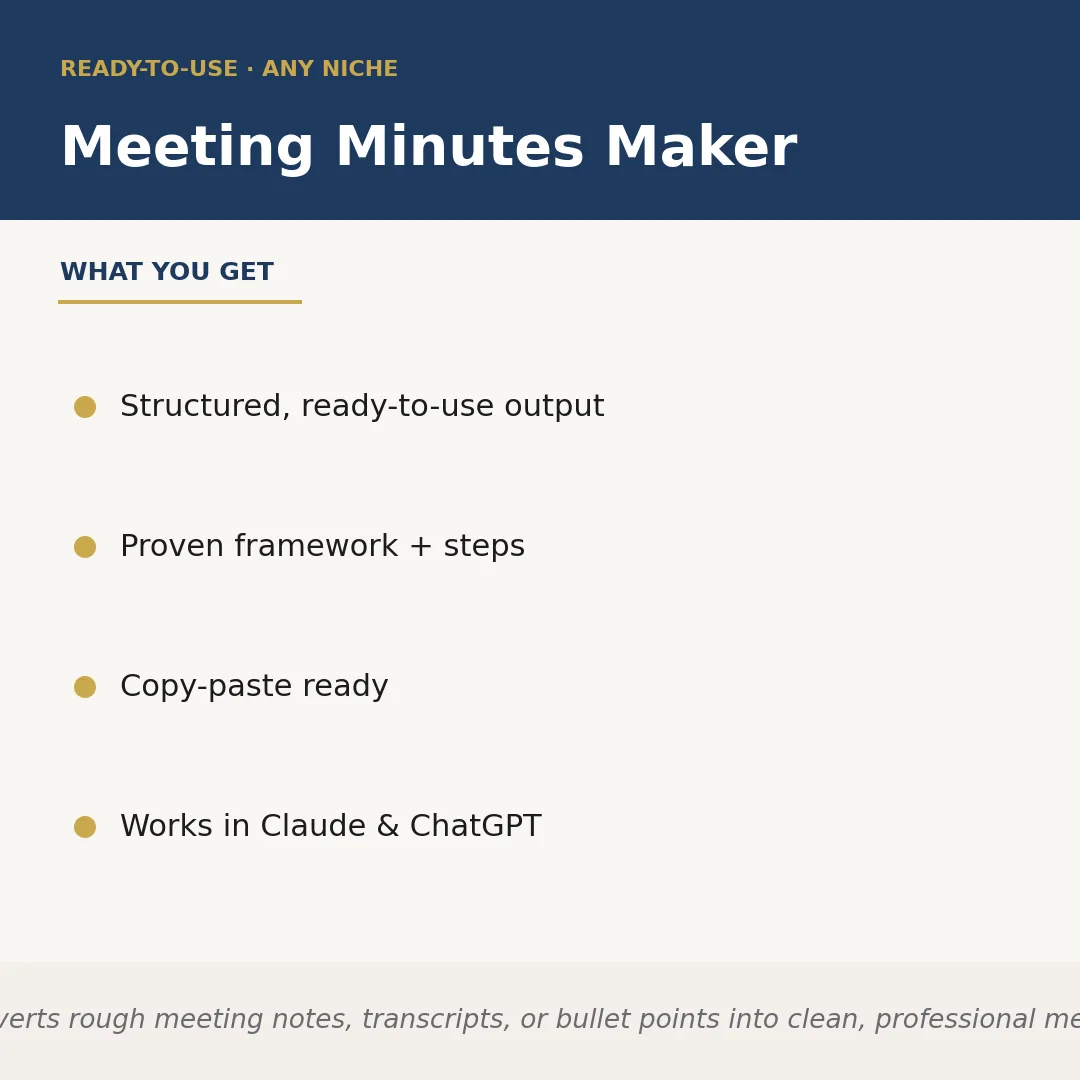
Meeting Minutes Maker is a Claude skill for Business & Consulting. Converts rough meeting notes, transcripts, or bullet points into clean, professional meet. It costs $4.99 on PromptBase. It runs on any Claude plan, including Free. Part of the StrategistKit catalog of 190+ focused Claude skills.
10 credits — included with a membership (30 credits/mo).
Prefer a one-time purchase, without joining?
Buy once on PromptBase (opens in a new tab) Also on Agensi — $8.99 (opens in a new tab)StrategistKit Affiliate. One-time purchase on PromptBase. Payment, delivery and refunds are handled by the marketplace — see their policy for refund terms. PromptBase purchases earn us a referral fee.
Overview
Meeting Minutes Maker takes whatever you captured during a meeting — scattered bullet points, a rough transcript, a voice-memo transcription, or even a paragraph of stream-of-consciousness notes — and restructures it into a clean, professional minutes document. It identifies attendees, agenda items, decisions made, and action items with owners and due dates, then formats everything into a consistent, ready-to-distribute document. No reformatting by hand, no hunting back through notes for what was actually decided.
A typical input looks like this: 'Sync with Sarah, Dev team, Jake from design. Talked about launch delay — moved to March 14. Jake needs to redo the hero banner by Fri. Sarah said she'd confirm budget with finance this week. Dev team flagged API issue, unresolved, need to revisit Thurs.' You paste that in, specify the niche or team context if relevant, and the skill does the rest.
The output you get back is structured and copy-paste ready: a headed section for Meeting Details (date, attendees), a numbered Decisions log ('1. Product launch rescheduled to March 14'), a formatted Action Items table with owner and deadline columns, and an Open Items section flagging unresolved points for follow-up. The document reads as if a professional EA drafted it.
Who it's for
Operations managers, executive assistants, project managers, and consultants who run or document multiple meetings per week and need minutes that look polished without spending 20 minutes reformatting notes after every call. Also useful for solo founders or freelancers who have no dedicated admin support.
What you get
One .skill bundle. Run it on your material and it returns:
How it works
Add the .skill file to your Claude app. About 10 seconds.
Invoke the skill and paste in your material.
Review, keep what works, and use it.
In depth
A copy-paste prompt runs one static pass and stops. A skill is a bundled program — instructions, examples, and a workflow Claude runs as a unit: it asks for the right input, applies the same pattern every time, and returns the structured outputs above.
FAQ
The skill returns plain structured text organized into labeled sections — Meeting Details, Agenda, Decisions, Action Items, and Open Items — that you can paste directly into Word, Google Docs, Notion, or any email without cleanup.
Very messy. The skill is designed to work with incomplete sentences, shorthand, and unordered bullet points. The more context you provide (who was present, what the meeting was about), the more accurate the output, but it handles rough raw notes well.
Yes. The niche, team context, or meeting type is a runtime input you supply, so it works for a product standup, a client strategy session, a board meeting, or a freelance project check-in equally well.
If the notes make ownership clear from context it will assign it; if ownership is genuinely ambiguous it flags the action item with a blank owner field rather than guessing incorrectly.
Yes, the skill is confirmed to run in both Claude and ChatGPT, so you are not locked into one platform.
More in Business & Consulting
Part of these collections
We use cookies for anonymous analytics (read more). Accept, decline, or choose for yourself.