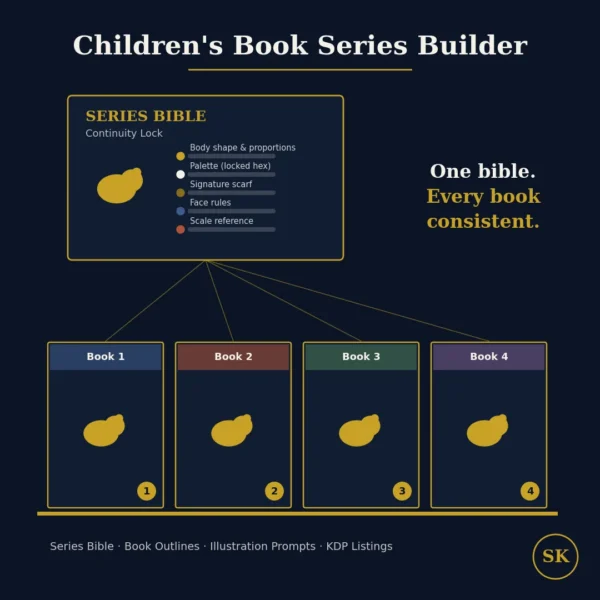
Children’s Book Series Builder
$8.99View skill
Skill · KDP & Publishing
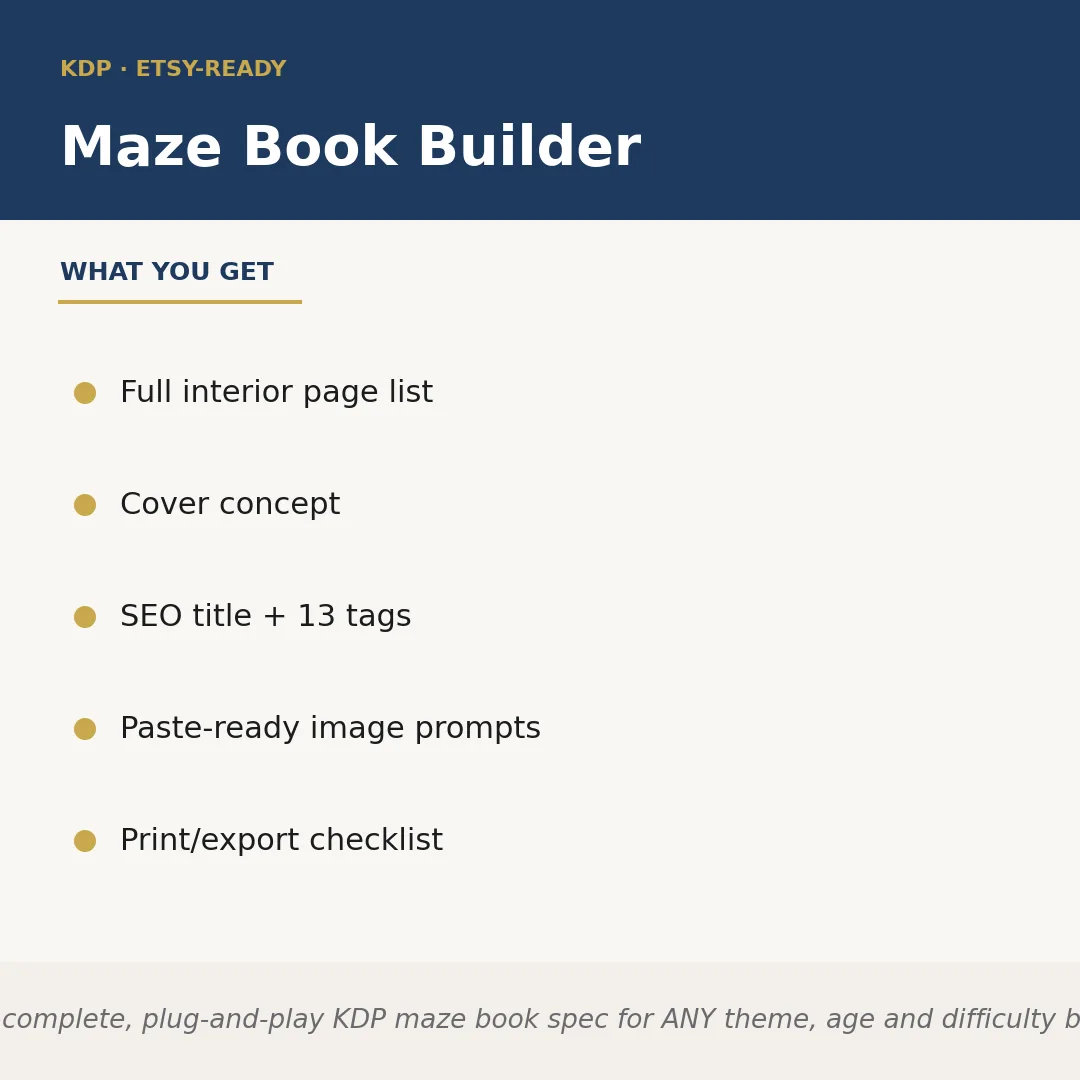
Maze Book Builder is a Claude skill for KDP & Publishing. Builds a complete, plug-and-play KDP maze book spec for ANY theme, age and difficulty band the seller names — animals, vehicles, fantasy, space, ho. It costs $6.99 on PromptBase. It runs on any Claude plan, including Free. Part of the StrategistKit catalog of 190+ focused Claude skills.
10 credits — included with a membership (30 credits/mo).
Prefer a one-time purchase, without joining?
Buy once on PromptBase (opens in a new tab) Also on Agensi — $8.99 (opens in a new tab)StrategistKit Affiliate. One-time purchase on PromptBase. Payment, delivery and refunds are handled by the marketplace — see their policy for refund terms. PromptBase purchases earn us a referral fee.
Overview
Maze Book Builder takes a theme, target age range, and difficulty level you specify at runtime and returns a complete product specification ready to hand off to a designer or drop straight into KDP's upload flow. It calculates page counts, pairs each maze with its solution-key placement, writes the Amazon SEO title and subtitle, generates seven backend keywords, and produces a paste-ready image-generation prompt so you can create interior art without briefing a designer from scratch.
Give it something like: 'Dinosaur maze book, ages 4-7, easy-to-medium difficulty, 64 pages, gift-edition feel.' The skill returns a named interior page list (cover, copyright, 30 maze spreads with solution placements, bonus activity page, back cover), a cover concept description, a KDP-formatted title such as 'Dinosaur Mazes for Kids Ages 4-7: 30 Roar-Worthy Puzzles with Solutions,' plus matching backend keywords and a Midjourney or DALL-E prompt aligned to the cover concept.
The structured output also includes a print-and-export checklist covering trim size, bleed settings, color vs. black-and-white interior flag, and the pre-publish steps specific to KDP's file requirements — so nothing gets missed between spec and live listing. Every section is labeled and formatted to copy directly into a design brief, a spreadsheet, or KDP's metadata fields without reformatting.
Who it's for
Amazon KDP and Etsy sellers who publish activity books at volume and need to move from niche idea to fully specced product without spending hours on page math, keyword research, and interior planning separately. Particularly useful for sellers testing a new seasonal theme or age bracket they have not published in before.
What you get
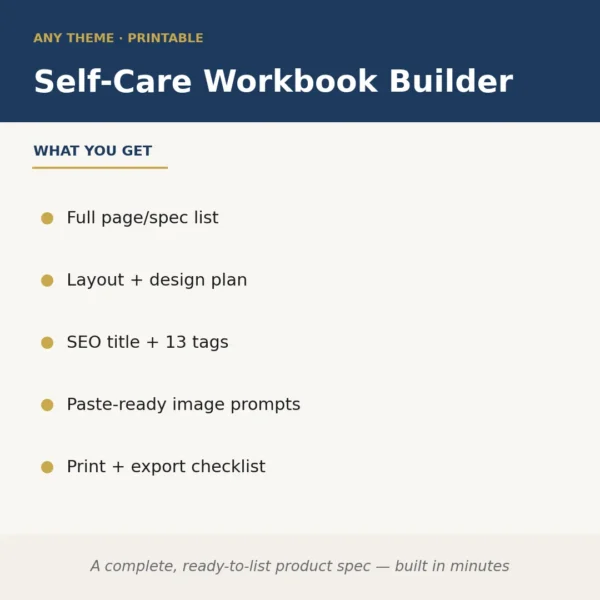
One .skill bundle. Run it on your material and it returns:
How it works
Add the .skill file to your Claude app. About 10 seconds.
Invoke the skill and paste in your material.
Review, keep what works, and use it.
In depth
A copy-paste prompt runs one static pass and stops. A skill is a bundled program — instructions, examples, and a workflow Claude runs as a unit: it asks for the right input, applies the same pattern every time, and returns the structured outputs above.
FAQ
At minimum: a theme or topic, a target age range or reader profile, and a rough difficulty level (easy, medium, hard, or a band like easy-to-medium). A desired page count and any format notes (gift edition, large print, black-and-white interior) improve output specificity but are optional.
It produces a full puzzle plan — named maze concepts, interior page sequence, and solution-key layout — not drawn maze graphics. You take the spec to a maze-generation tool or designer; the skill handles everything around the puzzles so that brief is ready to go.
Yes. The age range and difficulty band are runtime inputs, so specifying 'large-print seniors, simple single-path mazes' or 'adults, complex multi-path, 96 pages' shifts the page structure, keyword language, and cover concept accordingly.
Output is structured plain text with clearly labeled sections — interior page list, cover concept, SEO title and subtitle, seven keywords, image prompt, and checklist. Each section is designed to paste directly into KDP's metadata fields, a design brief, or a publishing tracker without additional reformatting.
The skill writes the title and subtitle to stay within KDP's 200-character title field limit and formats keywords as seven discrete phrases matching KDP's backend keyword input structure. You should still review them against current KDP guidelines before uploading, as platform rules can change.
More in KDP & Publishing
Part of these collections
We use cookies for anonymous analytics (read more). Accept, decline, or choose for yourself.