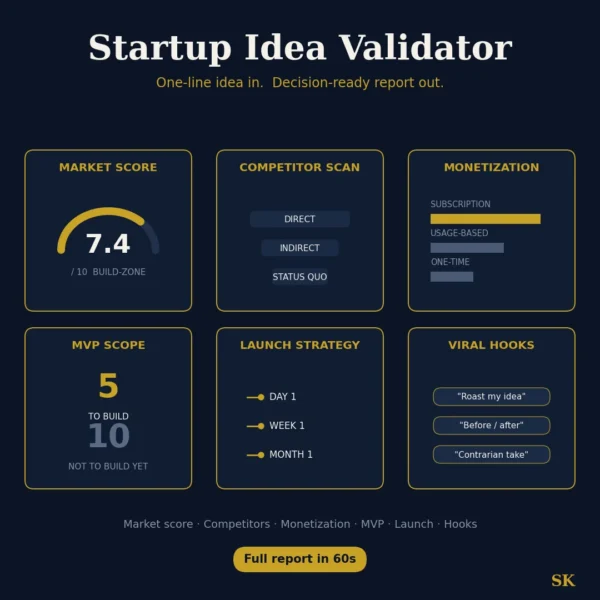
Startup Idea Validator
$8.99View skill
Skill · Business & Consulting
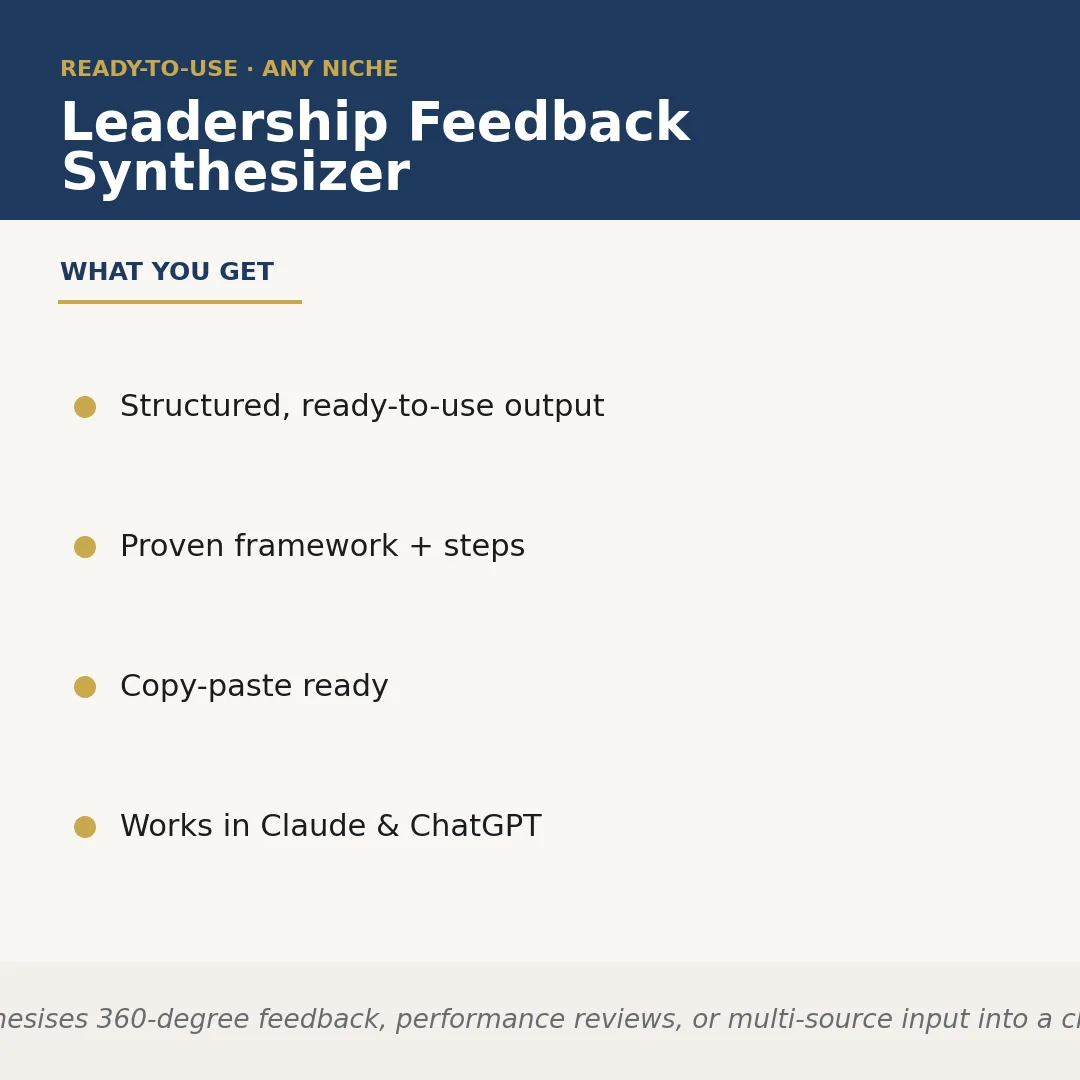
Leadership Feedback Synthesizer is a Claude skill for Business & Consulting. Synthesises 360-degree feedback, performance reviews, or multi-source input into a clear. It costs $5.99 on PromptBase. It runs on any Claude plan, including Free. Part of the StrategistKit catalog of 190+ focused Claude skills.
10 credits — included with a membership (30 credits/mo).
Prefer a one-time purchase, without joining?
Buy once on PromptBase (opens in a new tab) Also on Agensi — $8.99 (opens in a new tab)StrategistKit Affiliate. One-time purchase on PromptBase. Payment, delivery and refunds are handled by the marketplace — see their policy for refund terms. PromptBase purchases earn us a referral fee.
Overview
Leadership Feedback Synthesizer takes raw, multi-source feedback — 360-degree surveys, manager reviews, peer comments, direct-report ratings, or any combination — and converts it into a structured leadership development summary. You supply the feedback text and the leader's role or context; the skill identifies recurring themes, surfaces blind spots, separates signal from noise, and organises findings into a ready-to-use output a coach, HR partner, or leader can act on immediately.
A typical input looks like this: ten anonymised peer and direct-report survey responses for a mid-level engineering manager, plus a manager's written performance review, submitted alongside a brief note on the leader's current role and team size. The skill reads across all sources simultaneously rather than treating each in isolation, so patterns that appear in only one source type but contradict others are explicitly flagged.
The output excerpt it returns is structured and copy-paste ready: a 'Consistent Strengths' section listing two to three themes with supporting evidence drawn from multiple raters; a 'Development Priorities' section ranking gaps by frequency and impact; a 'Conflicting Signals' callout where rater groups diverge; and a 'Suggested Next Steps' block with specific, role-relevant actions. No raw quotes are exposed unless you ask for them — just clean synthesis.
Who it's for
HR business partners, executive coaches, and talent development leads who process feedback for multiple leaders and need consistent, defensible write-ups without spending hours manually cross-referencing sources. Also useful for individual managers or directors who receive their own 360 data and want an objective read before a development conversation.
What you get
One .skill bundle. Run it on your material and it returns:
How it works
Add the .skill file to your Claude app. About 10 seconds.
Invoke the skill and paste in your material.
Review, keep what works, and use it.
In depth
A copy-paste prompt runs one static pass and stops. A skill is a bundled program — instructions, examples, and a workflow Claude runs as a unit: it asks for the right input, applies the same pattern every time, and returns the structured outputs above.
FAQ
Plain text works best — paste survey responses, review excerpts, or comment fields directly into the prompt. You can include ratings alongside comments or omit them; the skill works with qualitative text as its primary input.
Yes. You specify the leader's role, seniority level, and any relevant context at runtime, so the synthesis and recommended next steps are calibrated to that situation rather than generic leadership archetypes.
It can work with as few as three to four sources, but richer synthesis comes from six or more. When source volume is low, the output flags that limitation explicitly rather than overstating confidence in the themes.
The skill synthesises themes rather than attributing quotes to individuals, so by default no specific rater is identified in the output. If you want direct quotes included, you can instruct it to do so at runtime.
The structured output — strengths, development priorities, conflicting signals, and next steps — maps directly onto standard talent review formats and can be dropped into a slide deck or discussion document with minimal reformatting.
More in Business & Consulting
Part of these collections
We use cookies for anonymous analytics (read more). Accept, decline, or choose for yourself.