Children’s Book Series Builder
$8.99View skill
Skill · KDP & Publishing
Kids Activity Workbook Builder is a Claude skill for KDP & Publishing. A complete, ready-to-list product spec — built in minutes. It costs $6.99 on PromptBase. It runs on any Claude plan, including Free. Part of the StrategistKit catalog of 190+ focused Claude skills.
10 credits — included with a membership (30 credits/mo).
Prefer a one-time purchase, without joining?
Buy once on PromptBase (opens in a new tab) Also on Agensi — $8.99 (opens in a new tab)StrategistKit Affiliate. One-time purchase on PromptBase. Payment, delivery and refunds are handled by the marketplace — see their policy for refund terms. PromptBase purchases earn us a referral fee.
Overview
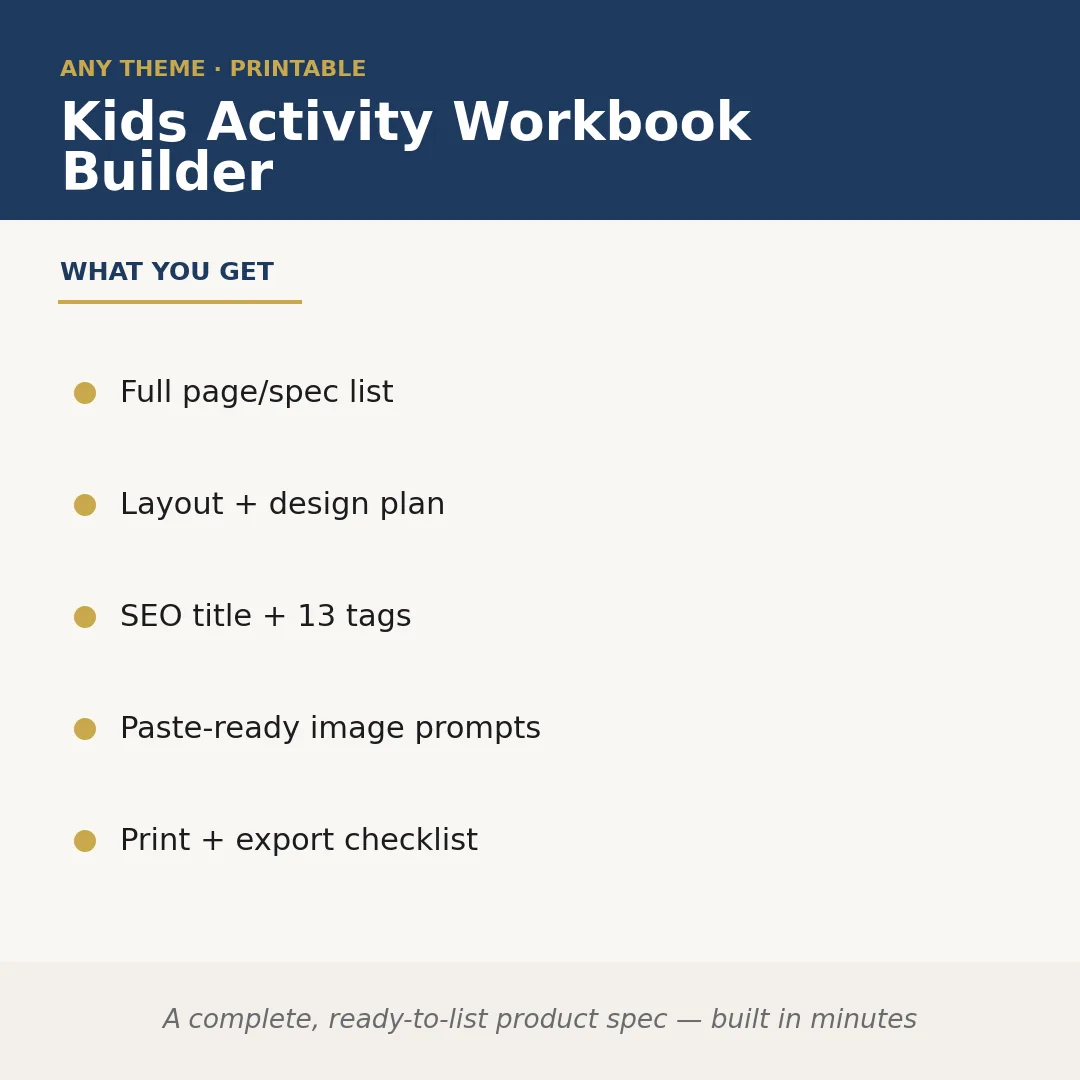
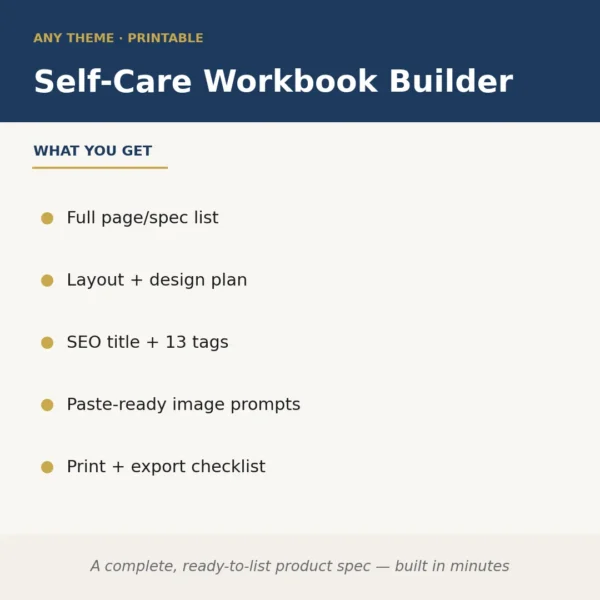
Kids Activity Workbook Builder takes a niche or theme you supply — along with an age range and page count target — and produces a complete, production-ready product specification for a KDP activity workbook. It maps out every page type, writes a full layout and design plan, generates an SEO-optimized title with 13 keyword tags, and hands you paste-ready image prompts plus a print-and-export checklist. The output is structured so you can move directly to design or outsource the work without a planning session in between.
Give it something like: 'Dinosaur-themed activity workbook, ages 4-7, 40 pages, US Letter, black and white interior.' The skill returns a sequenced page list (cover, coloring pages, dot-to-dot, tracing letters, mazes, spot-the-difference, simple puzzles, answer key), design notes for each spread, interior margin and bleed guidance, and a ready-to-paste Midjourney or DALL-E prompt for each activity illustration — all organized so a freelance illustrator or Canva layout can pick it up immediately.
Sample output excerpt — SEO block: Title: 'Dinosaur Activity Book for Kids Ages 4-7: Coloring, Mazes, Dot-to-Dot and More'; Tags: dinosaur activity book for kids, kids coloring book ages 4-6, preschool maze book, dinosaur workbook kindergarten, dot to dot dinosaur, [+ 8 more]. Print checklist includes: trim size confirmed, bleed set to 0.125 in, fonts embedded, grayscale verified, cover spine width formula noted.
Who it's for
Self-publishing creators and KDP side-hustlers who want to launch activity books faster without spending hours on product planning or keyword research. Particularly useful for designers or virtual assistants building workbook series across multiple themes for clients.
What you get
One .skill bundle. Run it on your material and it returns:
How it works
Add the .skill file to your Claude app. About 10 seconds.
Invoke the skill and paste in your material.
Review, keep what works, and use it.
In depth
A copy-paste prompt runs one static pass and stops. A skill is a bundled program — instructions, examples, and a workflow Claude runs as a unit: it asks for the right input, applies the same pattern every time, and returns the structured outputs above.
FAQ
At minimum: a theme or niche, a target age range, an approximate page count, and your preferred trim size. The more context you give (interior color vs. black-and-white, series plans, competing titles to avoid), the more tailored the output.
It produces the full product specification — page-by-page plan, layout notes, image prompts, SEO assets, and print checklist. Writing or drawing the individual activity content (the actual mazes, tracing lines, puzzles) is a separate step handled by you, an illustrator, or a generator tool using the prompts it provides.
It is built to work with any theme or niche you supply at runtime — seasons, animals, holidays, educational topics, pop-culture-adjacent concepts — so it is reusable across every workbook project you start.
They are returned as individual lowercase keyword phrases ready to paste into KDP's backend tag fields, prioritizing long-tail search terms relevant to the age range and activity types in your specific book.
The prompts are written to be paste-ready for tools like Midjourney, DALL-E, or Adobe Firefly. They include style guidance (line-art, black-and-white, child-friendly) matched to KDP interior requirements, but you may need to adjust syntax slightly for the specific tool version you use.
More in KDP & Publishing
Part of these collections
We use cookies for anonymous analytics (read more). Accept, decline, or choose for yourself.