Children’s Book Series Builder
$8.99View skill
Skill · KDP & Publishing
KDP Low-Content Book Builder is a Claude skill for KDP & Publishing. A complete, ready-to-list product spec — built in minutes. It costs $6.99 on PromptBase. It runs on any Claude plan, including Free. Part of the StrategistKit catalog of 190+ focused Claude skills.
10 credits — included with a membership (30 credits/mo).
Prefer a one-time purchase, without joining?
Buy once on PromptBase (opens in a new tab) Also on Agensi — $8.99 (opens in a new tab)StrategistKit Affiliate. One-time purchase on PromptBase. Payment, delivery and refunds are handled by the marketplace — see their policy for refund terms. PromptBase purchases earn us a referral fee.
Overview
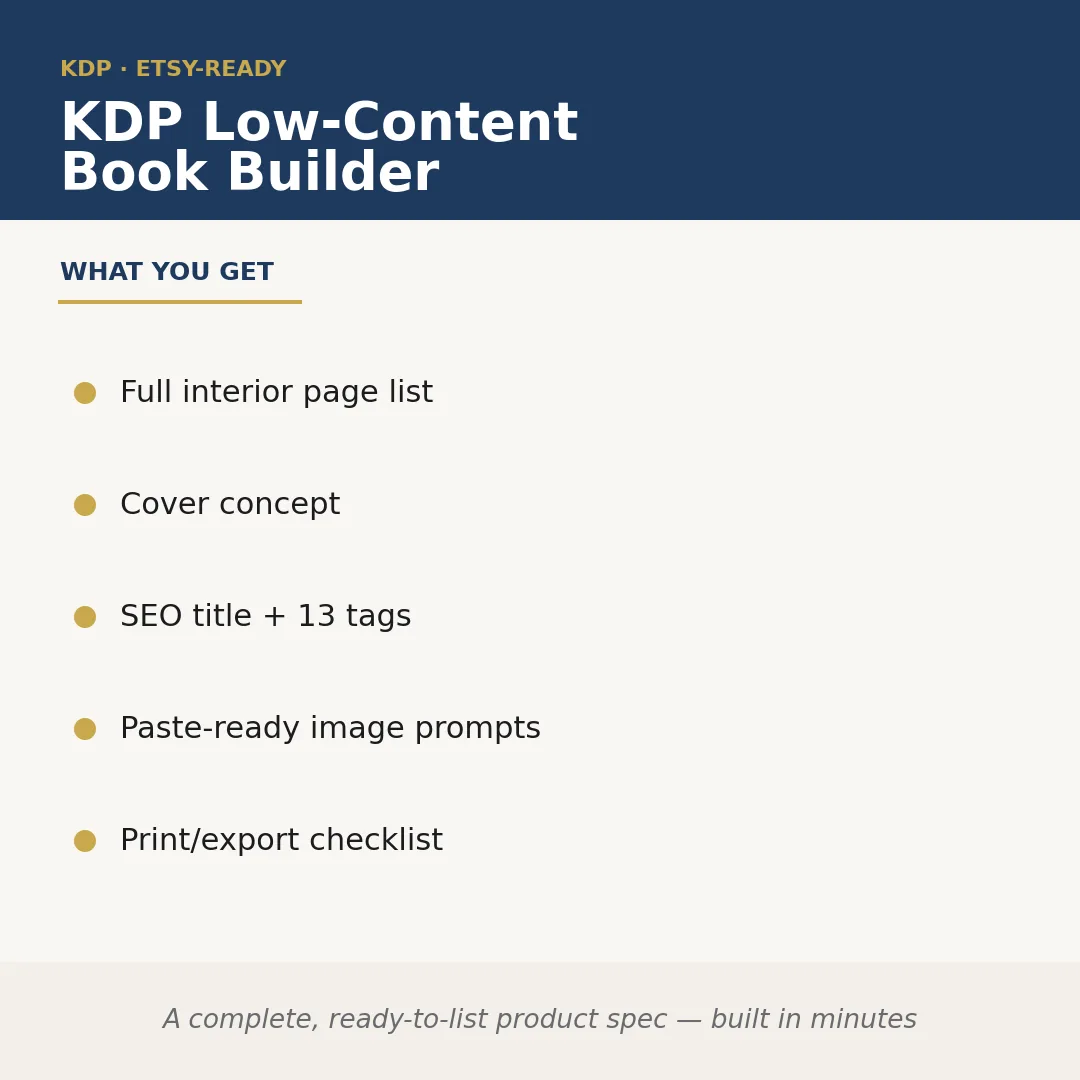
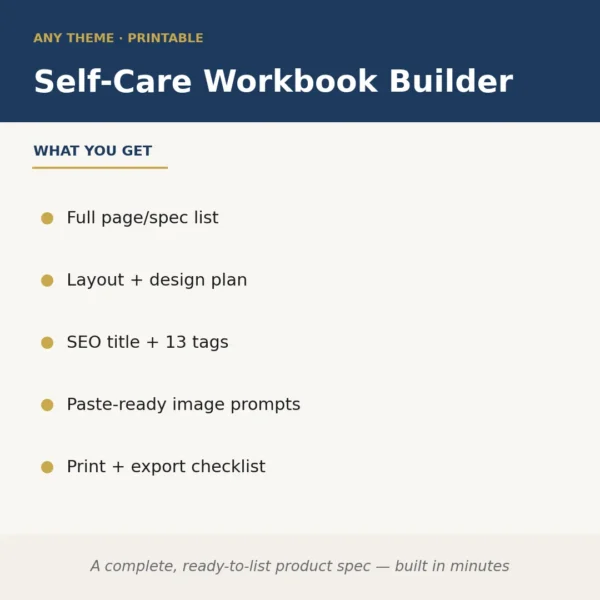
KDP Low-Content Book Builder takes a niche or theme you supply and returns a complete, publish-ready product specification — interior page list with page types and quantities, a cover concept description, an SEO-optimized title with 13 keyword tags, paste-ready image generation prompts for every repeating interior element, and a print/export checklist. It removes the planning phase entirely: you go from idea to a structured brief a designer or AI image tool can act on immediately.
Give it something like 'anxiety relief adult coloring book, botanical illustrations, 120 pages, 8.5×11' and it builds out the full page breakdown — how many coloring pages, any intro or tips pages, bleed and margin notes — drafts a cover concept tied to the mood, writes a KDP-ready title with relevant search terms, and outputs image prompts formatted for tools like Midjourney or DALL-E.
Sample output excerpt for that input — Title: 'Botanical Calm: An Adult Coloring Book for Stress Relief and Mindfulness' | Tags: adult coloring book anxiety, botanical line art coloring, stress relief activity book [+10] | Interior: 108 full-page botanical illustrations, 6 tip pages, 4 blank journaling pages, 2 copyright/intro pages | Cover concept: soft sage background, single detailed peony line drawing centered, hand-lettered title treatment | Image prompt (repeat page): 'single large-scale botanical illustration, fine ink line art, white background, no shading, printable coloring page style, 8.5×11 at 300dpi'.
Who it's for
KDP sellers who want to launch low-content titles faster without hiring a book planner or spending hours on keyword research — especially side-income publishers testing multiple niches in parallel and designers who need a structured brief before opening any creative tool.
What you get
One .skill bundle. Run it on your material and it returns:
How it works
Add the .skill file to your Claude app. About 10 seconds.
Invoke the skill and paste in your material.
Review, keep what works, and use it.
In depth
A copy-paste prompt runs one static pass and stops. A skill is a bundled program — instructions, examples, and a workflow Claude runs as a unit: it asks for the right input, applies the same pattern every time, and returns the structured outputs above.
FAQ
Supply a niche or theme, your target trim size (e.g. 6×9, 8.5×11), and an approximate page count. Optional inputs like audience, mood, or a competing ASIN help refine the output further.
It handles the full range of KDP low-content formats — coloring books, journals, planners, notebooks, activity books, log books — because the structure it generates adapts to whatever theme and page type you specify.
Yes. Each prompt is written to be dropped into Midjourney, DALL-E, or similar tools without editing, though you can adjust style descriptors if you have a specific aesthetic in mind.
No. It produces a specification and image prompts — the upstream brief. You or a designer use those outputs to create the files, which keeps you in control of the visual execution.
They are formatted as buyer-search phrases within KDP's character limits and chosen for relevance to the niche you supply. You should still verify competitiveness in KDP's backend before publishing, as search trends shift.
More in KDP & Publishing
Part of these collections
We use cookies for anonymous analytics (read more). Accept, decline, or choose for yourself.