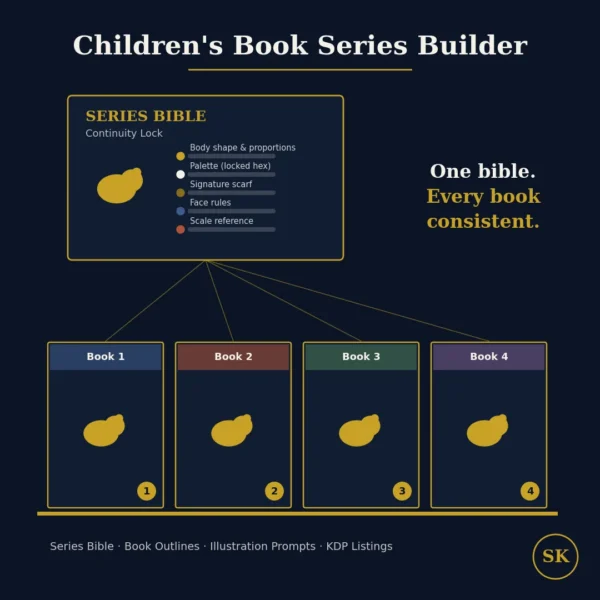
Children’s Book Series Builder
$8.99View skill
Skill · KDP & Publishing
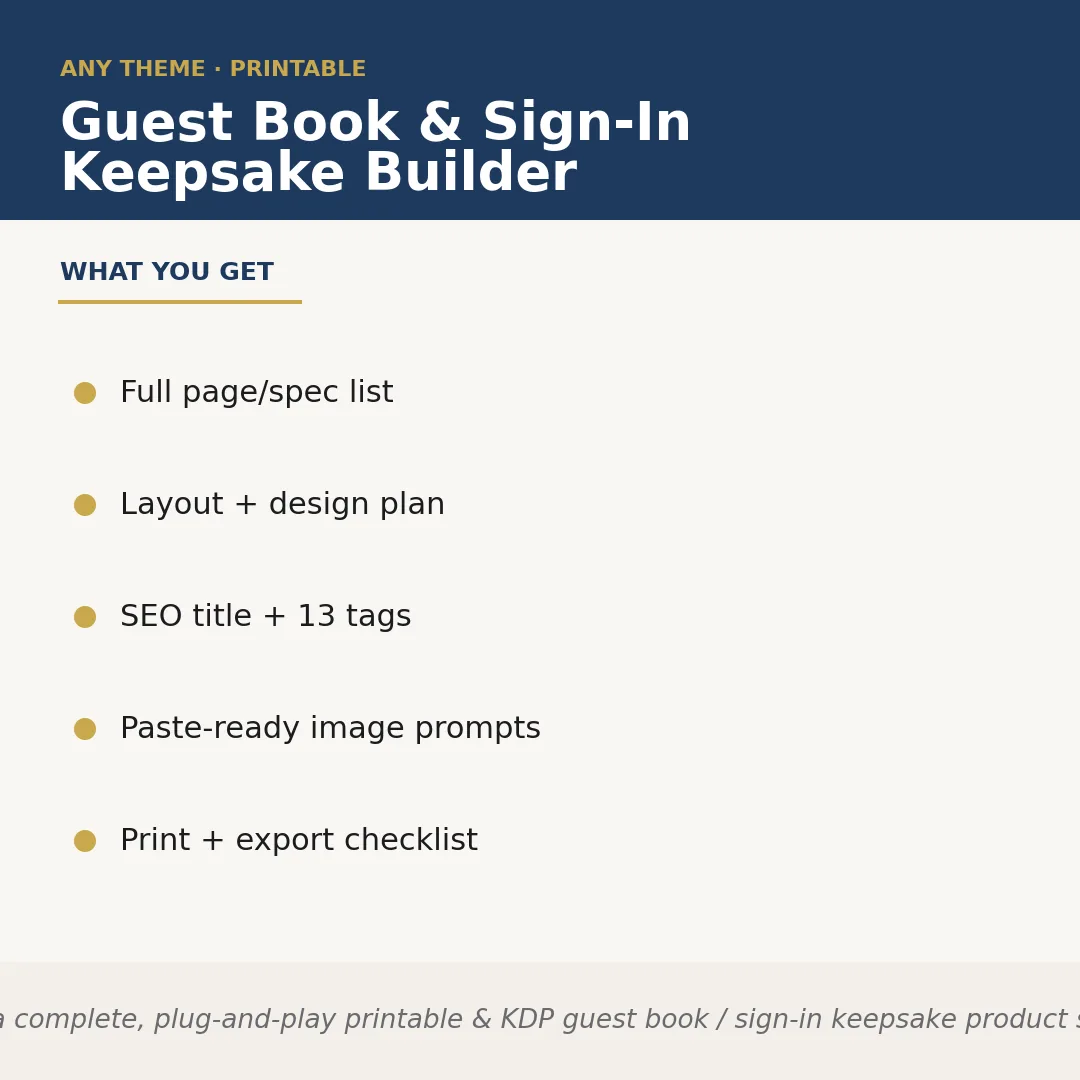
Guest Book & Sign-In Keepsake Builder is a Claude skill for KDP & Publishing. Builds a complete, plug-and-play printable & KDP guest book / sign-in keepsake product spec for ANY event theme the seller names — wedding, baby sh. It costs $6.99 on PromptBase. It runs on any Claude plan, including Free. Part of the StrategistKit catalog of 190+ focused Claude skills.
10 credits — included with a membership (30 credits/mo).
Prefer a one-time purchase, without joining?
Buy once on PromptBase (opens in a new tab) Also on Agensi — $8.99 (opens in a new tab)StrategistKit Affiliate. One-time purchase on PromptBase. Payment, delivery and refunds are handled by the marketplace — see their policy for refund terms. PromptBase purchases earn us a referral fee.
Overview
Guest Book & Sign-In Keepsake Builder takes a single event theme you name and produces a complete, ready-to-list product specification. It defines the full page architecture — sign-in spreads, prompt pages, memory sections, and any theme-specific additions — alongside a visual style guide, a cover concept description, and a print/export checklist formatted for standard KDP and printable trim sizes. Nothing needs to be built from scratch; the spec hands off directly to a designer or AI image tool.
Hand it a theme such as 'rustic outdoor retirement party for a school principal' or 'coastal Airbnb vacation rental guest book' and it adapts every output to that context — page prompts, cover mood, font direction, and color palette shift accordingly. The SEO title, 13 keyword tags, and Etsy/KDP listing description it returns are written for that specific niche, not recycled from a generic template.
A typical output excerpt looks like this — SEO Title: 'Retirement Guest Book Printable | School Teacher Keepsake Sign-In Book | Rustic Woodland'; Tags: retirement party guest book, teacher retirement gift, printable sign-in sheet, rustic guest book pdf [+9 more]; Page list: cover, dedication page, 20 ruled sign-in spreads, 4 memory prompt pages, keepsake envelope pocket spec; Image prompt 1: 'Flat-lay of an open kraft-paper-toned guest book on a weathered oak table, warm afternoon light, no text.'
Who it's for
Etsy printable sellers and Amazon KDP publishers who list event-keepsake products and need a structured, niche-specific product spec they can hand to a designer or feed into an image generator the same day — particularly sellers who publish across many event themes and cannot afford to start each one from a blank page.
What you get
One .skill bundle. Run it on your material and it returns:
How it works
Add the .skill file to your Claude app. About 10 seconds.
Invoke the skill and paste in your material.
Review, keep what works, and use it.
In depth
A copy-paste prompt runs one static pass and stops. A skill is a bundled program — instructions, examples, and a workflow Claude runs as a unit: it asks for the right input, applies the same pattern every time, and returns the structured outputs above.
FAQ
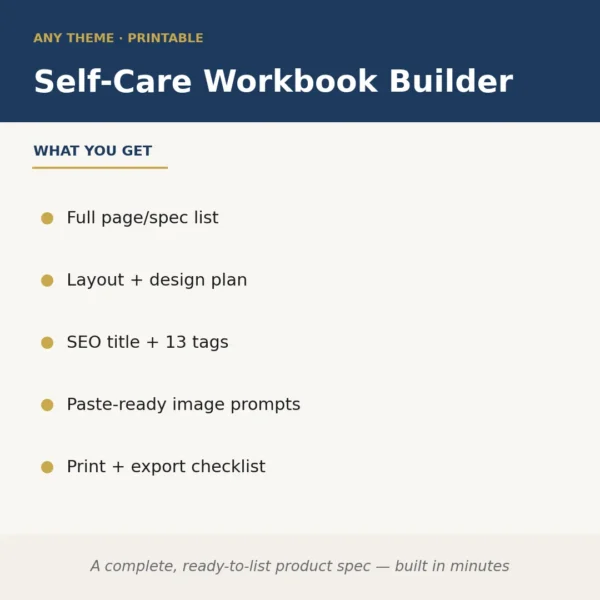
It returns structured text: a numbered page/spec list, a layout and design plan, an SEO title plus 13 tags, paste-ready image-generator prompts, and a print/export checklist. All sections are clearly labeled so you can copy each piece directly into your design brief, Etsy listing form, or KDP metadata fields.
No. The skill proposes a trim size and page count suited to the event type you name, which you can then adjust. If you have a required spec — say, a 6×9 KDP interior at exactly 60 pages — you can include that in your input and the output will conform to it.
Yes. The theme is a runtime input with no fixed list. It handles common events (wedding, graduation, baptism) and less common ones (Airbnb rental guest book, corporate milestone, memorial service) with equal specificity, since it builds everything from the theme you provide rather than pulling from preset templates.
They are written as descriptive, style-directed prompts intended for image-generation tools. You may need to append your preferred aspect ratio flag or model-specific syntax, but the visual subject, mood, and composition are fully specified.
No. It produces the product specification and all listing assets — layout plan, page list, SEO copy, and image prompts. You or a designer use that spec to build the file in Canva, InDesign, or a similar tool. It removes the planning and research work, not the design execution.
More in KDP & Publishing
Part of these collections
We use cookies for anonymous analytics (read more). Accept, decline, or choose for yourself.