Children’s Book Series Builder
$8.99View skill
Skill · KDP & Publishing
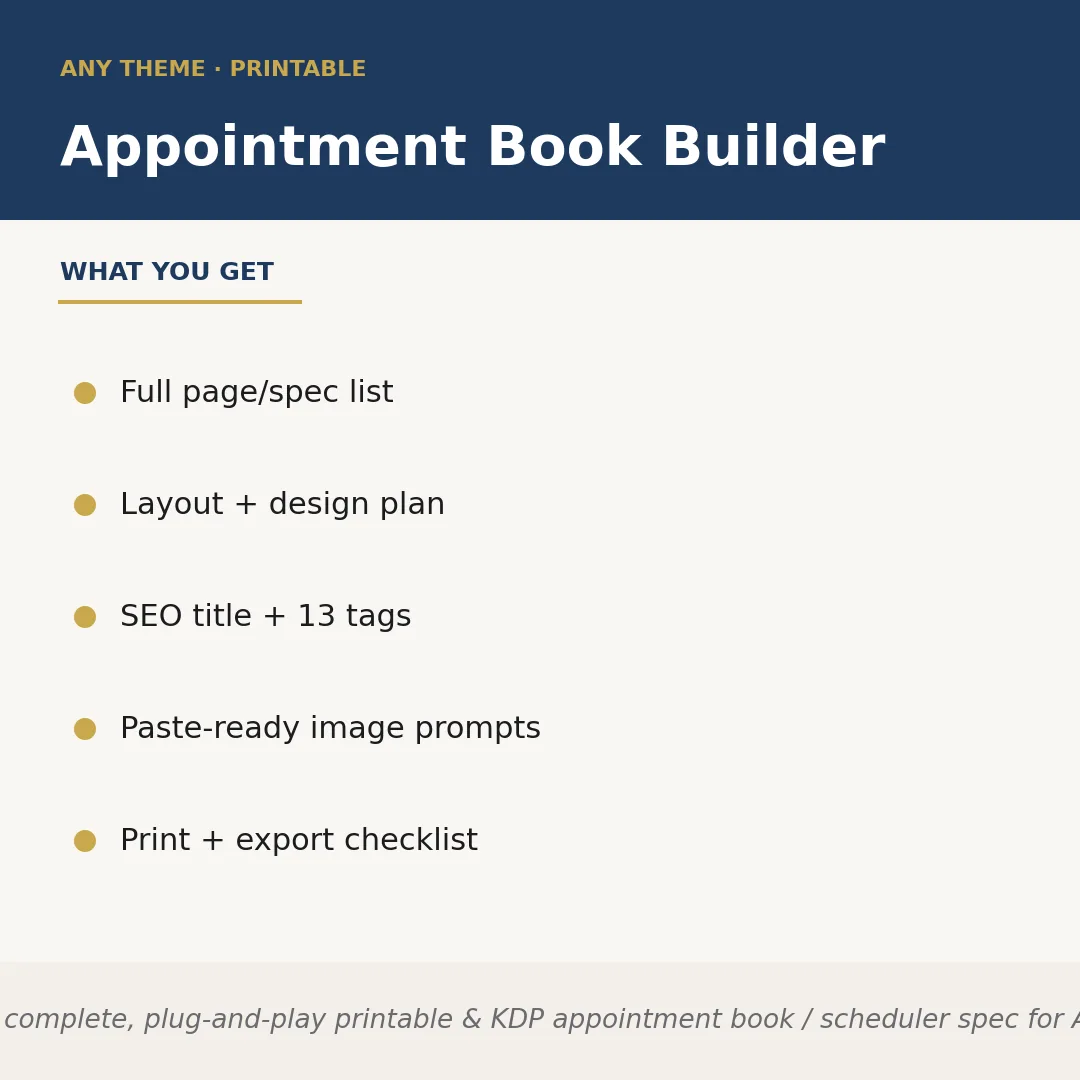
Appointment Book Builder is a Claude skill for KDP & Publishing. Builds a complete, plug-and-play printable & KDP appointment book / scheduler spec for ANY service business the seller names — salons, barbers, las. It costs $6.99 on PromptBase. It runs on any Claude plan, including Free. Part of the StrategistKit catalog of 190+ focused Claude skills.
10 credits — included with a membership (30 credits/mo).
Prefer a one-time purchase, without joining?
Buy once on PromptBase (opens in a new tab) Also on Agensi — $8.99 (opens in a new tab)StrategistKit Affiliate. One-time purchase on PromptBase. Payment, delivery and refunds are handled by the marketplace — see their policy for refund terms. PromptBase purchases earn us a referral fee.
Overview
Appointment Book Builder takes a single runtime input — the service business niche you name — and returns a complete product specification for a printable or KDP appointment book ready to hand off to a designer or upload directly as a low-content listing. It maps out every page in the book, specifies the daily, weekly, and monthly layout logic, designs a client info and no-show tracking system tailored to that niche, and delivers a visual style guide plus a cover concept brief. Nothing is generic: the field labels, session-length defaults, and tracking columns all reflect how that specific type of business actually runs appointments.
Give it a prompt like 'dog grooming salon' and it returns: a 47-page spec with a weekly calendar spread using 30-minute grooming slots, a per-pet client card capturing breed, coat notes, and vet contact, a no-show log with rebooking columns, a style guide calling for warm kraft tones and paw-print accent icons, a KDP-ready title such as 'Dog Grooming Appointment Book: Weekly Scheduler & Client Record Log for Pet Groomers', all 13 Etsy/KDP tags, and two paste-ready image-generator prompts for a mockup cover and interior spread.
Every deliverable arrives structured for immediate action: the page list is sequenced in final print order; the SEO title and description are character-count-aware for KDP and Etsy fields; the image prompts are formatted for direct paste into Midjourney or DALL-E; and the print/export checklist covers bleed, margin, and file-format requirements. The only decision left to you is whether to build it in Canva, InDesign, or a KDP template — the spec tells you exactly what to put on every page.
Who it's for
Etsy sellers and Amazon KDP publishers who produce low-content books for service-business audiences and want a fully reasoned, niche-specific product spec — not a blank template — as the starting point for each new title. It is especially useful for sellers who publish across multiple niches and need a repeatable process that adapts the page structure, terminology, and visual direction to each new market without manual research.
What you get
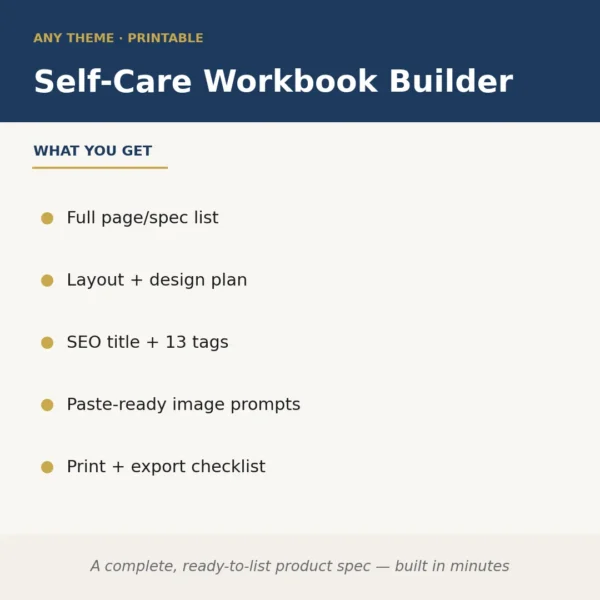
One .skill bundle. Run it on your material and it returns:
How it works
Add the .skill file to your Claude app. About 10 seconds.
Invoke the skill and paste in your material.
Review, keep what works, and use it.
In depth
A copy-paste prompt runs one static pass and stops. A skill is a bundled program — instructions, examples, and a workflow Claude runs as a unit: it asks for the right input, applies the same pattern every time, and returns the structured outputs above.
FAQ
One clear description of the service business niche — for example, 'mobile dog groomer', 'lash tech', or 'independent personal trainer'. The more specific you are, the more precisely the layout logic, field labels, and SEO copy will match how that business actually schedules clients.
Yes. It returns a KDP/Etsy-optimised title, a full product description, and 13 searchable tags. These are written to the character-count conventions of both platforms, so you can paste them directly into your listing fields without editing for length.
The page list, session-slot defaults, and client record fields are derived from the named niche. A tattoo studio spec will include a design-deposit tracker and aftercare note field; a tutor spec will include subject, curriculum level, and homework-assignment columns. The logic is rebuilt for each input, not swapped in from a fixed template.
The skill returns structured plain text covering each deliverable in labelled sections. The image prompts are pre-formatted strings you paste directly into Midjourney, DALL-E, or a comparable tool to generate a cover mockup and interior-spread preview without writing your own prompts.
It is tool-agnostic and does not teach layout software. Its value is the specification itself: the sequenced page list, design decisions, and SEO copy that would otherwise require research and planning time before you open any design tool. Experienced designers use it to skip the briefing phase; beginners use it to know exactly what to build.
More in KDP & Publishing
Part of these collections
We use cookies for anonymous analytics (read more). Accept, decline, or choose for yourself.