Children’s Book Series Builder
$8.99View skill
Skill · KDP & Publishing
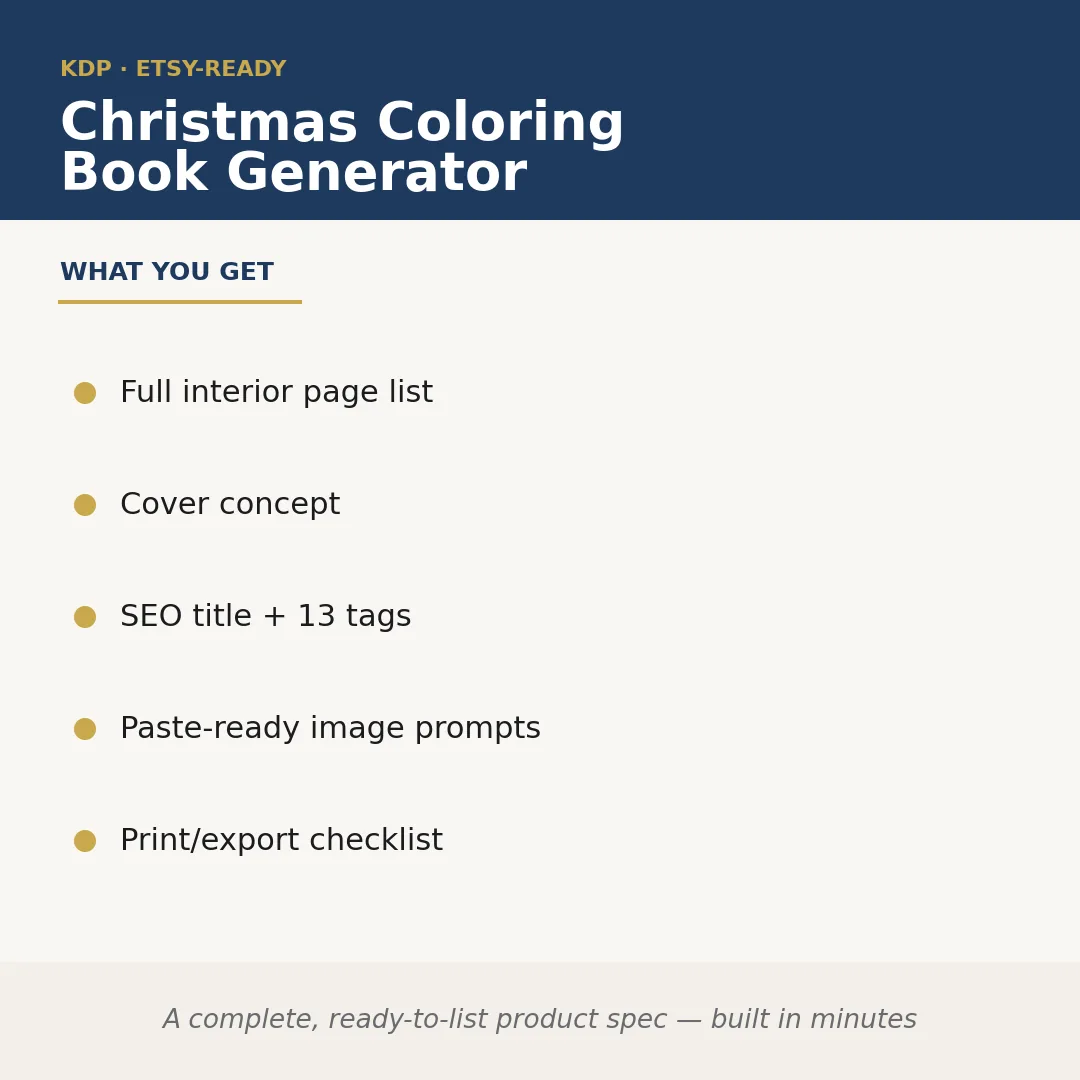
Christmas Coloring Book Generator is a Claude skill for KDP & Publishing. A complete, ready-to-list product spec — built in minutes. It costs $6.99 on PromptBase. It runs on any Claude plan, including Free. Part of the StrategistKit catalog of 190+ focused Claude skills.
10 credits — included with a membership (30 credits/mo).
Prefer a one-time purchase, without joining?
Buy once on PromptBase (opens in a new tab) Also on Agensi — $8.99 (opens in a new tab)StrategistKit Affiliate. One-time purchase on PromptBase. Payment, delivery and refunds are handled by the marketplace — see their policy for refund terms. PromptBase purchases earn us a referral fee.
Overview
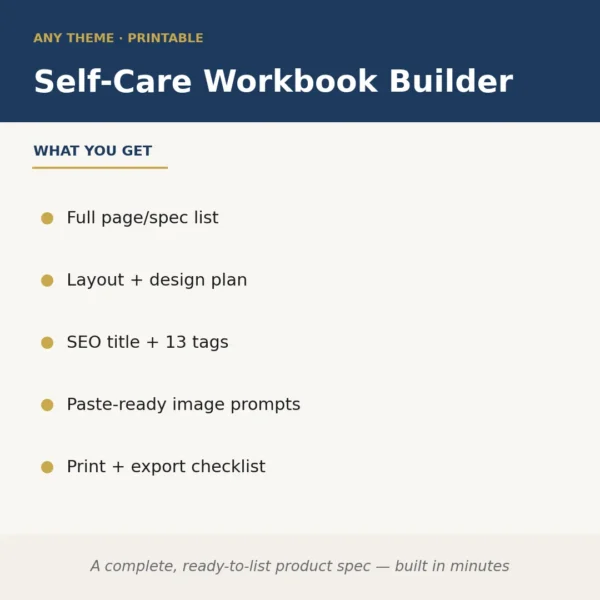
This skill takes a Christmas coloring book niche or theme you specify and produces a complete, upload-ready product specification in a single session. It maps out every interior page with descriptive scene briefs, writes a market-optimized KDP title with 13 searchable tags, generates a cover concept brief, and outputs paste-ready image prompts formatted for AI image tools — all wrapped in a print and export checklist so nothing gets missed before you upload.
A buyer might enter: 'Cozy Scandinavian Christmas, adult difficulty, 30 pages, 8.5×11, grayscale, focus on hygge interiors, candles, knitted stockings, and snowy village windows.' The skill returns a numbered page list with a distinct scene brief for each spread, a cover concept describing composition and mood, a KDP title draft, all 13 backend tags, and a set of image prompts ready to drop into Midjourney or a comparable tool.
Sample output excerpt — Page list entry: '14. A frost-covered window sill with three pillar candles of varying heights, a folded wool blanket draped over a wooden chair, and a steaming ceramic mug on a side table; intricate textile and flame detail for adult-level line complexity.' Tag string: 'christmas coloring book adults, scandinavian christmas coloring, hygge coloring pages, cozy winter coloring book, adult stress relief coloring…' Cover concept: 'Full-bleed illustration of a lantern-lit cottage doorway framed by snow-laden pine branches; warm amber glow from interior; clean white title band at top.'
Who it's for
KDP self-publishers and low-content book sellers who want to move from niche idea to a fully specced, listable coloring book product without spending hours on page planning, keyword research, or prompt writing. It is especially useful for sellers running multiple seasonal titles simultaneously who need consistent, structured output rather than starting from a blank document each time.
What you get
One .skill bundle. Run it on your material and it returns:
How it works
Add the .skill file to your Claude app. About 10 seconds.
Invoke the skill and paste in your material.
Review, keep what works, and use it.
In depth
A copy-paste prompt runs one static pass and stops. A skill is a bundled program — instructions, examples, and a workflow Claude runs as a unit: it asks for the right input, applies the same pattern every time, and returns the structured outputs above.
FAQ
A theme or niche description, target audience (children or adults), page count, trim size, and any scene preferences or style constraints. The more specific your input, the more tailored the output.
No. It produces paste-ready image prompts you then run through an AI image generator of your choice, along with all the surrounding product specification. The artwork generation step stays in your hands.
The skill returns 13 individual tags written to fit KDP's backend keyword conventions — short, search-intent phrases rather than full sentences — so they can be copied directly into the upload form.
Yes. The niche and tone are runtime inputs you control. Specify 'retro 1950s Christmas kitsch' or 'nativity and religious imagery, no secular content' and the page list, prompts, and tags will reflect that direction.
The output is structured plain text returned directly in the Claude conversation — organized sections for the page list, cover concept, title, tags, image prompts, and checklist. You copy what you need into your own documents or KDP dashboard.
More in KDP & Publishing
Part of these collections
We use cookies for anonymous analytics (read more). Accept, decline, or choose for yourself.