Children’s Book Series Builder
$8.99View skill
Skill · KDP & Publishing
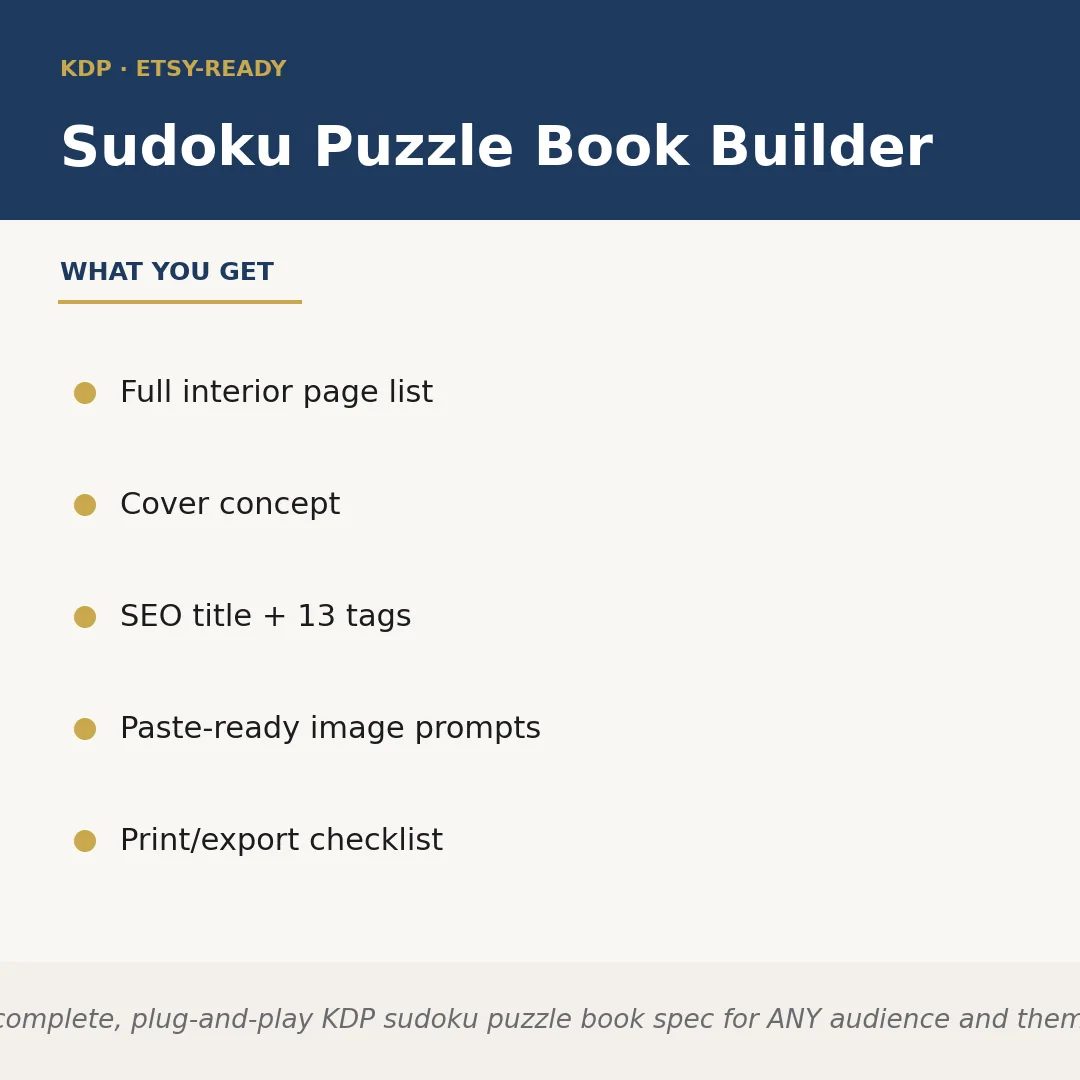
Sudoku Puzzle Book Builder is a Claude skill for KDP & Publishing. Builds a complete, plug-and-play KDP sudoku puzzle book spec for ANY audience and theme the seller names — classic adult, large-print seniors, kids. It costs $6.99 on PromptBase. It runs on any Claude plan, including Free. Part of the StrategistKit catalog of 190+ focused Claude skills.
10 credits — included with a membership (30 credits/mo).
Prefer a one-time purchase, without joining?
Buy once on PromptBase (opens in a new tab) Also on Agensi — $8.99 (opens in a new tab)StrategistKit Affiliate. One-time purchase on PromptBase. Payment, delivery and refunds are handled by the marketplace — see their policy for refund terms. PromptBase purchases earn us a referral fee.
Overview
Sudoku Puzzle Book Builder takes a single input — your target audience and theme — and returns a complete, production-ready KDP book specification. It calculates page count, maps a difficulty progression across puzzle tiers, pairs every puzzle page with its solution-key placement, writes your Amazon SEO title and subtitle, generates seven keywords, drafts a cover concept, and outputs a paste-ready image-generator prompt and a full pre-upload checklist. Nothing is generic filler: every element is calibrated to the audience format you specify, whether that means oversized grids for large-print seniors or 4×4 starter puzzles for early learners.
Give it something like: 'Large-print sudoku book for seniors, beach and coastal theme, 100 puzzles, beginner to moderate difficulty.' The skill responds with a named interior page list (front matter, puzzle sections by difficulty tier, solution key block, back matter), a cover concept describing typography scale, color palette, and imagery suited to that audience, an Amazon-ready title such as 'Coastal Calm Large-Print Sudoku: 100 Easy-to-Moderate Puzzles for Adults Who Love the Sea,' plus all seven keywords ranked by search intent.
Structured output excerpt — Interior Plan: Easy (grids 1-40, pages 9-88), Moderate (grids 41-80, pages 89-168), Solutions (pages 169-208), total 216 pages at 6×9 in. Cover Concept: soft teal background, lighthouse silhouette, 22pt serif title for readability. Image Prompt: 'KDP paperback cover, large-print sudoku, coastal lighthouse, soft watercolor teal and sand palette, clean sans-serif subtitle, white grid icon.' Checklist: 7 items from bleed setup to keyword-field paste.
Who it's for
Amazon KDP and Etsy sellers who publish puzzle books as a low-content or medium-content income stream and want a complete, niche-specific product spec ready to hand off to a formatter or designer — without building the page math, SEO copy, and cover brief from scratch each time.
What you get
One .skill bundle. Run it on your material and it returns:
How it works
Add the .skill file to your Claude app. About 10 seconds.
Invoke the skill and paste in your material.
Review, keep what works, and use it.
In depth
A copy-paste prompt runs one static pass and stops. A skill is a bundled program — instructions, examples, and a workflow Claude runs as a unit: it asks for the right input, applies the same pattern every time, and returns the structured outputs above.
FAQ
Your target audience, a theme or visual concept, an approximate puzzle count, and the difficulty range you want. The more specific you are — for example, 'kids ages 6-8, dinosaur theme, 50 puzzles, 6×6 grids only' — the more precisely tailored the output will be.
No. It produces the full structural specification — page layout plan, difficulty progression, page-count math, and solution-key placement — which you use to brief a puzzle-generation tool or formatter. The spec tells you exactly what to build and in what order.
It returns one KDP-formatted title with subtitle, a 7-keyword list ordered by search intent, and guidance on keyword placement. The format matches Amazon KDP's title and keyword fields directly, so output can be copied in without reformatting.
Yes. Seasonal inputs — Christmas, Halloween, Valentine's Day, summer travel — are explicitly supported. The cover concept, color palette guidance, and keyword set will all shift to match the seasonal context you supply.
The output is structured text you receive directly in the Claude interface. Copy the relevant sections into your design brief, KDP dashboard keyword fields, image-generation tool, and formatter instructions. No additional software is required to use the output.
More in KDP & Publishing
Part of these collections
We use cookies for anonymous analytics (read more). Accept, decline, or choose for yourself.