Children’s Book Series Builder
$8.99View skill
Skill · KDP & Publishing
Self-Care Workbook Builder is a Claude skill for KDP & Publishing. A complete, ready-to-list product spec — built in minutes. It costs $8.99 on Agensi. It runs on any Claude plan, including Free. Part of the StrategistKit catalog of 190+ focused Claude skills.
10 credits — included with a membership (30 credits/mo).
Prefer a one-time purchase, without joining?
Buy once on Agensi (opens in a new tab)StrategistKit Affiliate. One-time purchase on Agensi. Payment, delivery and refunds are handled by the marketplace — see their policy for refund terms.
Overview
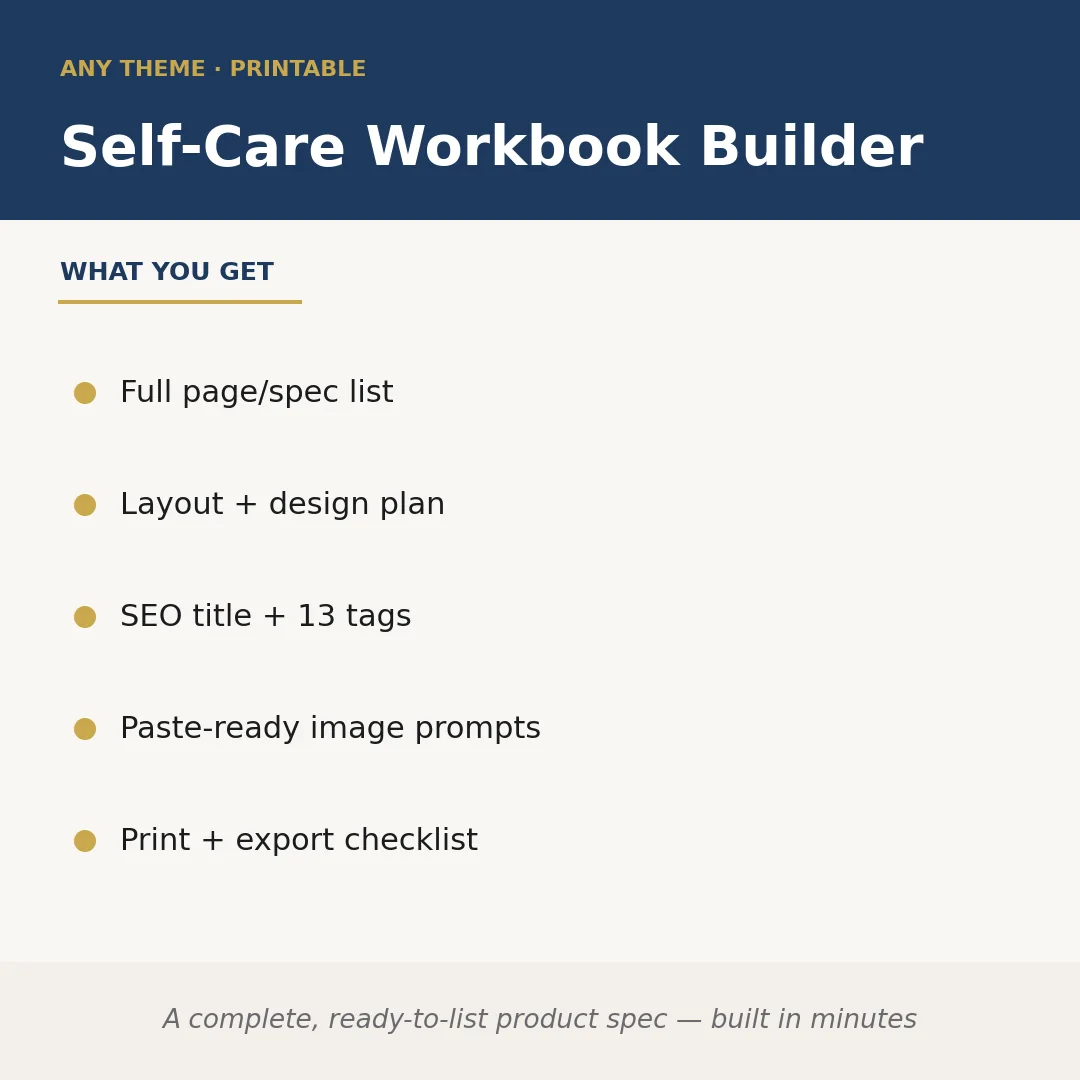
Self-Care Workbook Builder takes a niche or theme you supply and returns a complete, publish-ready product specification for a KDP interior. Claude maps out every page type the workbook needs — prompts, trackers, reflection spreads, habit logs — then pairs each with a layout and design direction, so you are not making structural decisions from scratch. The output also includes an SEO-optimized title and 13 keyword tags sized for KDP search, a set of paste-ready image and background prompts for tools like Midjourney or Adobe Firefly, and a print-and-export checklist covering trim size, bleed, color mode, and file format.
A buyer might enter: 'anxiety relief workbook for college students, 60 pages, soft pastel aesthetic, 6×9 trim.' The skill returns a sequenced page list — cover, welcome letter, anxiety trigger log (3 pages), daily mood tracker (7 pages), guided breathing exercise spreads (4 pages), weekly reflection pages (12 pages), and so on — each annotated with font pairing suggestions, margin notes, and element placement guidance. The SEO title block and tags are returned separately, ready to paste into your KDP metadata fields without editing.
Sample output excerpt — Page Spec Block 4: 'Daily Mood Tracker (pp. 14-20). Layout: single-column with a top header band, five-point scale icon row, and a three-line free-write area. Design note: use rounded sans-serif for scale labels; pastel fill on active state circle. Export note: embed fonts, CMYK, 0.125-inch bleed.' This level of specificity repeats for every page type in the spec, giving a designer or a tool like Canva or Adobe InDesign a direct brief with no interpretation gap.
Who it's for
KDP self-publishers who want to launch themed workbooks without spending hours planning interiors, and freelance designers or virtual assistants who produce low-content books for clients and need a structured brief fast.
What you get
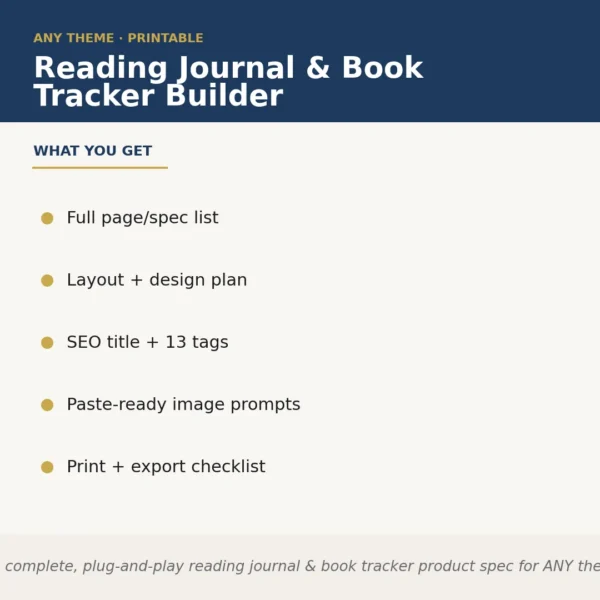
One .skill bundle. Run it on your material and it returns:
How it works
Add the .skill file to your Claude app. About 10 seconds.
Invoke the skill and paste in your material.
Review, keep what works, and use it.
In depth
A copy-paste prompt runs one static pass and stops. A skill is a bundled program — instructions, examples, and a workflow Claude runs as a unit: it asks for the right input, applies the same pattern every time, and returns the structured outputs above.
FAQ
At minimum, your workbook theme or niche and a target page count. Adding trim size preference and a visual aesthetic (color palette, tone) sharpens every section of the output, but the skill will make reasonable defaults if you omit them.
It returns a detailed specification and design plan, not finished PDF pages. The spec is structured so you — or a designer — can build directly from it without additional planning work.
The prompts are written in plain descriptive language that works with Midjourney, Adobe Firefly, Leonardo, and similar tools. They are not formatted for one specific platform's syntax, so minor adaptation may be needed.
Yes. The theme is entirely determined by what you input. The skill structures the output around whatever subject matter, audience, and tone you supply.
They are formatted to paste directly into KDP's title and keyword fields during the listing setup process. No reformatting is required, though you should review them for accuracy against your final product.
More in KDP & Publishing
Part of these collections
We use cookies for anonymous analytics (read more). Accept, decline, or choose for yourself.