Meal Planning & Prep Printables Builder
$6.99View skill
Skill · Etsy & Printables
Celebration & Gift-Giving Occasion Printables Bundle Builder is a Claude skill for Etsy & Printables. Build a complete, plug-and-play printable BUNDLE spec for ANY gift-giving or celebration occasion the seller names — Mother's Day, Father's Day, Va. It costs $6.99 on PromptBase. It runs on any Claude plan, including Free. Part of the StrategistKit catalog of 190+ focused Claude skills.
10 credits — included with a membership (30 credits/mo).
Prefer a one-time purchase, without joining?
Buy once on PromptBase (opens in a new tab) Also on Agensi — $8.99 (opens in a new tab)StrategistKit Affiliate. One-time purchase on PromptBase. Payment, delivery and refunds are handled by the marketplace — see their policy for refund terms. PromptBase purchases earn us a referral fee.
Overview
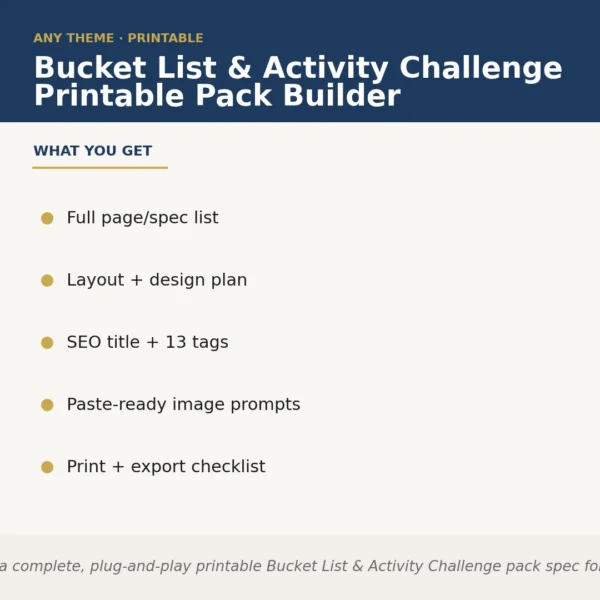
You name the occasion — Mother's Day, retirement, baby shower, Teacher Appreciation, engagement — and this skill builds the full product spec for a 20-item printable bundle around it. In a single run it returns: the complete item list with page counts and descriptions, a visual style guide covering palette and typography, a cover and mockup concept, an Etsy-ready SEO title plus 600-word shop description, 13 keyword tags, paste-ready prompts for an image generator, and a print-and-export checklist. Nothing is generic filler; every section is scoped to the occasion you supply.
A typical input looks like: 'Grandparents Day — warm, nostalgic tone, grandchildren filling in answers, giftable format.' The skill returns a structured spec: 20 named items (fill-in memory book pages, coupon booklet, photo prompt cards, keepsake jar tags, and more), a color palette anchored in warm neutrals and sage, suggested font pairings, and an Etsy title such as 'Grandparents Day Printable Gift Bundle — Fill-In Memory Book, Coupon Booklet + 18 More Pages, Instant Download.' Tags, image prompts, and a layered-file export checklist follow in the same output.
The image-generator prompts are written to drop directly into tools like Midjourney or DALL-E with no editing — one prompt per key mockup scene. The print-and-export checklist covers bleed, resolution, color mode, and file-naming so you know exactly what to hand off to a designer or finish yourself before uploading to Etsy or KDP.
Who it's for
Etsy printables sellers and Amazon KDP publishers who list occasion-specific gift bundles and want a complete, structured product spec — item list through SEO copy — without spending hours on research and brief-writing for each new occasion they enter.
What you get
One .skill bundle. Run it on your material and it returns:
How it works
Add the .skill file to your Claude app. About 10 seconds.
Invoke the skill and paste in your material.
Review, keep what works, and use it.
In depth
A copy-paste prompt runs one static pass and stops. A skill is a bundled program — instructions, examples, and a workflow Claude runs as a unit: it asks for the right input, applies the same pattern every time, and returns the structured outputs above.
FAQ
Just the occasion name and, optionally, a tone or audience note — for example, 'Father's Day, humorous, from young kids.' The skill handles everything else from there.
It returns a complete, paste-ready Etsy title, a 600-word shop description, and 13 keyword tags — not a template you fill in, but finished text scoped to your named occasion.
The spec lists 20 items. Each entry includes a name, a brief description of its content and purpose, and page or sheet count — enough detail to brief a designer or build it yourself.
Yes. Because the occasion is a runtime input, the skill adapts to any gift-giving or celebration context you describe, including hybrid or niche occasions, without requiring a separate purchase.
Output arrives as structured text you copy from the Claude conversation. The image prompts are self-contained strings you paste directly into Midjourney, DALL-E, or a comparable tool — no additional formatting required.
More in Etsy & Printables
Part of these collections
We use cookies for anonymous analytics (read more). Accept, decline, or choose for yourself.